Date calculation rule
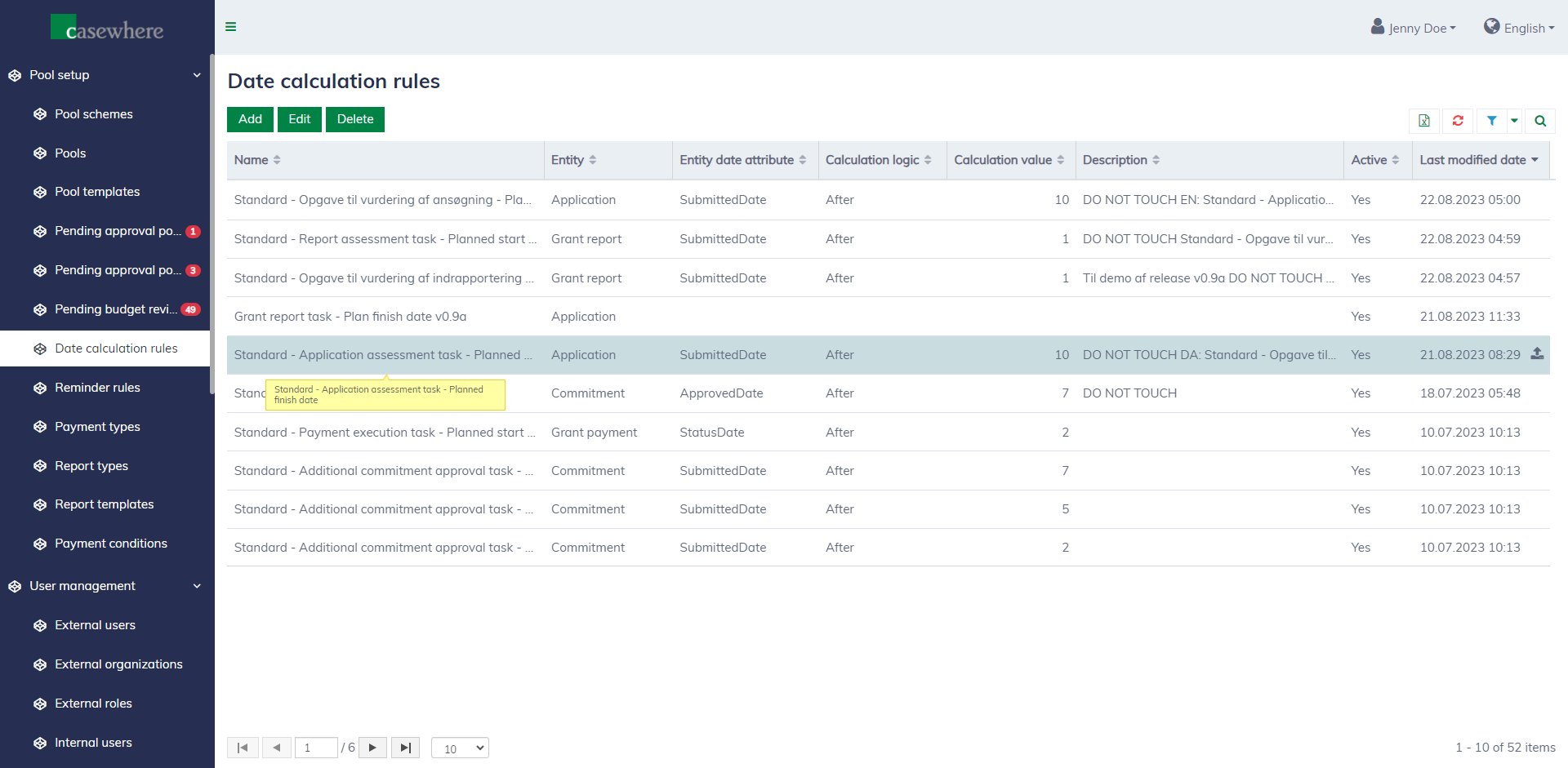
Date calculation rules are utilized across the system to determine the timing of events, such as sending reminders, creating tasks, or processing payments.
Navigate to the page at "Pool setup / Date calculation rules" to configure the rules.
Editing a date calculation rule looks as follows.
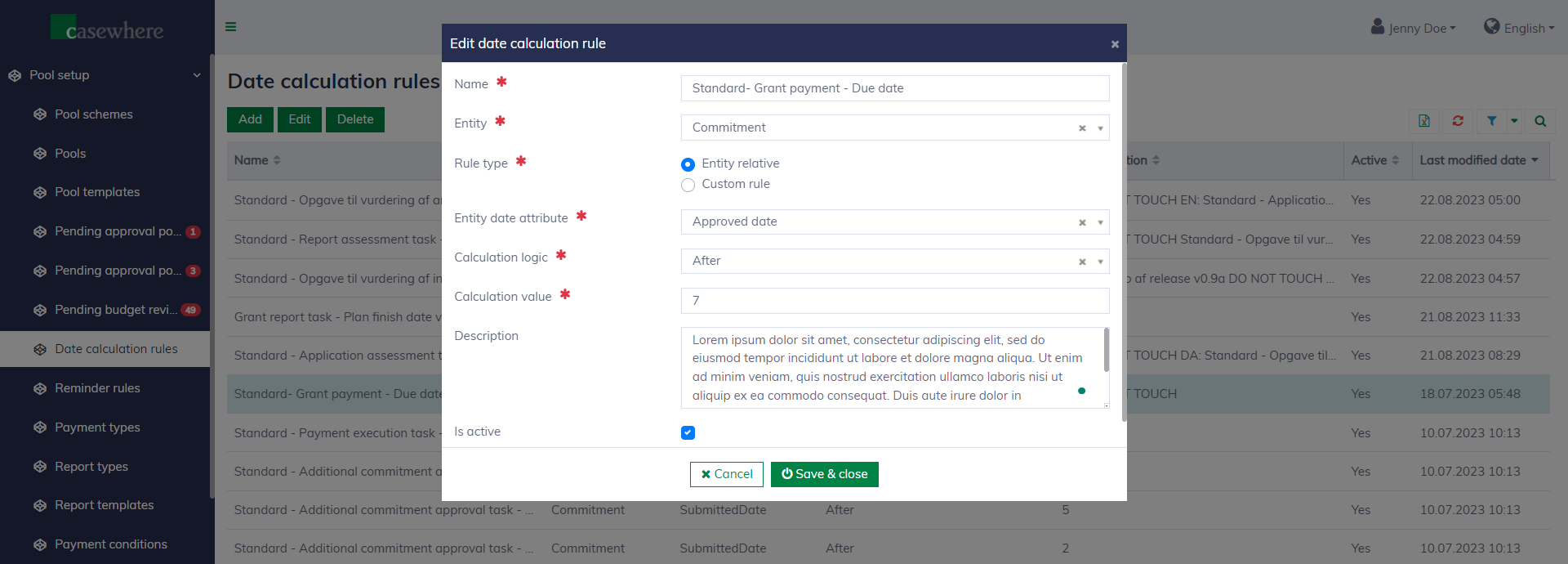
A date calculation rule has the following fields:
| Field name | Mandatory | Description |
|---|---|---|
| Name | Yes | The name of the rule. |
| Entity | Yes | The data entity against which the rule was evaluated. |
| Rule type | Yes | "Entity relative" is easy to use and suitable for most cases when you need to calculate a date related to a date in the system, such as 7 days after the application is approved. A "Custom rule" is for more advanced needs when you need to script the rules using the defined syntax. Learn more about rules here. |
| Entity date attribute | Yes, applied for "Entity relative" rules | To specify the date your calculation relies on, such as the application submitted date. |
| Calculation logic | Yes, applied for "Entity relative" rules | To determine whether the calculated date is "before" or "after" the date specified in the "Entity date attribute". |
| Calculation value | Yes, applied for "Entity relative" rules | To specify the number of days "before" or "after" the date specified in the "Entity date attribute". |
| Calculation rule | Yes, applied for "Custom rule" rules | To specify the rule for the calculation. Learn more about rules here. |
| Description | No | To explain more about the rule. |
| Is active | No | To determine if the rule is enabled or not. |