Apply for grant
This article outlines the steps to apply for a grant. Please ensure you are logged in before beginning the process.
Select the pool to apply
Navigate to the "Pools" page to search for and select the pool you're interested in.
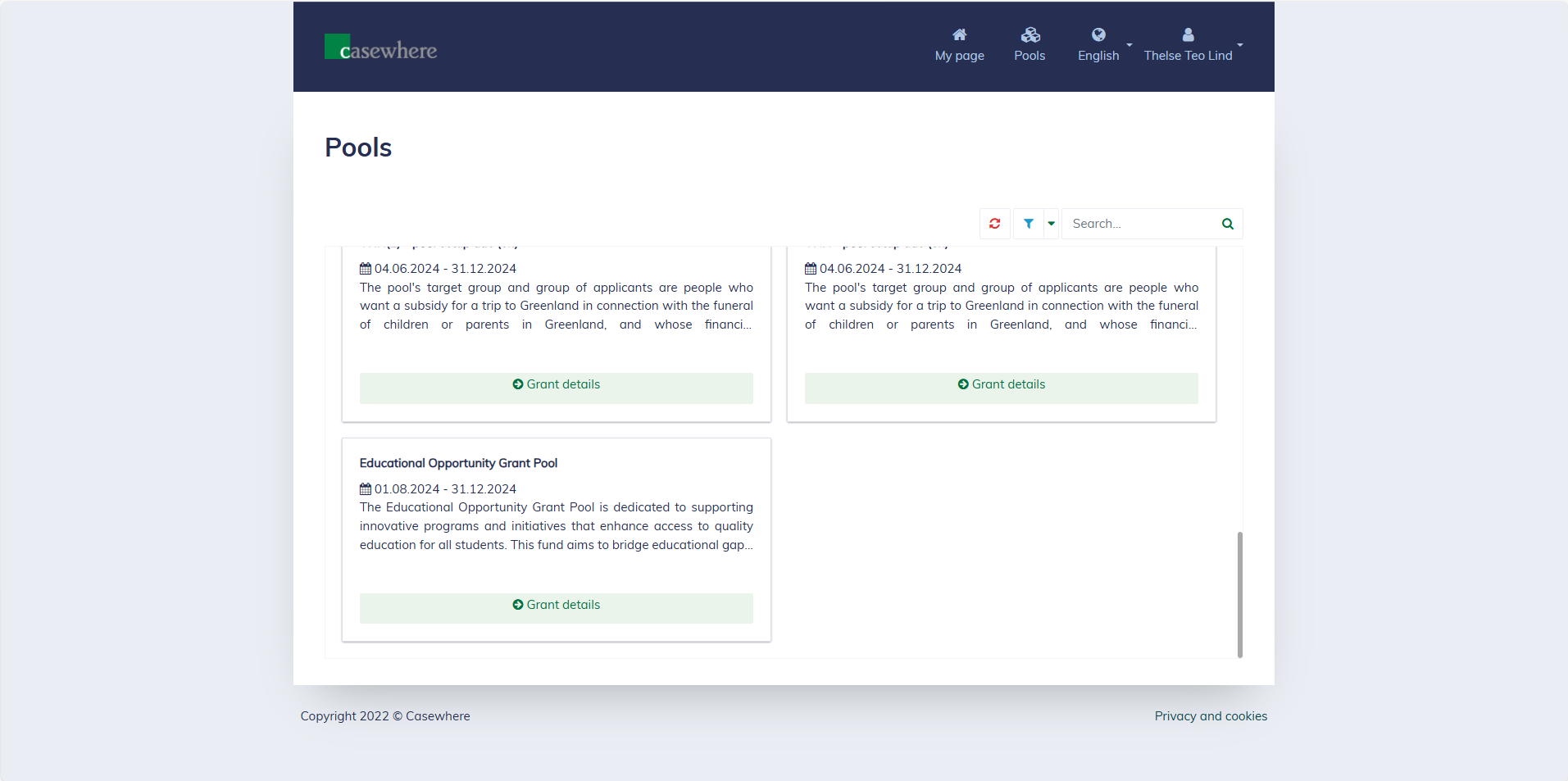
Click "Grant details" to read more about a pool. Here, you will also find the pool rounds available for applications.
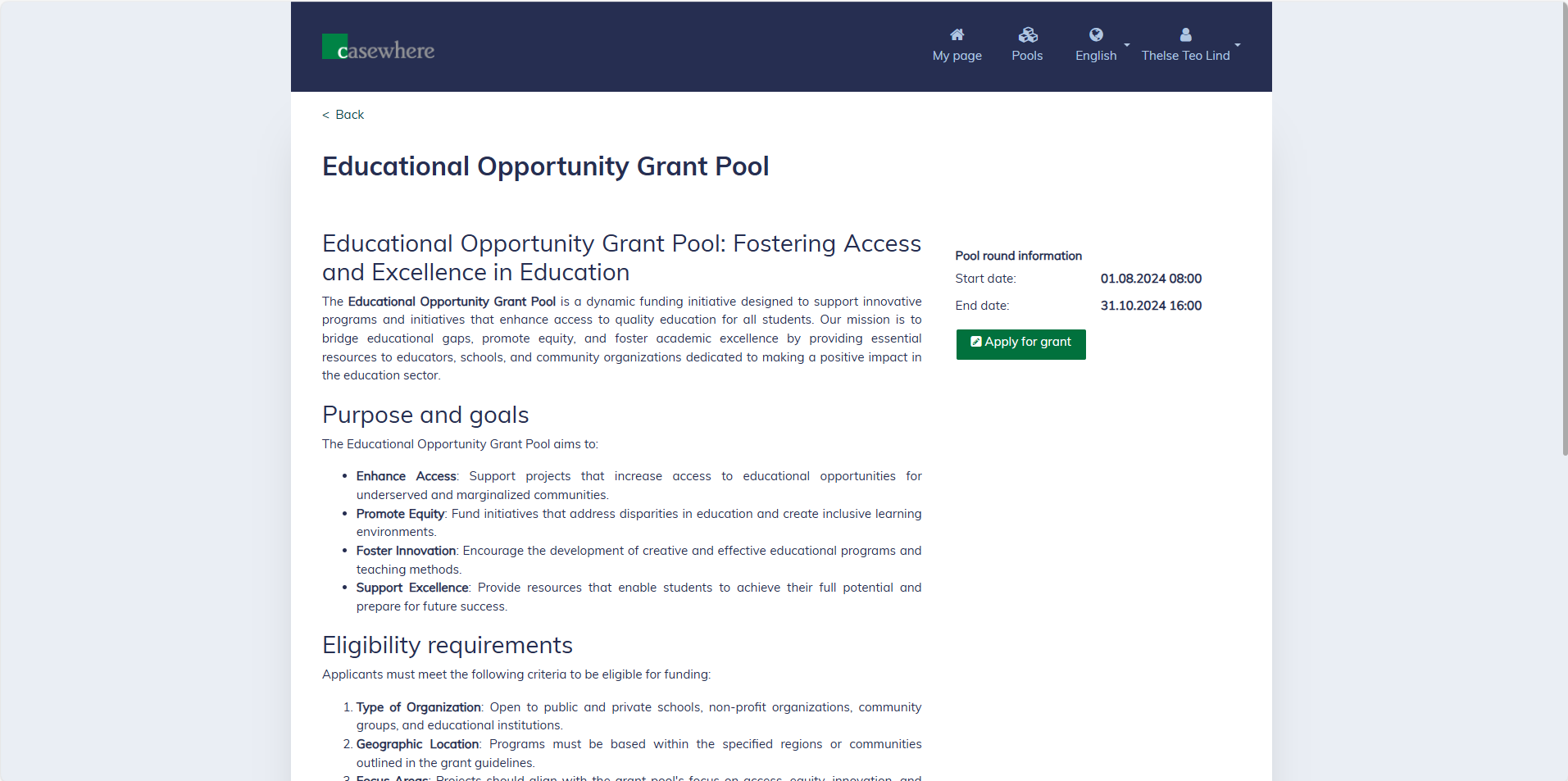
Click "Apply for grant" to be directed to the application form. Different pools have different application forms, each requiring specific information tailored to the nature of the grant.
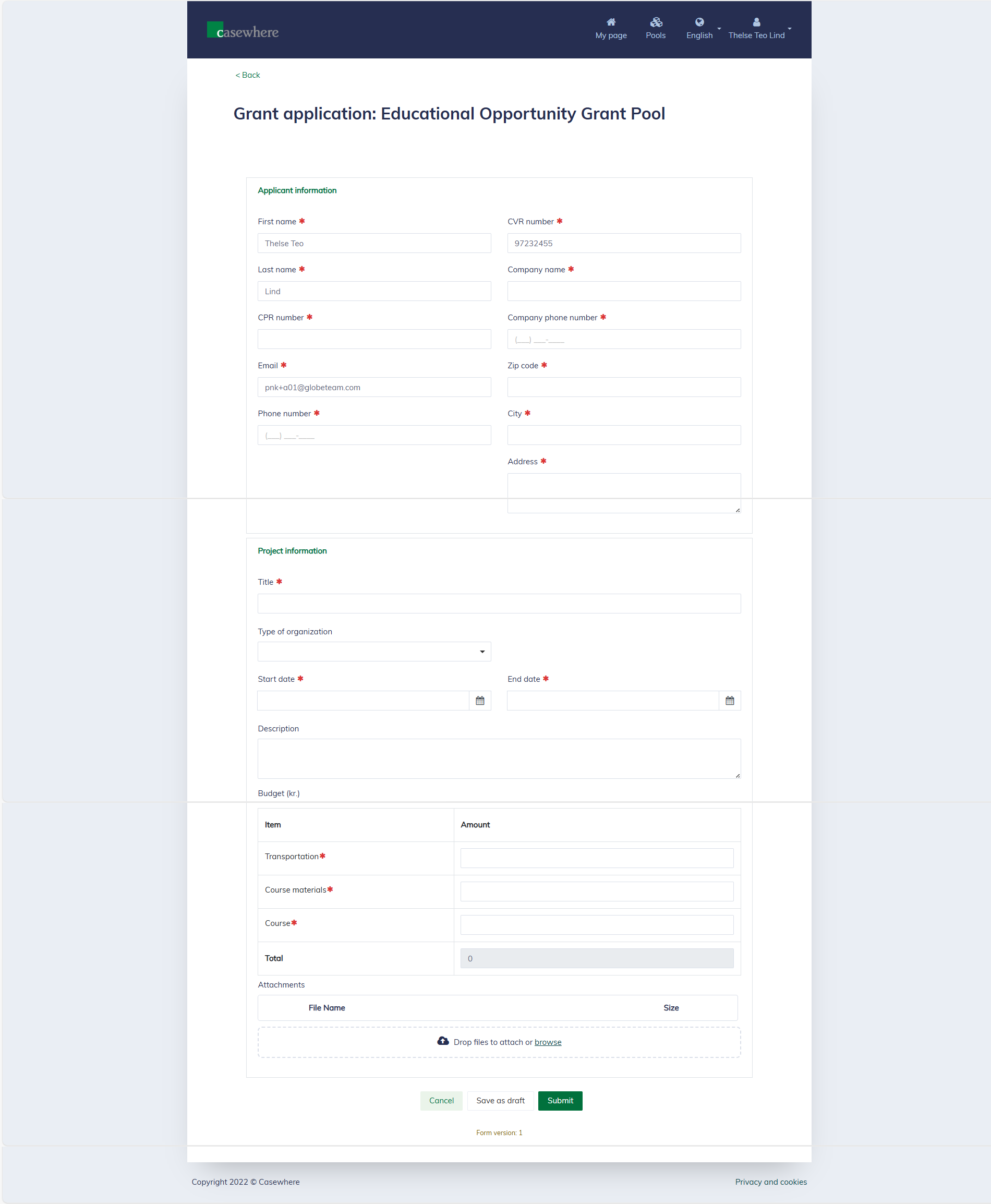
Fill data and submit
You must fill in all the required information to submit the form. Any errors will appear within the form, indicating where corrections are needed.
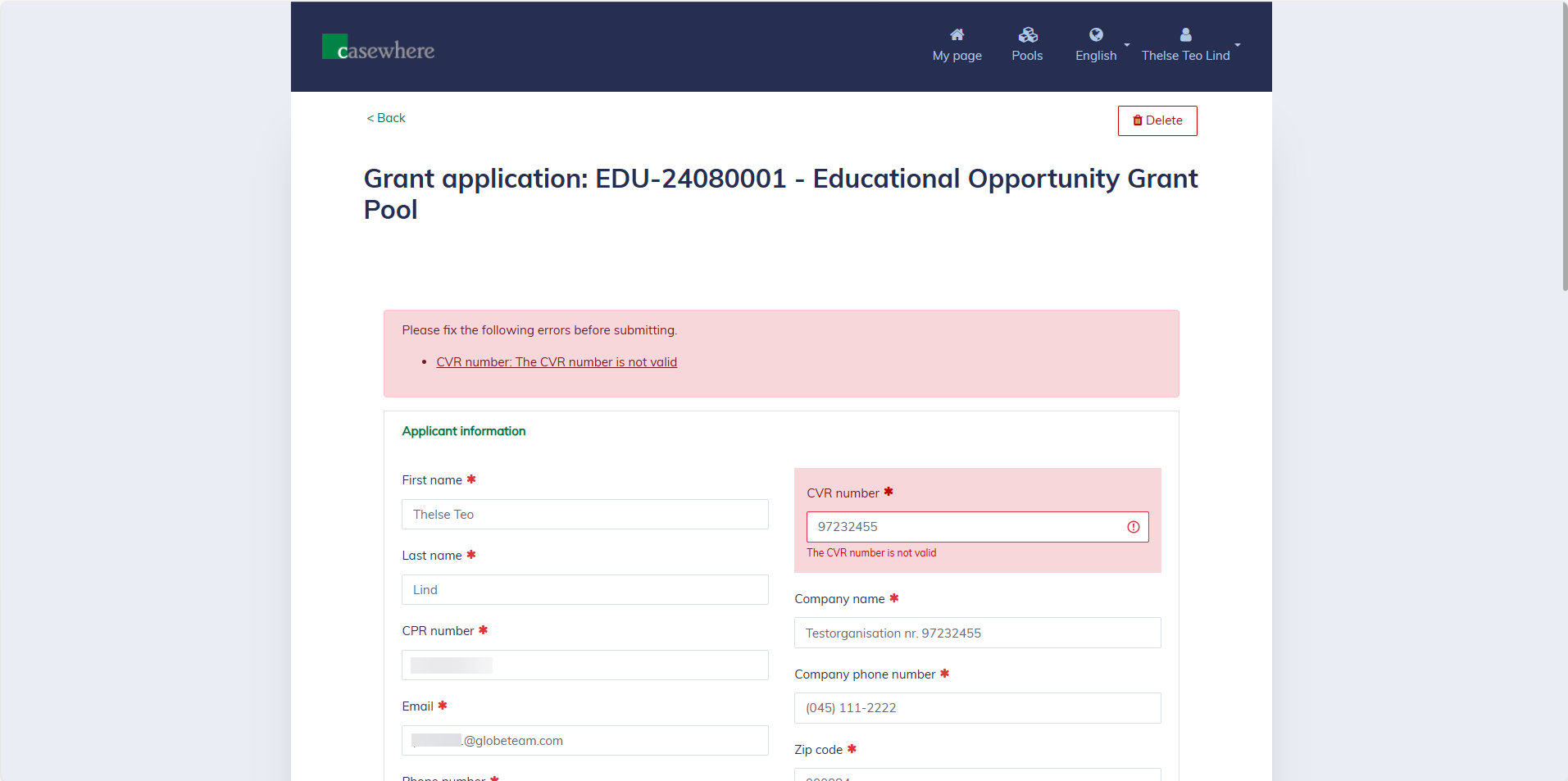
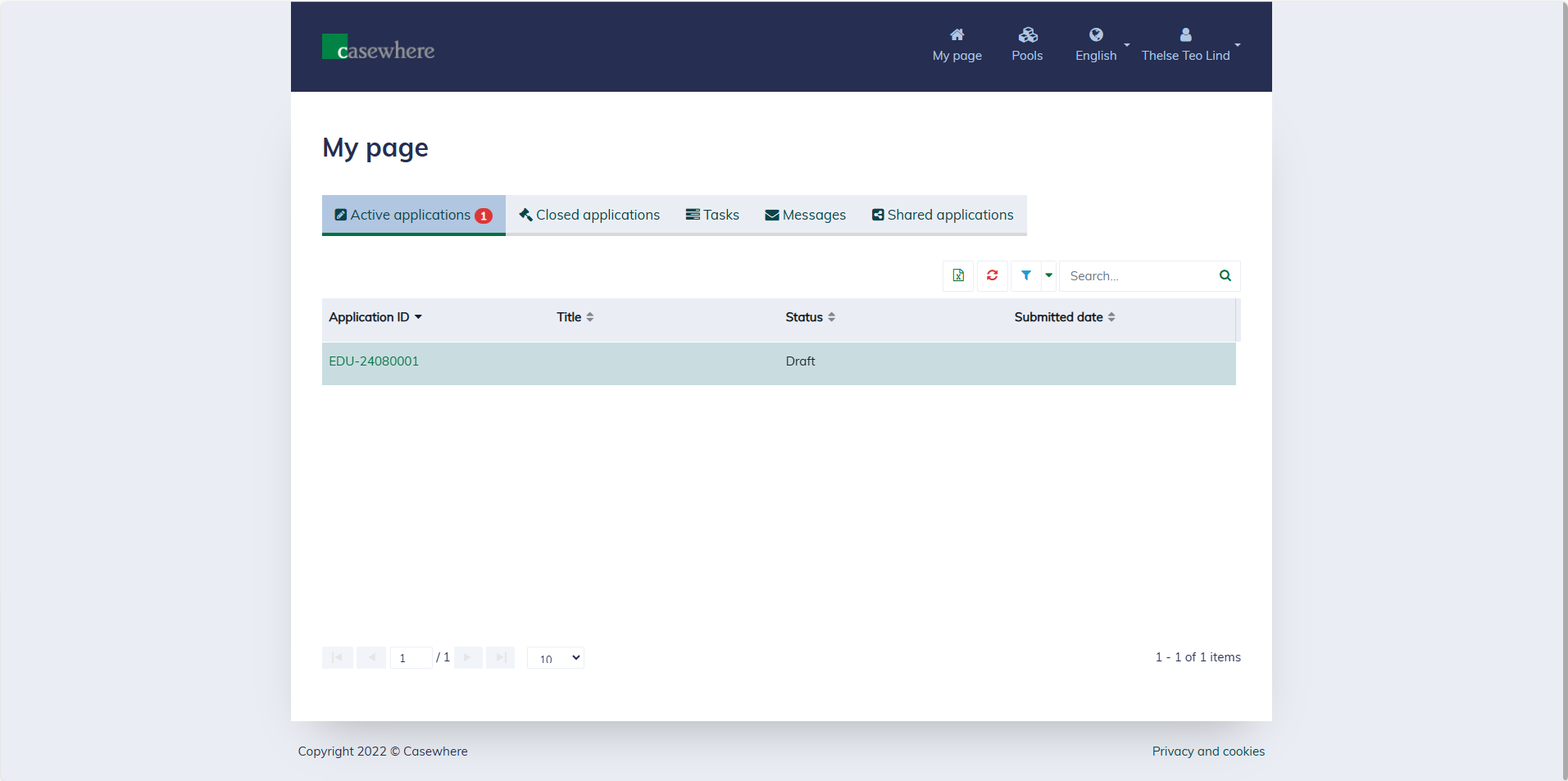
It's possible to save a draft and later return to edit it. The system will also generate an application ID for a draft. You can always find the draft applications on your "My Page".
After filling in all the required information, you can click "Submit" to send the grant application to the pool. Once submitted, the application will be no longer editable.
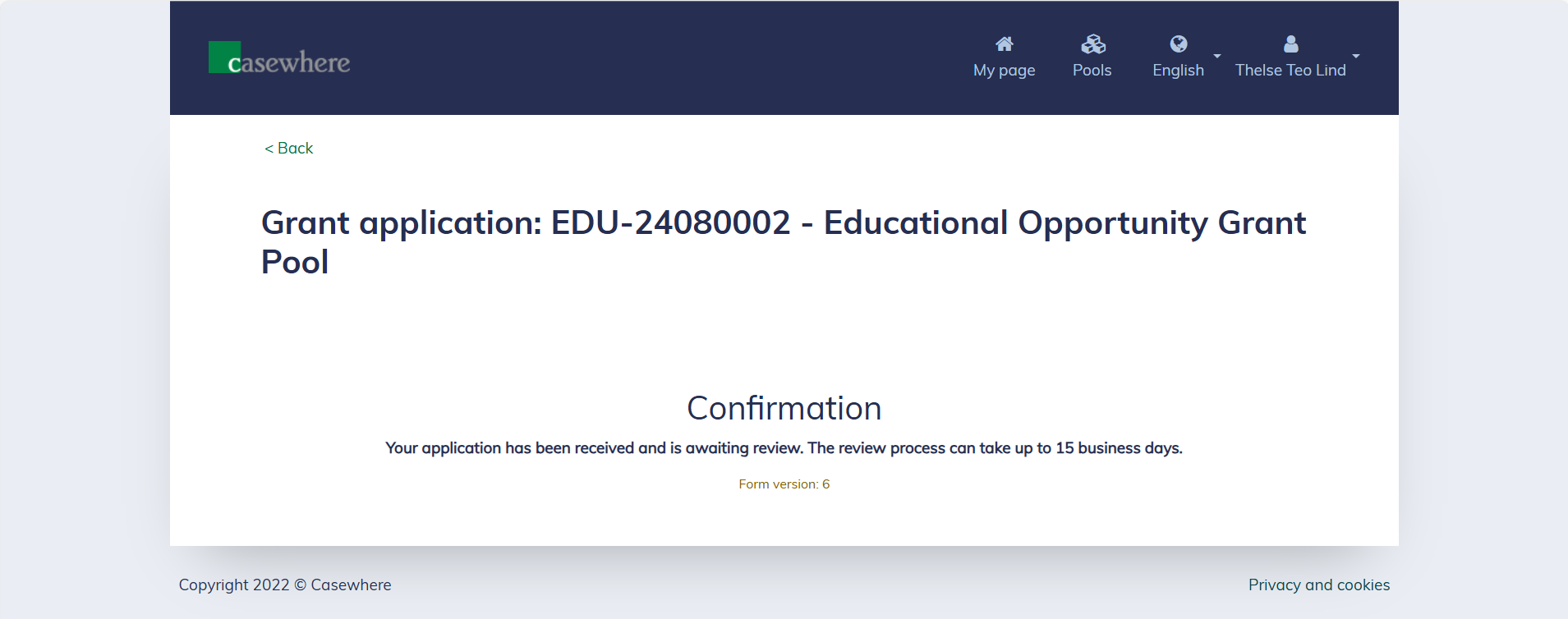
Depending on how the pool is set up, you might receive a digital or physical letter in your personal mailbox and/or an email confirming receipt of your application.
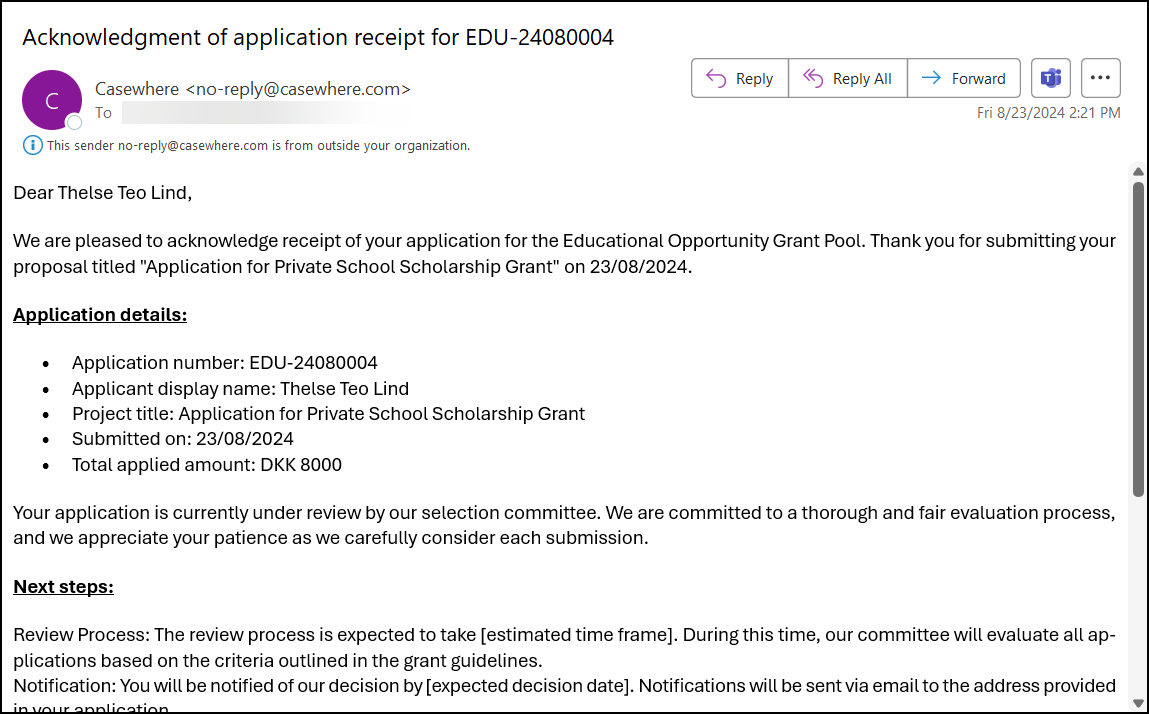
Additionally, you will receive a system message acknowledging that you have submitted an application.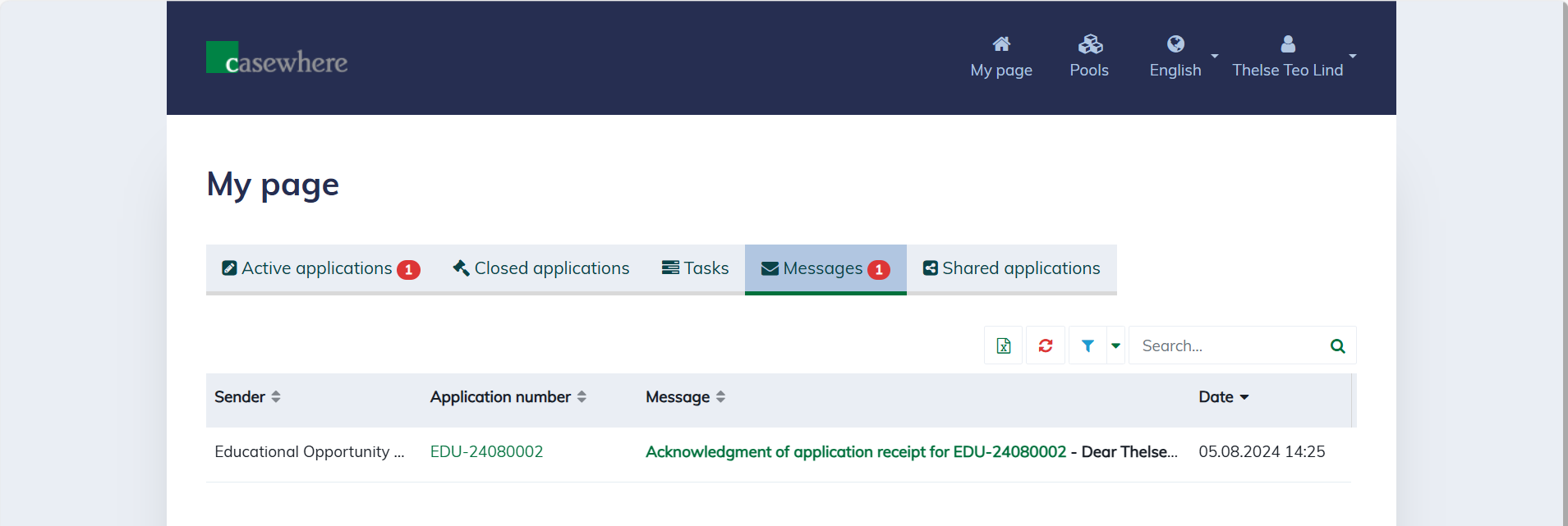
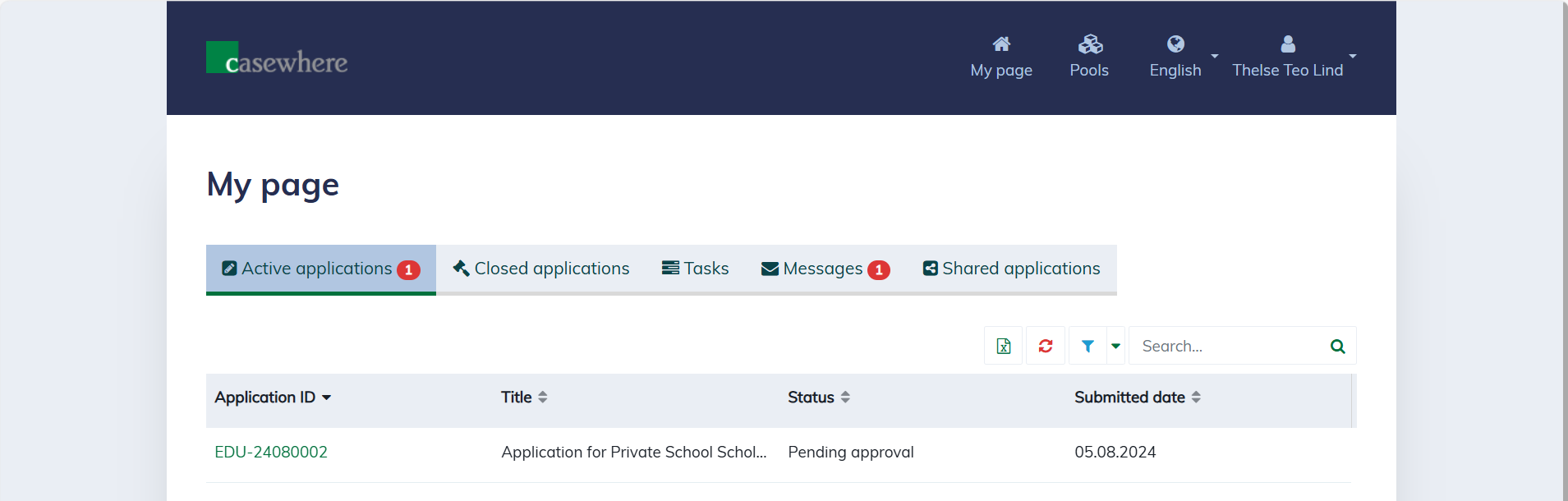
Finally, you will see the application on your "My page" with the status "Pending approval".