My page
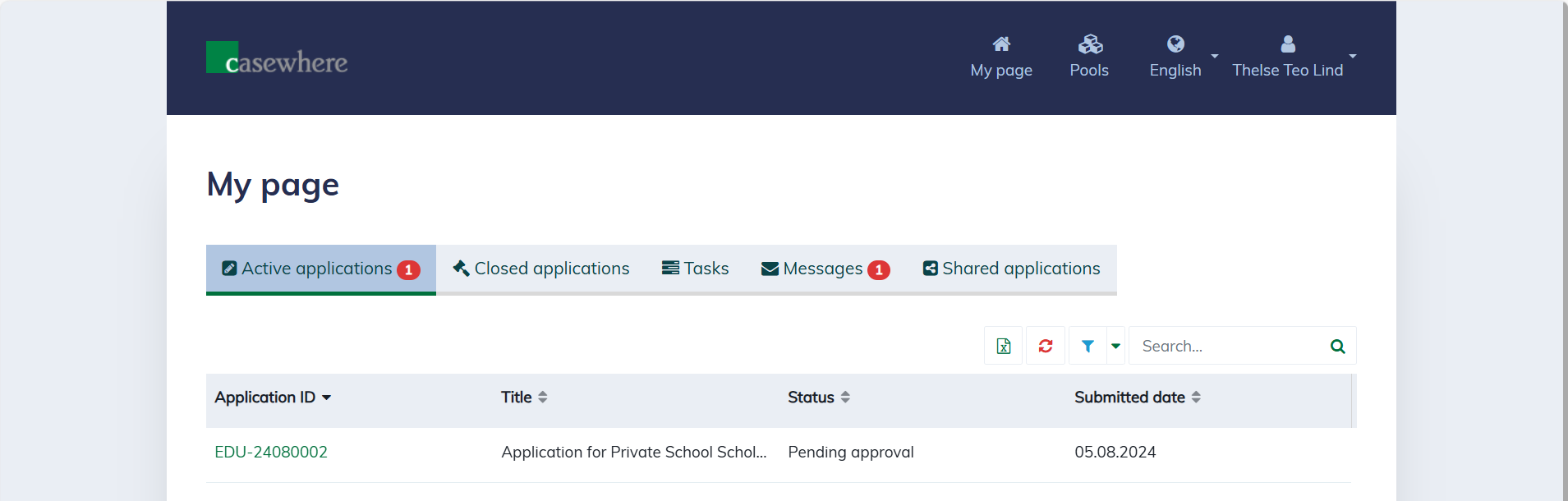
"My page" is the central hub for managing all your data, including applications, tasks, and messages.
Applications
On "My page", you can manage all applications submitted by you or where you are a stakeholder. The solution organizes these into different lists to simplify management:
- Active Applications: These are applications submitted by you or your organization that are still active, meaning there are still obligations either from you or the pools.
- Closed Applications: These include applications submitted by you or your organization that have been closed, whether they were rejected, canceled, or fully disbursed, with all obligations fulfilled.
- Shared Applications: These are applications from other organizations where you are a project member or stakeholder. You may take on different roles in different projects.
Tasks
You can find all tasks assigned to you and your organization on "My pages". A task represents work that needs to be completed. For example, the pool may ask you to complete a survey, submit additional documents, answer required questions, and more.
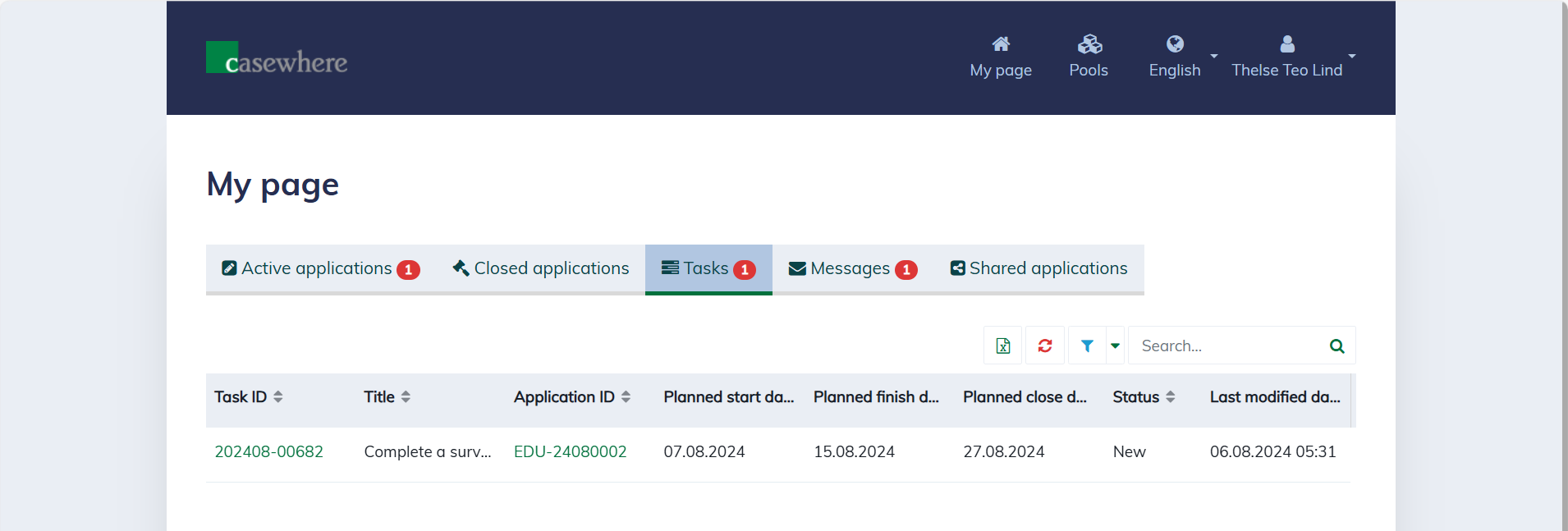
You can click on the "Task ID" to open the task, view more details, complete it, and submit it.
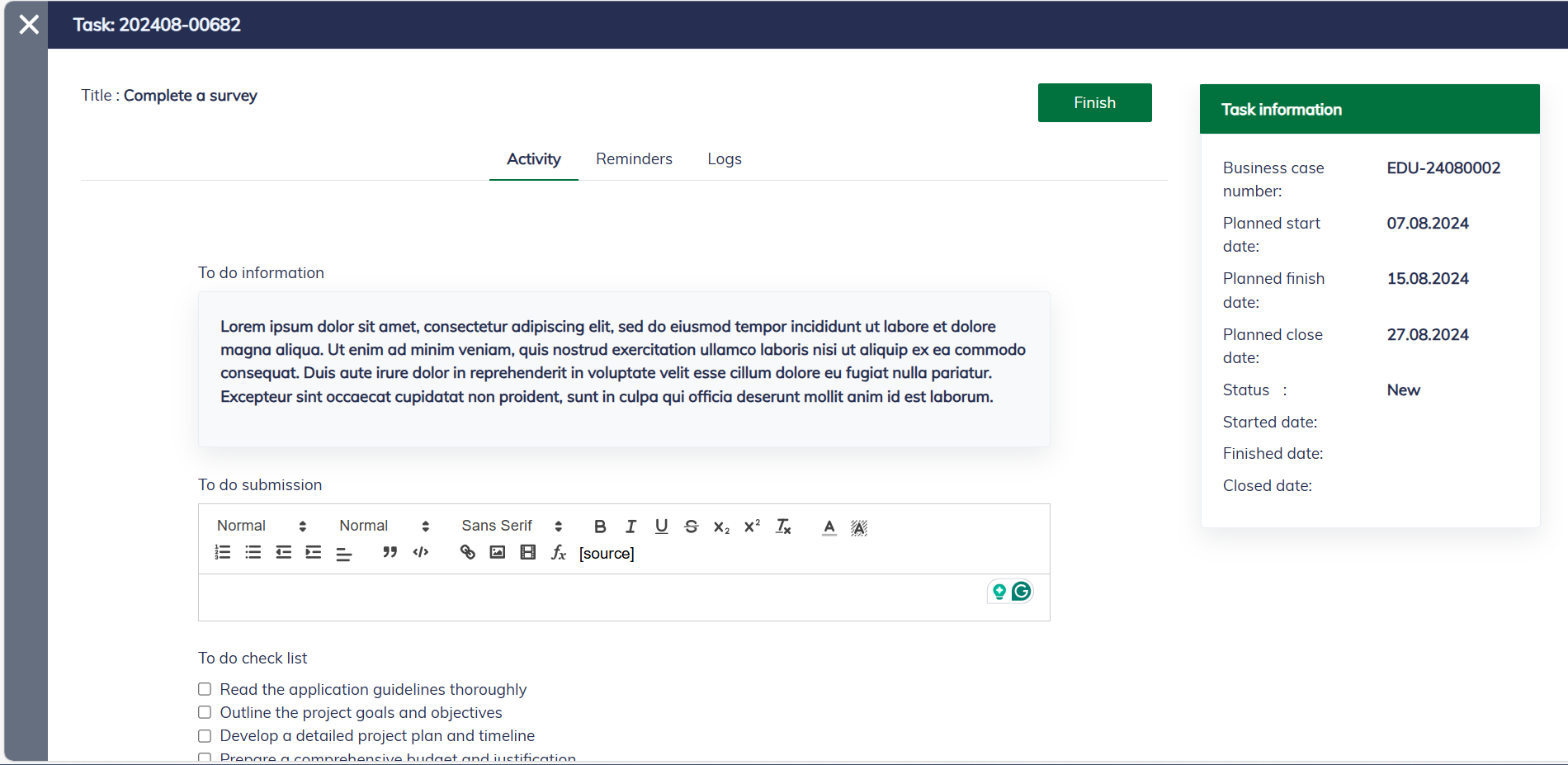
Task information includes the following fields:
| Field name | Description |
|---|---|
| Business case number | The application ID. |
| Planned start date | Set by the system or task creators, indicating when the task is expected to start. |
| Planned finish date | Set by the system or task creators, indicating the deadline by which you should submit the task. |
| Planned close date | Set by the system or task creators, indicating the deadline by which the task should be reviewed, approved, and then closed. |
| Status | The status of the task. |
| Started date | Set when the assignee changes the task status to "Started". |
| Finished date | Set when the assignee submits the task. |
| Closed date | Set when the caseworker reviewed and approved the task. |
Messages
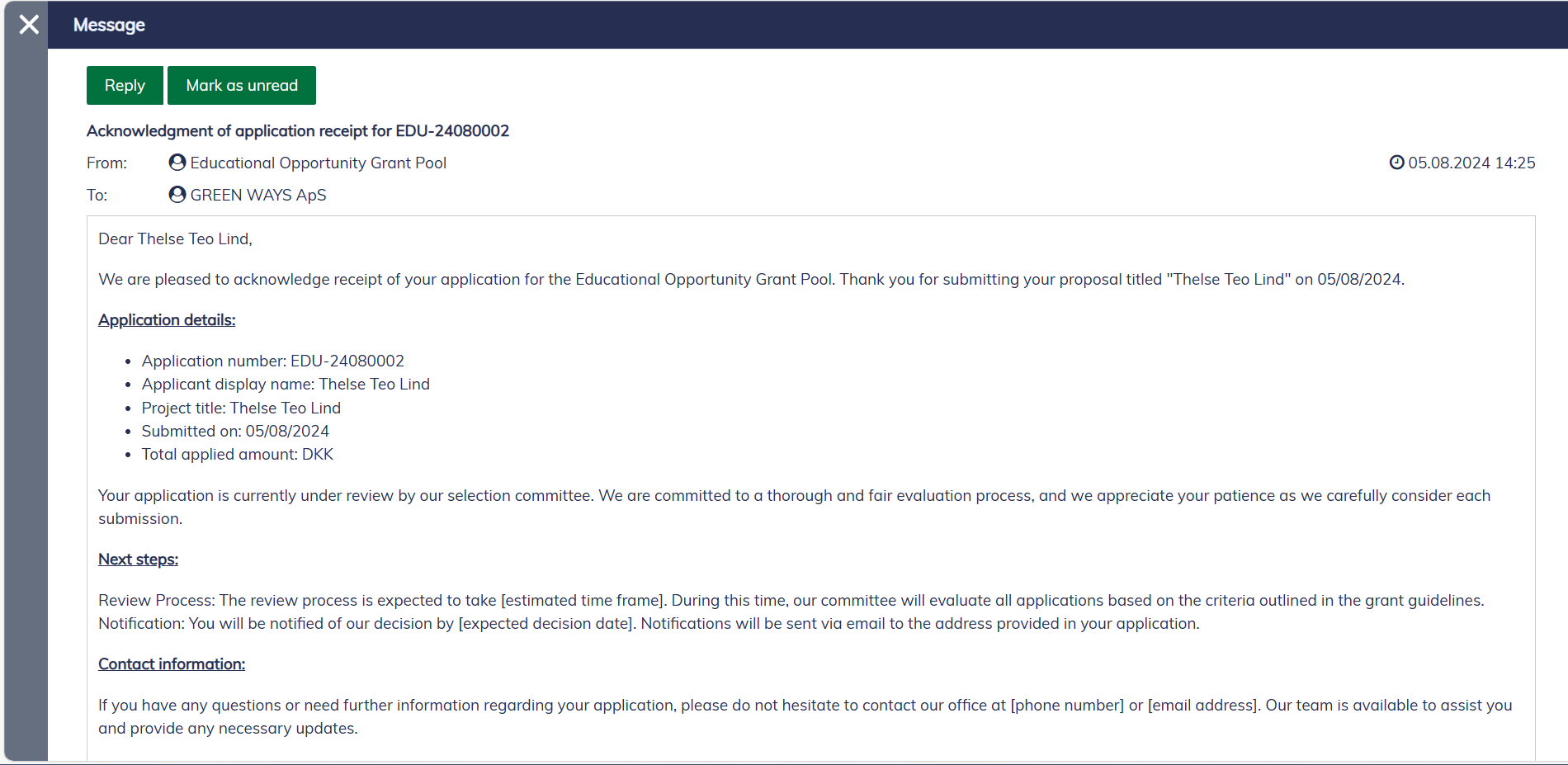
You can find all the messages sent to you and your organization on "My page" under the tab "Messages".
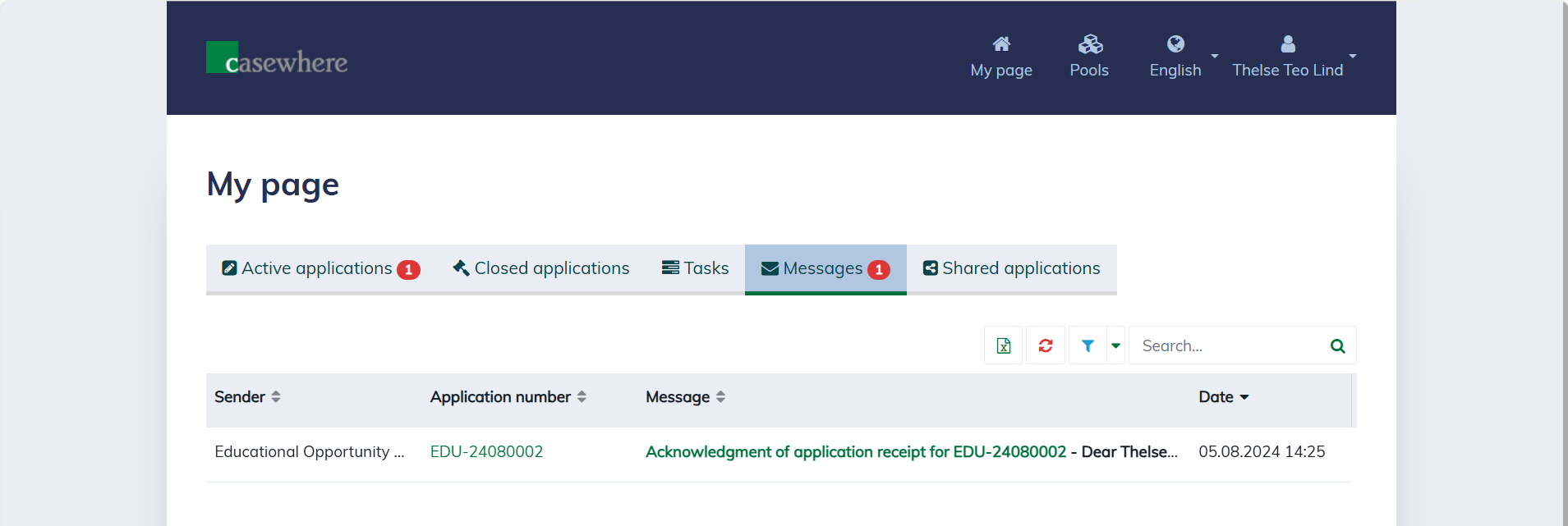
You can click on the "Message" to view details.