Submit reports
Applicants must submit various types of reports tailored to the specific requirements of each funding pool. These reports typically encompass progress updates, financial statements, and expenditure breakdowns, allowing stakeholders to track the use of funds, assess project milestones, and ensure compliance with grant conditions.
Reporting tasks
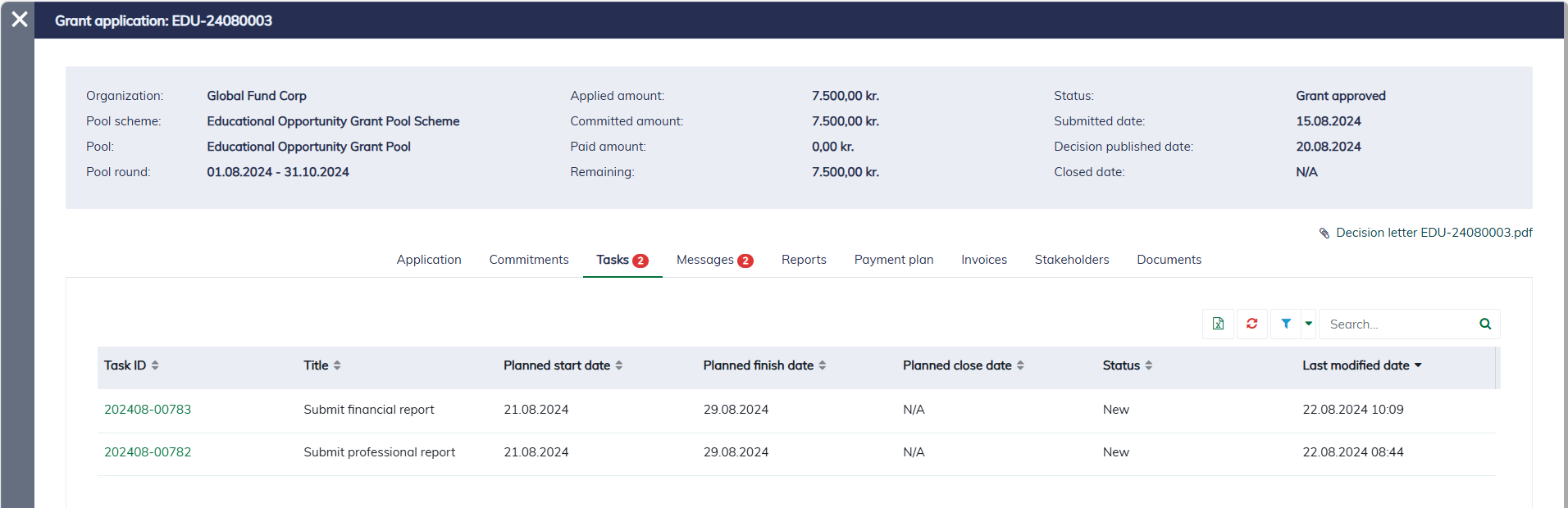
Typically, when an application is approved and the funds are committed, a predefined list of reporting tasks is automatically created and assigned to the applicant. These tasks outline the necessary reports that must be submitted throughout the project lifecycle. You can view all the required reporting tasks within the application dialog, ensuring clarity on upcoming deadlines and reporting obligations.
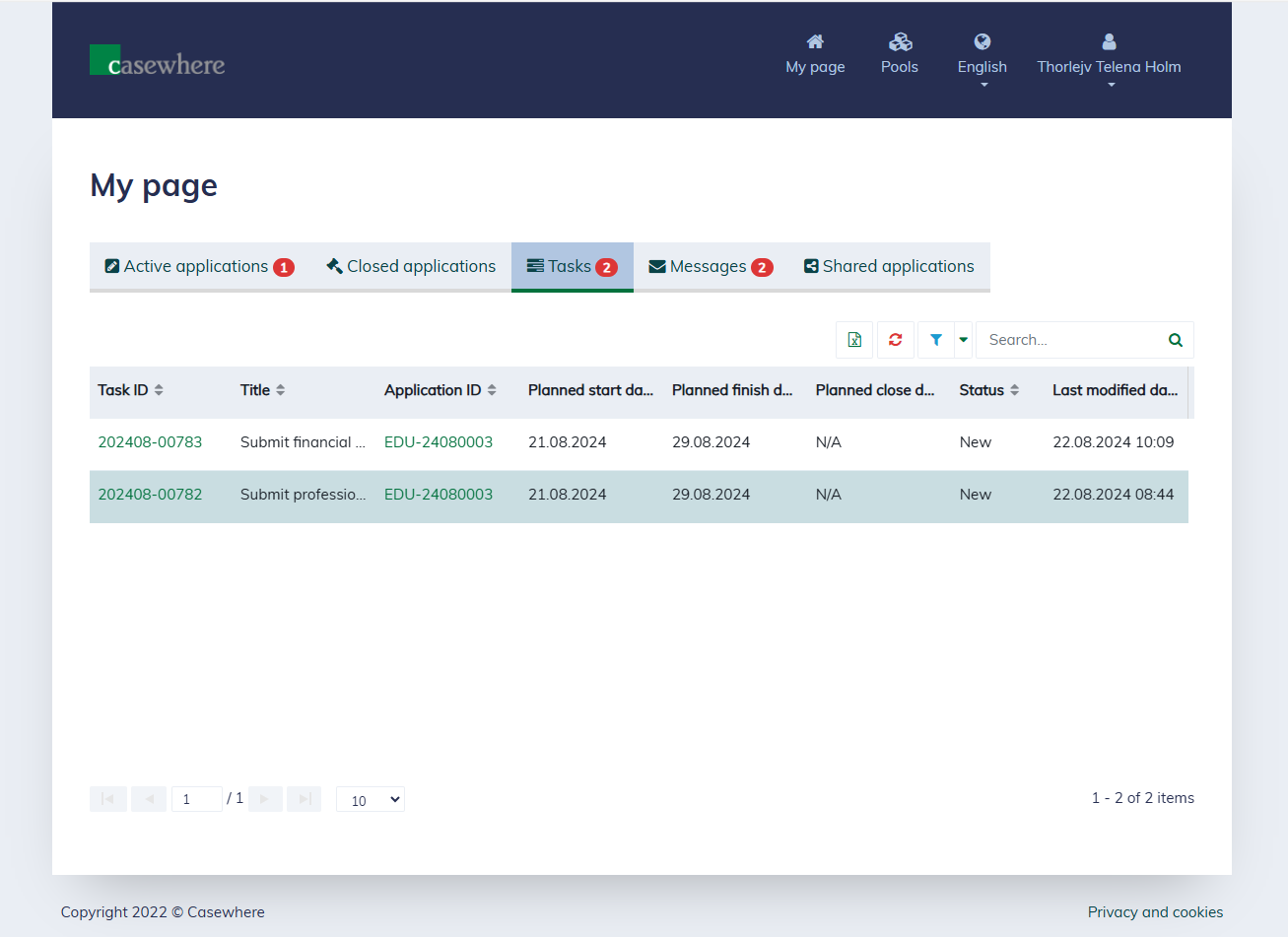
You can also access the reporting tasks from your "My page".
Submit a report
Select the report you want to submit from the task list by clicking on its "Task ID". A form will appear for you to fill in the data:
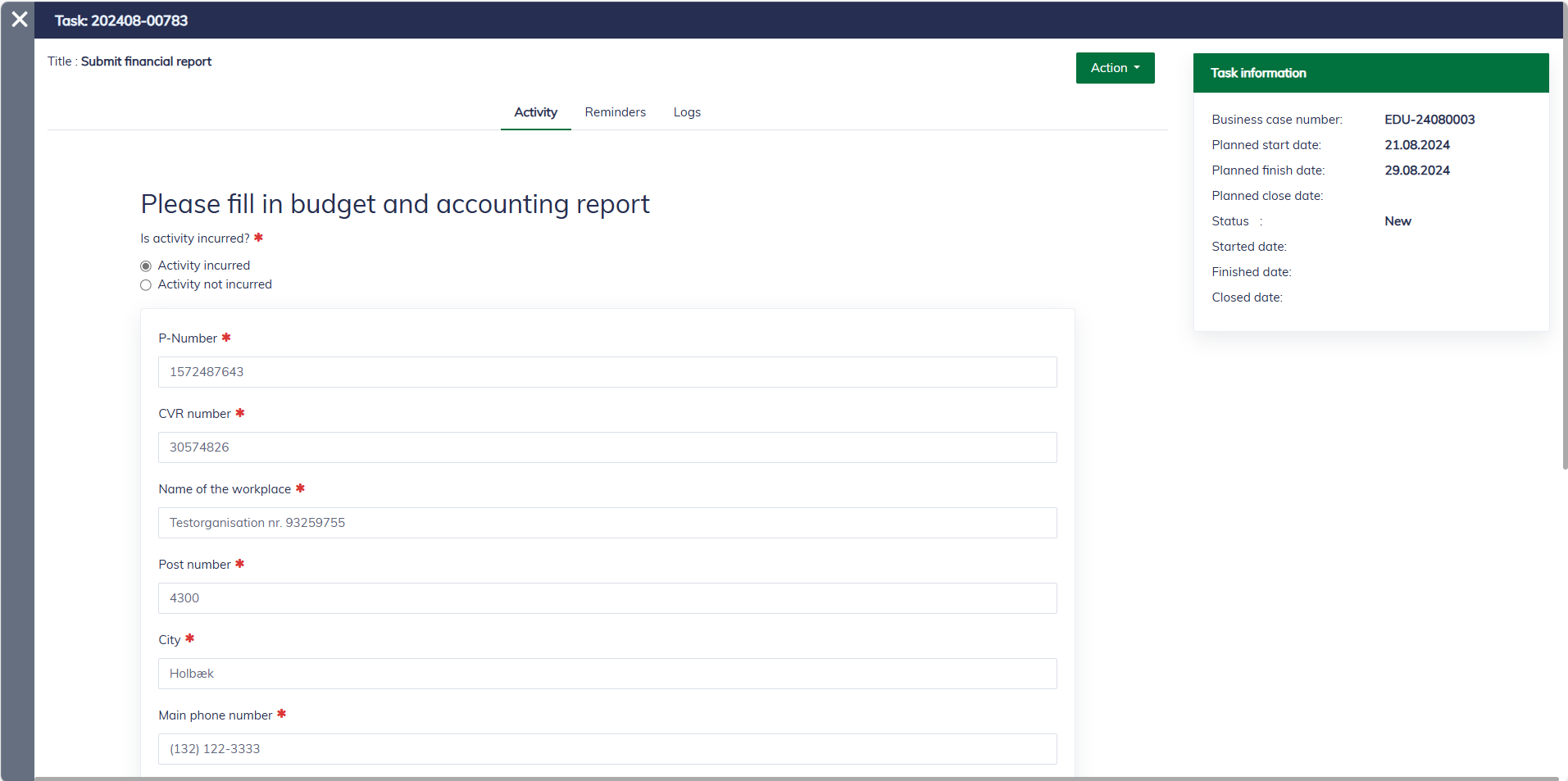
You can save a draft and return to edit it later. However, once the report is submitted, it can no longer be edited.
Browse reports
All reports, including report drafts, can be found in the application dialog under the "Reports" tab.
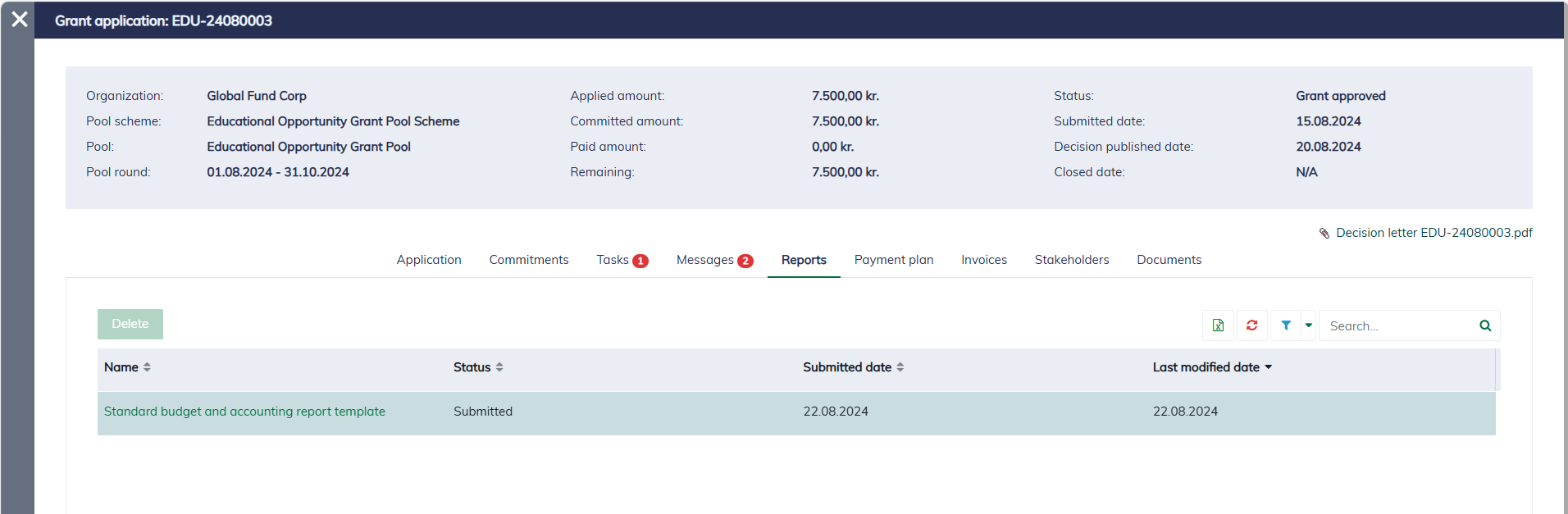
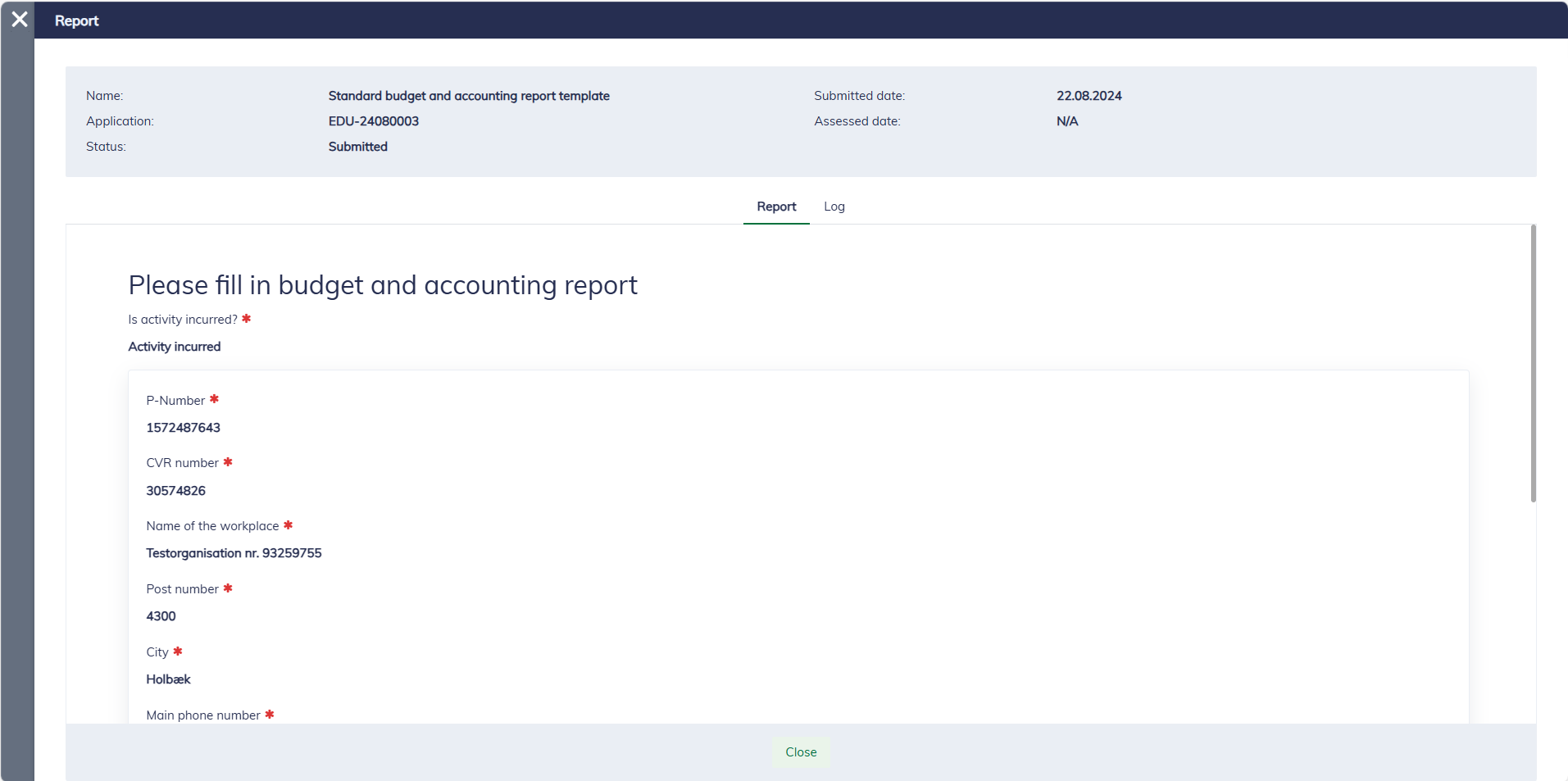
It's possible to open a submitted report for review.