Approve additional commitments
All submitted additional commitments must be approved before they become effective. Only authorized caseworkers with specific permission can approve or reject additional commitments.
Browse additional commitments
All submitted additional commitments can be found under "Commitments / Submitted additional commitments".
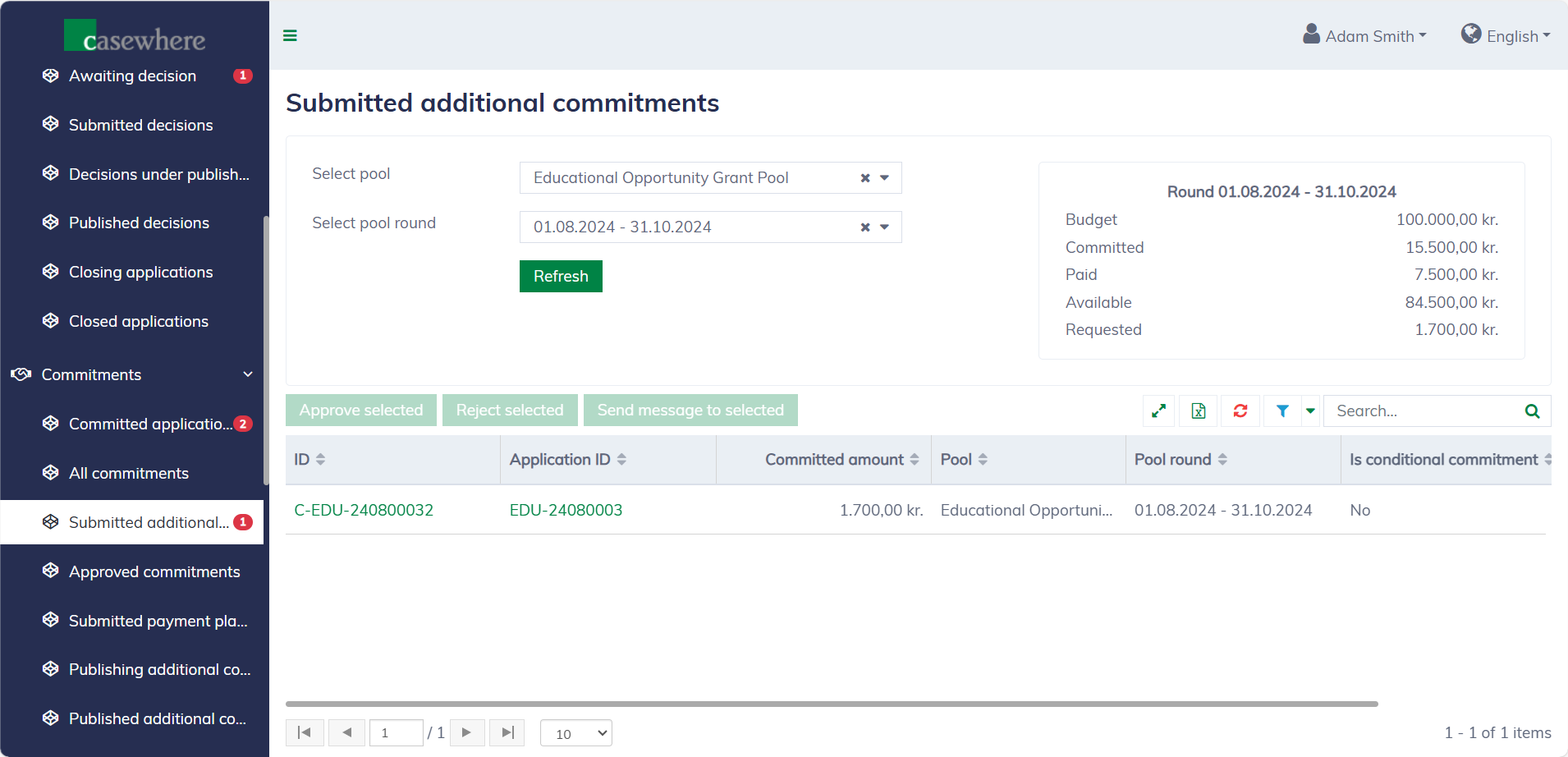
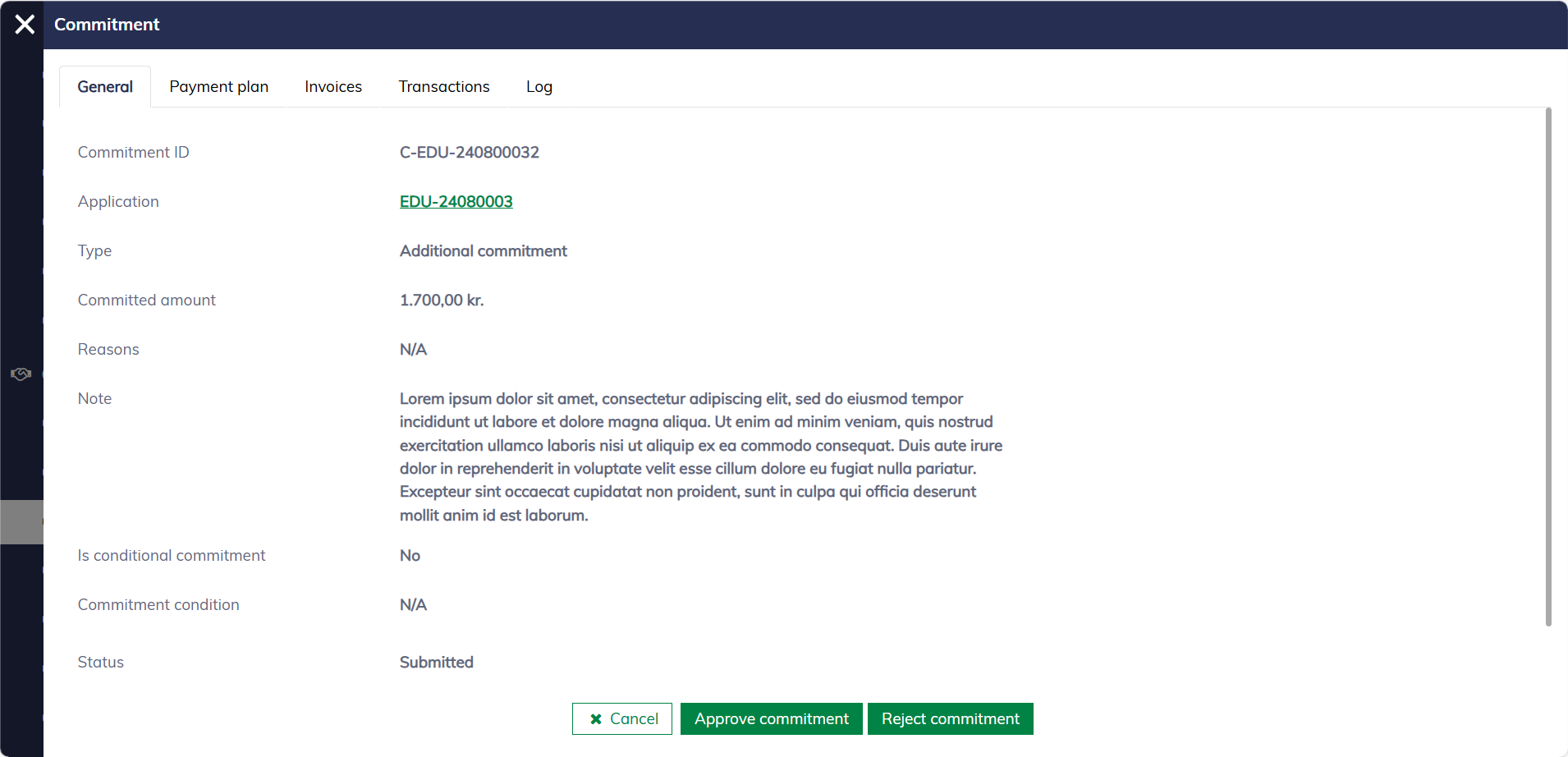
In this list, you can filter commitments by their pools and pool rounds. As with any standard list, you can also filter, search, and sort by various criteria. Viewing a commitment appears as follows:
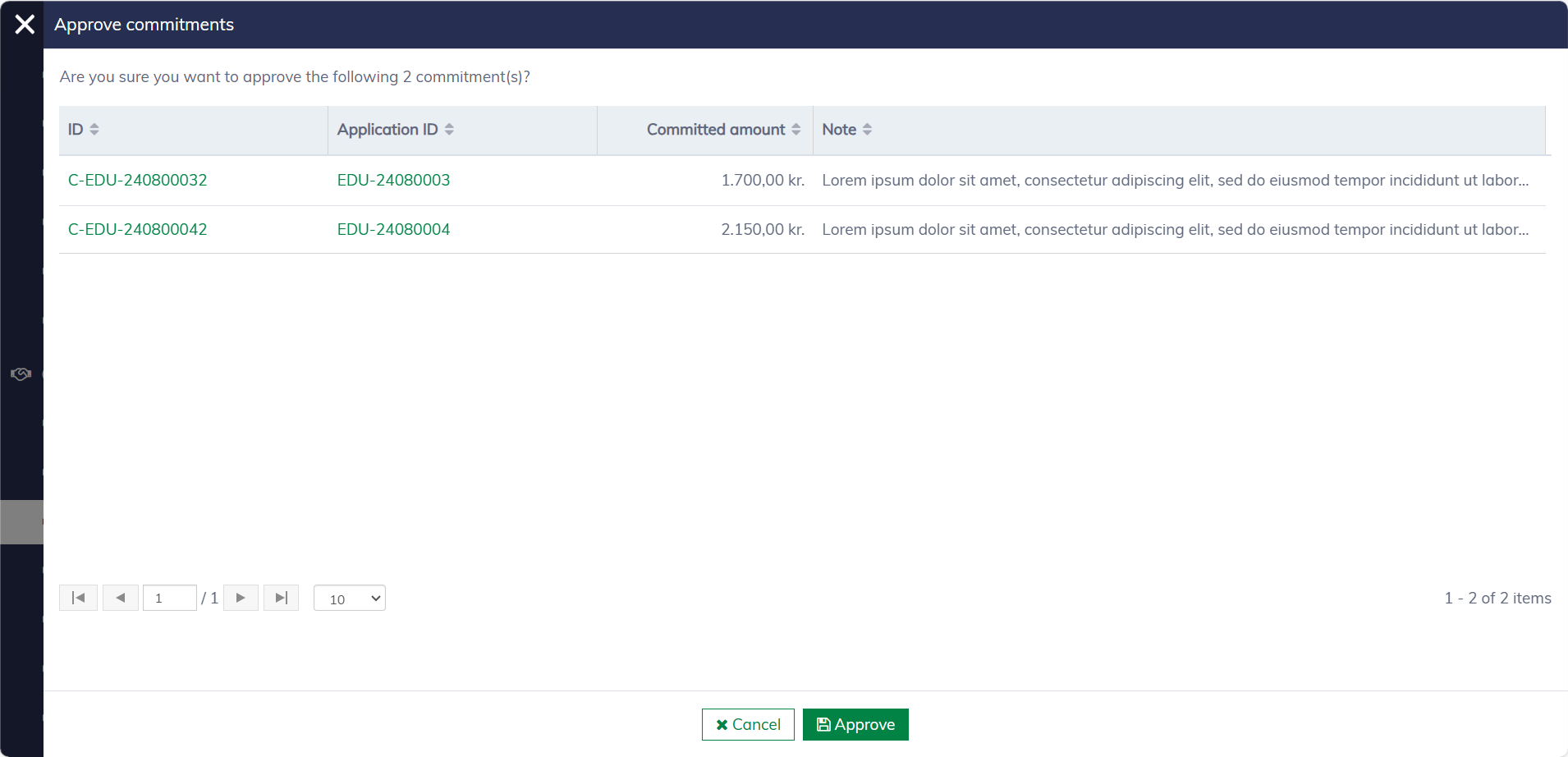
Approve additional commitments
You can approve a commitment directly from the commitment dialog while reviewing it. Additionally, it's possible to select and approve multiple commitments at once.
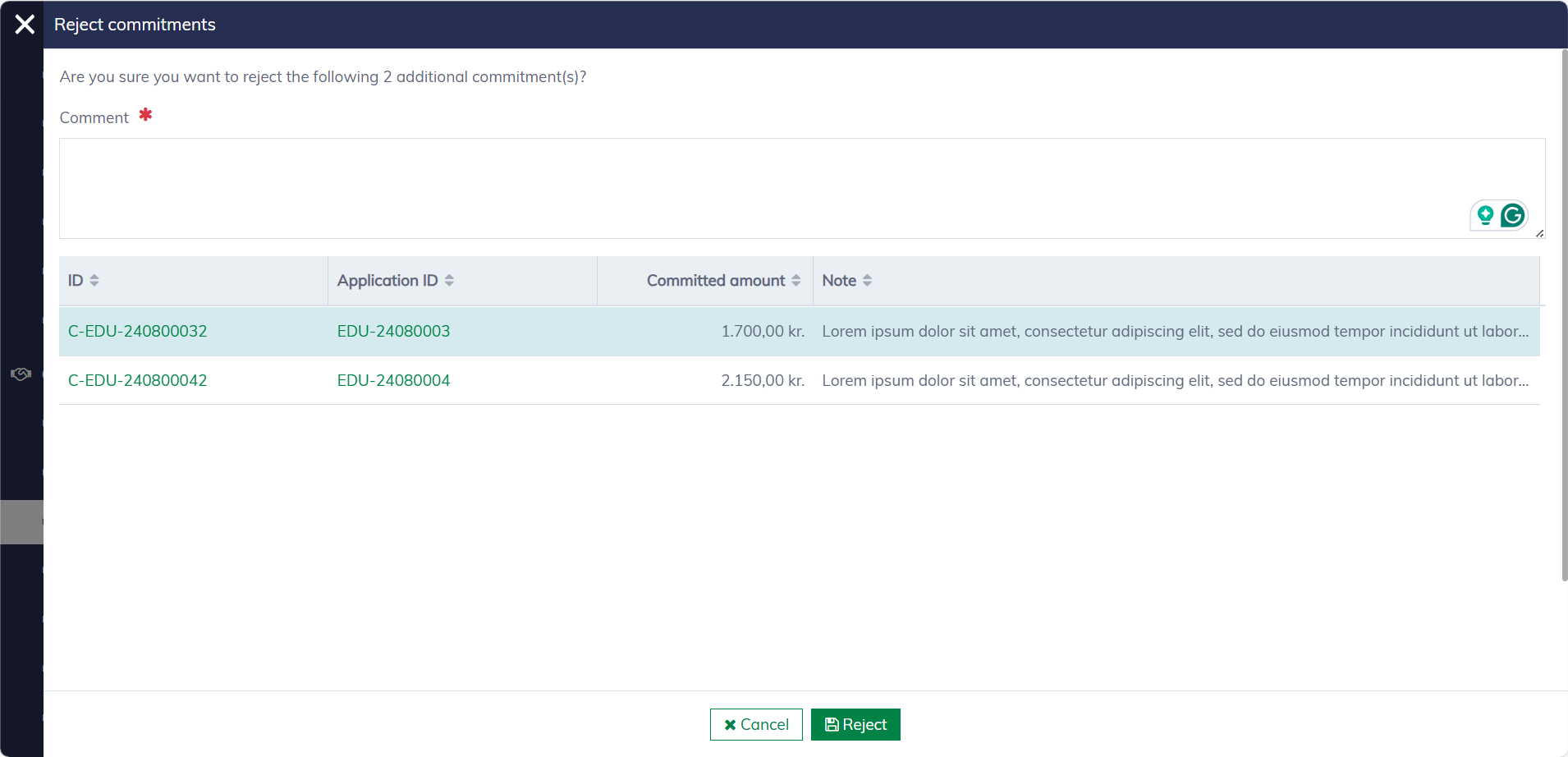
Reject additional commitments
You can reject a commitment directly from the commitment dialog while reviewing it. It is also possible to select and reject multiple commitments at once. A comment is required when rejecting a commitment.