Publish additional commitments
Approved additional commitments remain hidden from applicants and external users until they are published.
Browse additional commitments
All additional commitments ready to be published can be found under "Commitments / Publishing additional commitments". Here, you can preview the commitment letters before sending them out. Please note that only caseworkers with the necessary permissions are authorized to publish additional commitments.
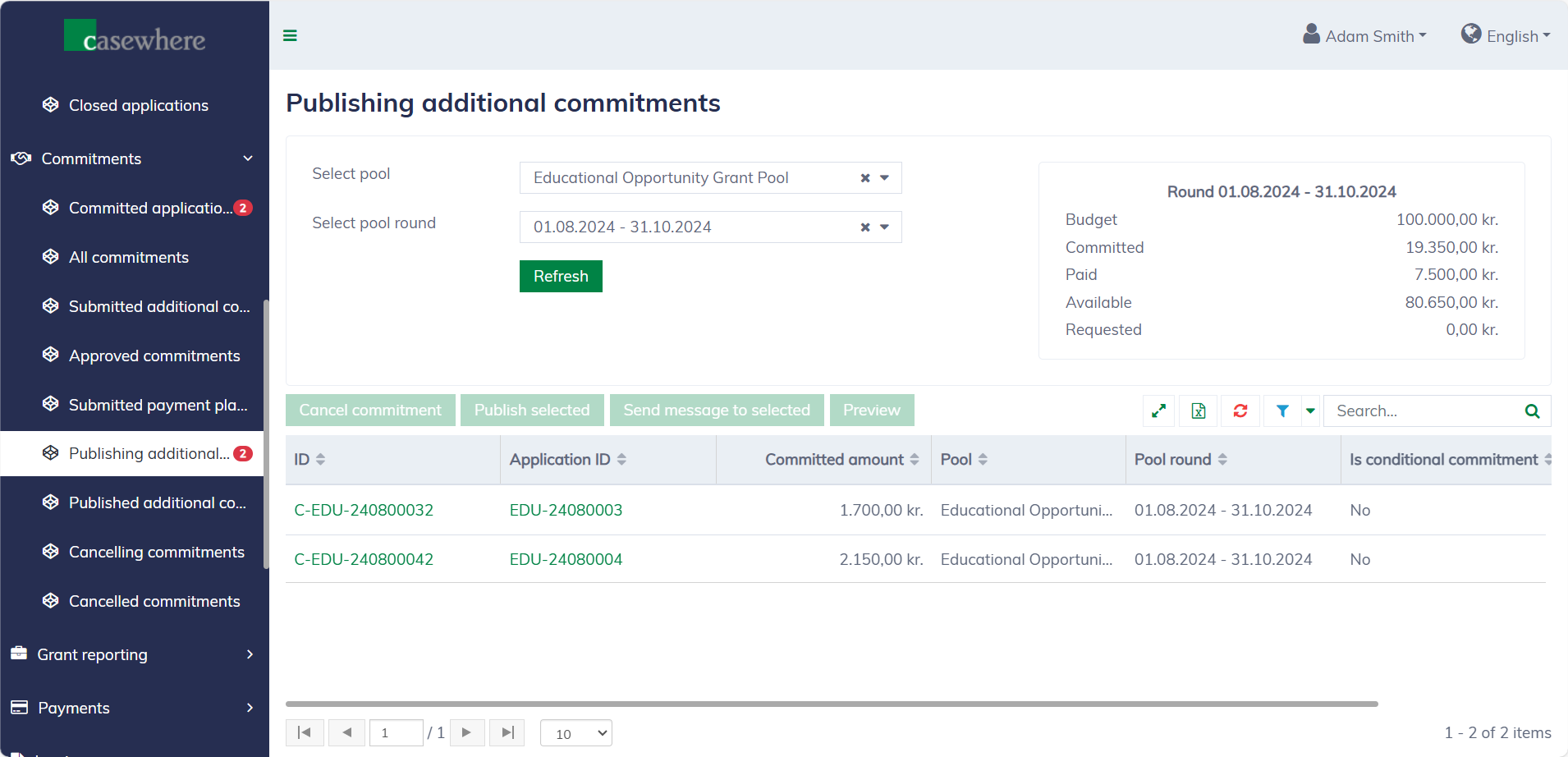
In this list, you can filter commitments by their pools and pool rounds. Like any standard list, you can also filter, search, and sort by various criteria.
Preview commitment letters
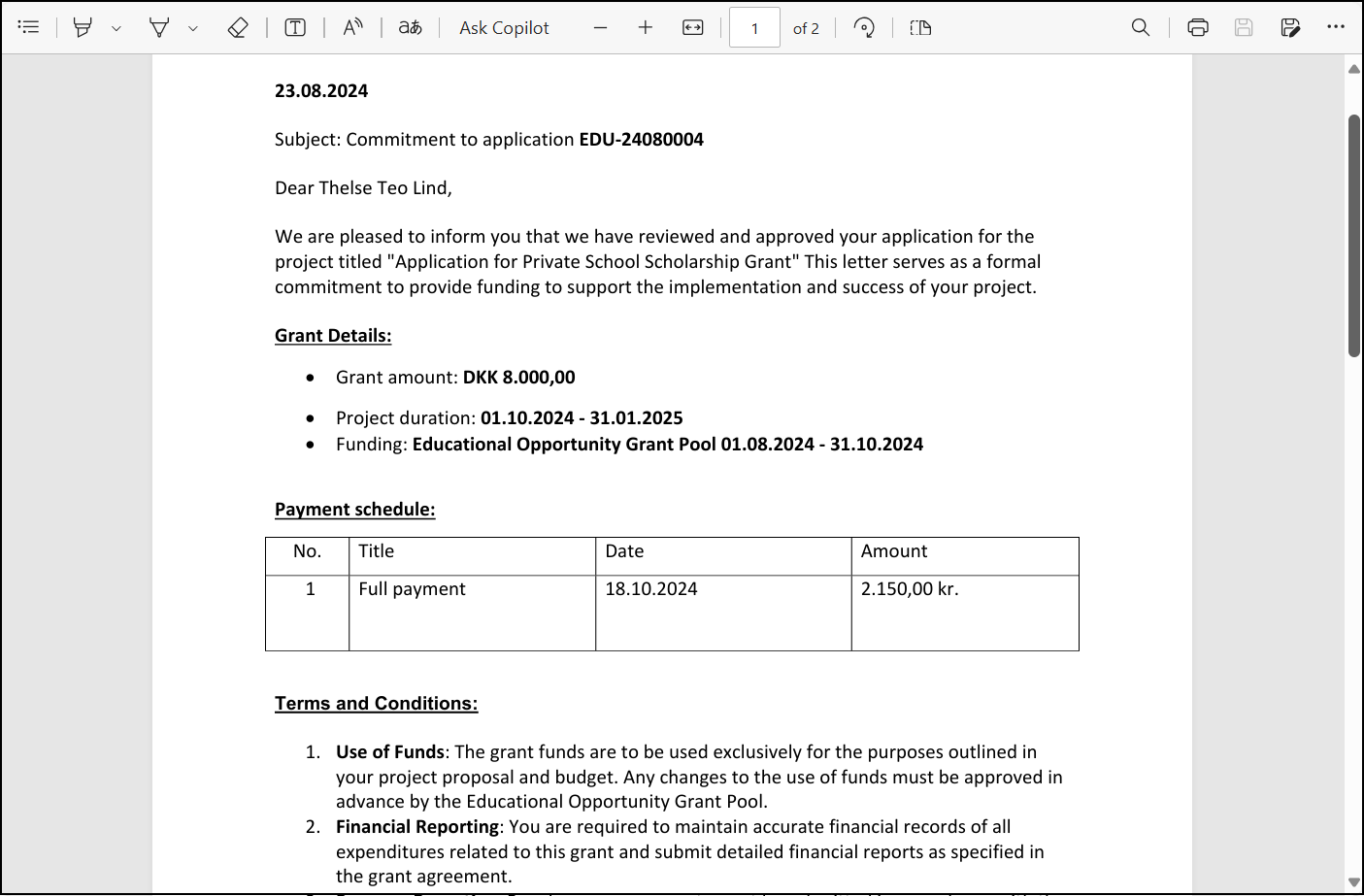
You can select a commitment from the list and click "Preview" to download the commitment letter. The additional commitment letter is configured separately from the primary commitment letter within the pool and may vary by pool. Below is an example:
Publish additional commitments
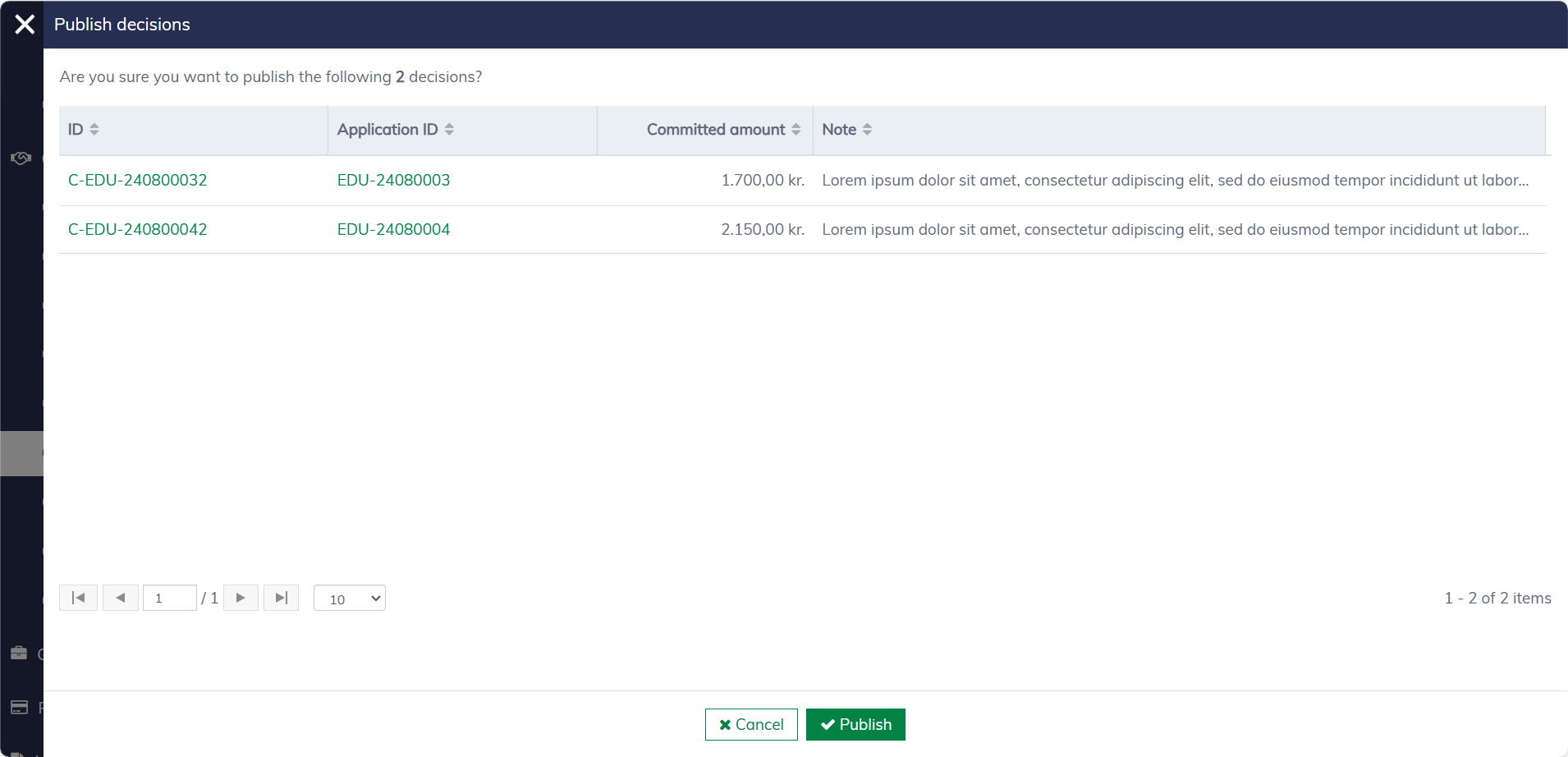
In the commitment list, you can select multiple commitments to publish simultaneously. After clicking "Publish selected", a dialog will appear to confirm your decision.
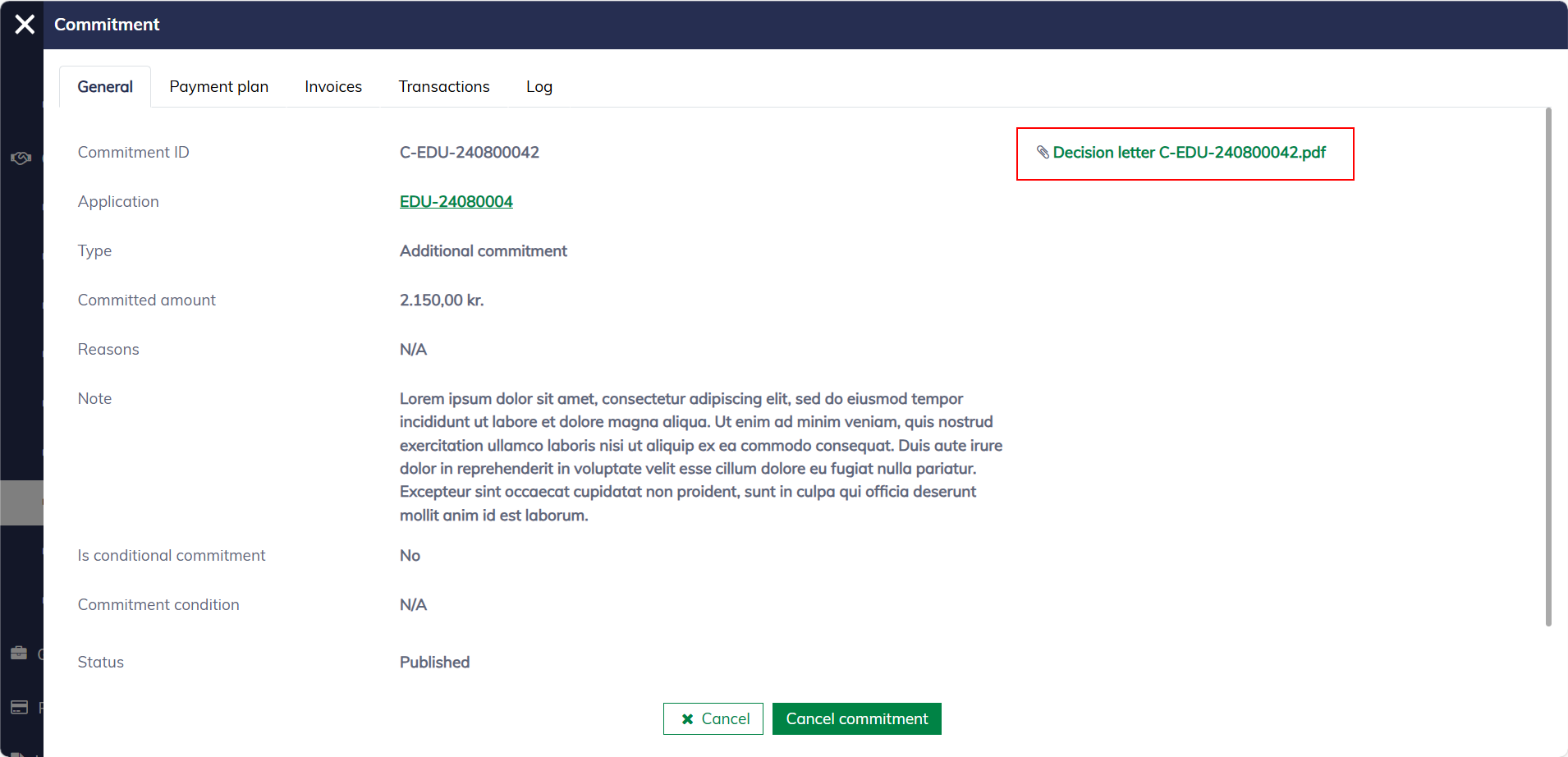
Typically, a formal letter is delivered to the applicant's mailbox with a system message and an email notification. A copy of the decision letter will always be available in the commitment dialog.
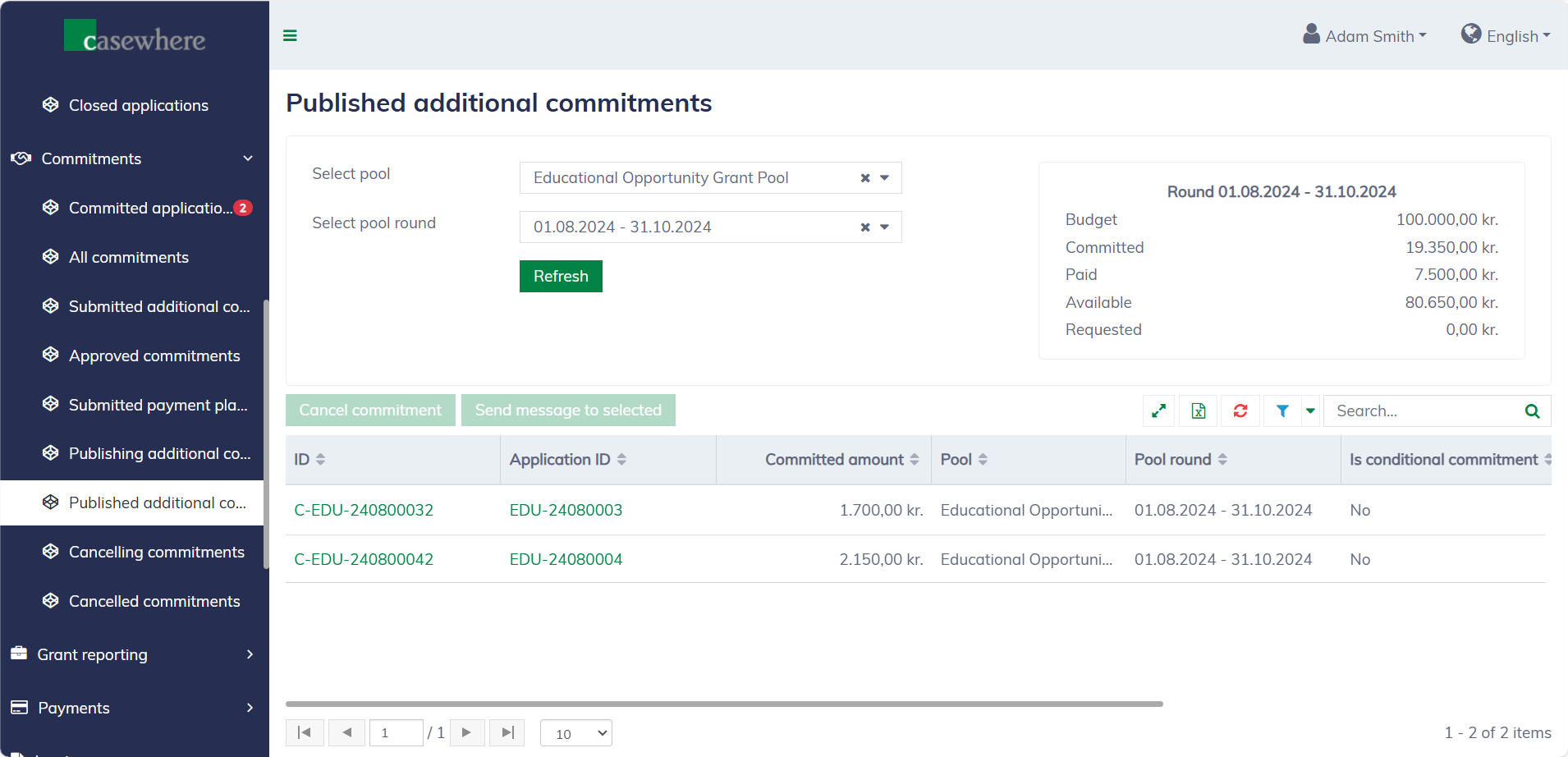
The solution offers a dedicated list for viewing all published additional commitments, available under "Commitments / Published additional commitments".