Approve payment plans
All payment plans must be approved to become effective and ready to be sent to applicants. A payment plan outlines how, when, and under what conditions the funds will be released to the applicant.
Browse submitted payment plans
All submitted payment plans are located under "Commitments / Submitted Payment Plans". Here, you can approve or reject the payment plans. Please note that only caseworkers with the necessary permissions are authorized to approve payment plans.
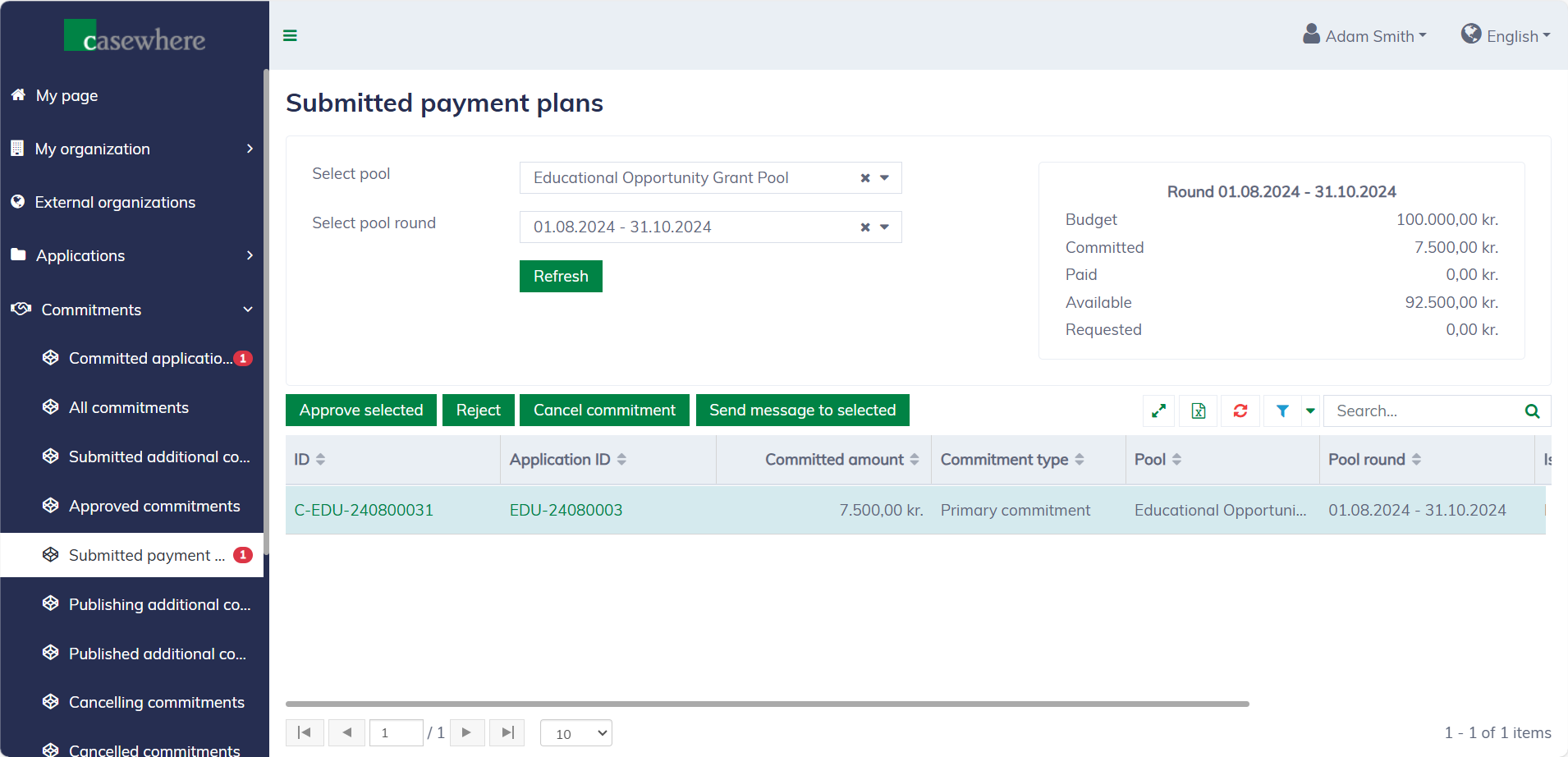
In this list, you can filter commitments by their pools and pool rounds. Like any standard list, you can also filter, search, and sort by various criteria.
Approve payment plans
In the application list, select commitments and click "Approve selected" to approve their payment plans. A dialog will appear to confirm your decision.
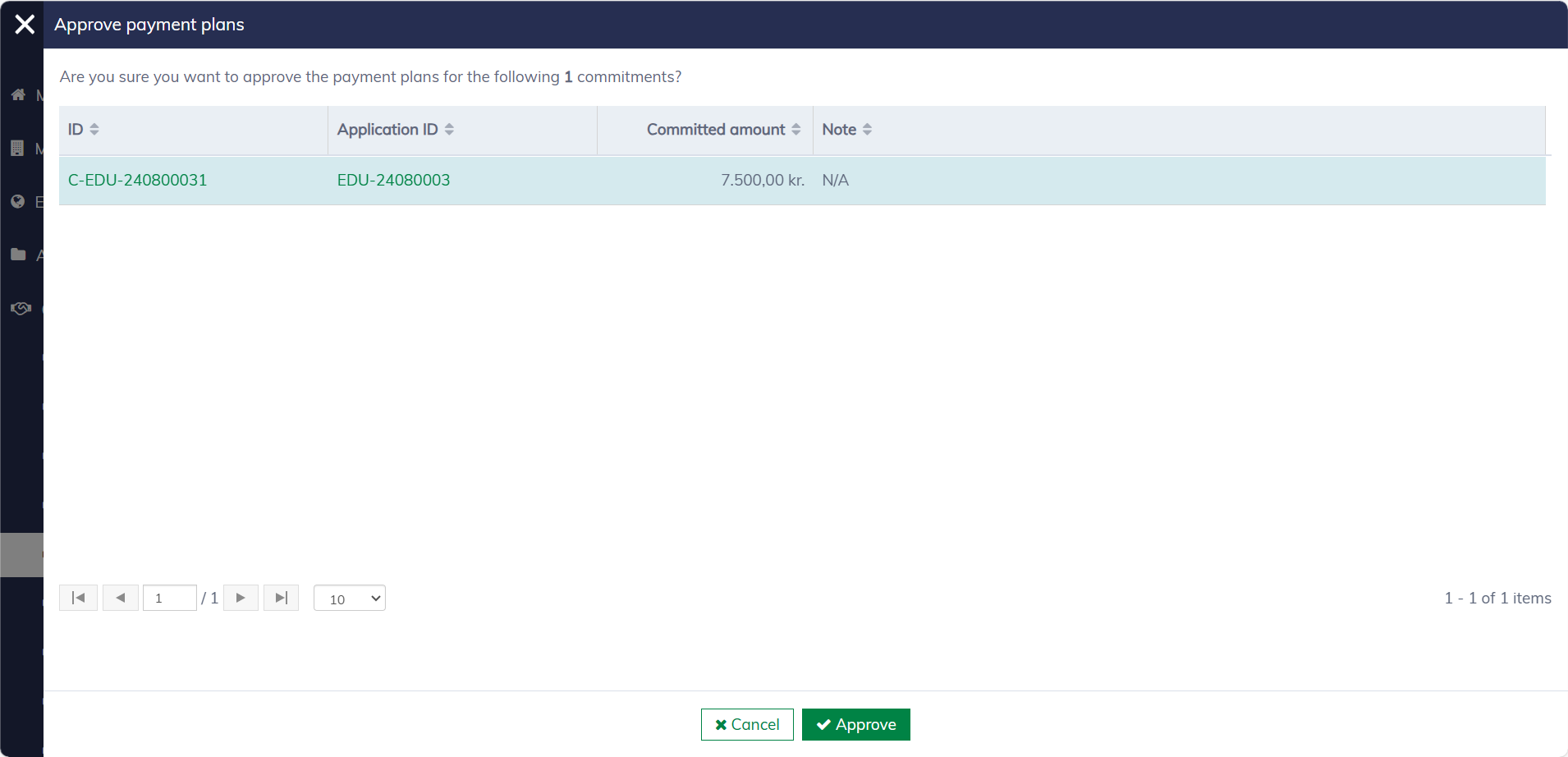
Once approved, the commitments are ready to be published. You can find them in "Applications / Published decisions" or, for additional commitments, "Commitments / Publishing additional commitments".
Reject a payment plan
Select the commitment you want to reject in the application list and click "Reject". A dialog will appear to confirm your decision. Please note that a comment is required when rejecting a commitment payment plan.
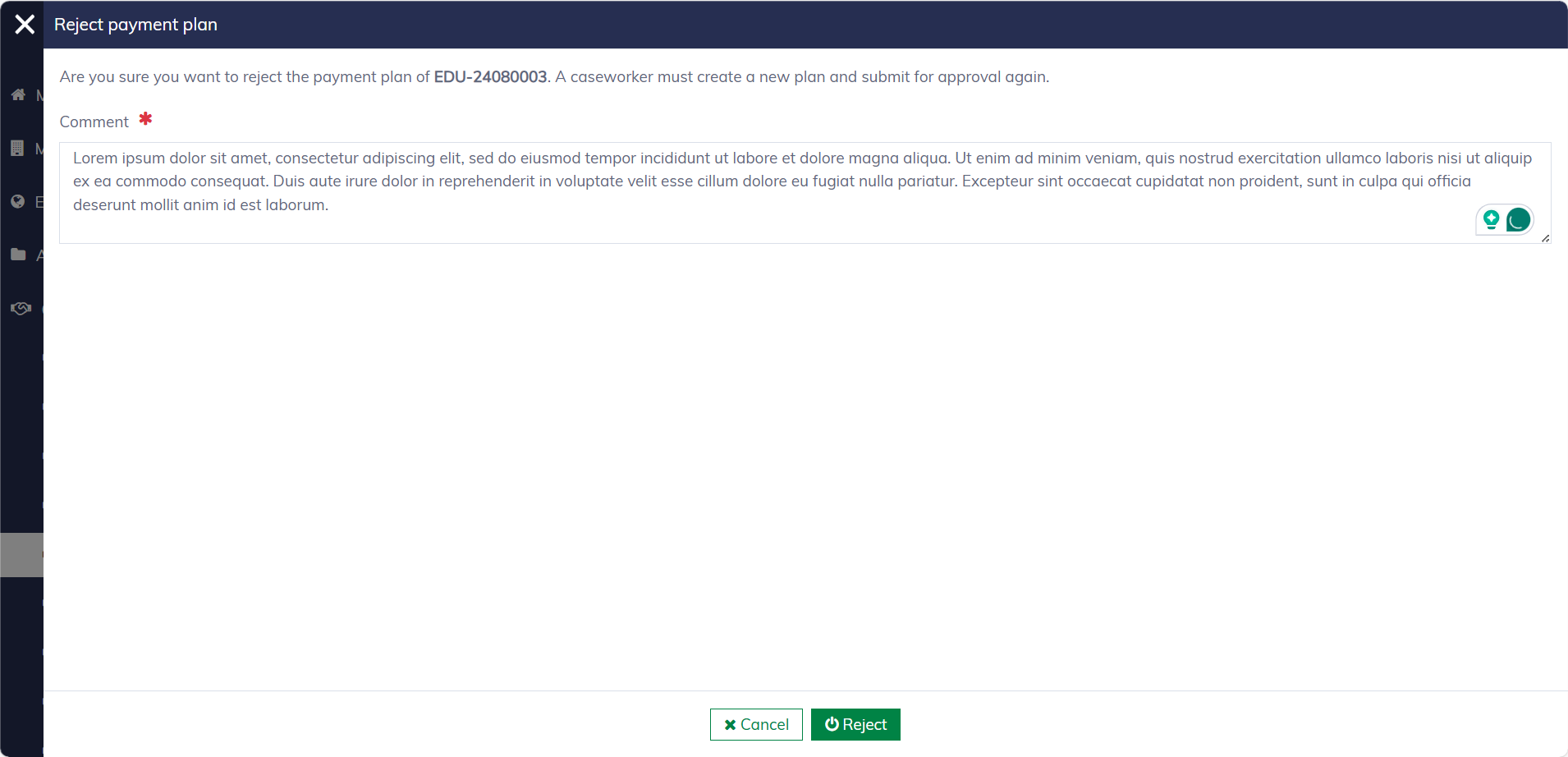
Once rejected, the commitments are moved back to "Commitments / Approved commitments", where a new payment plan must be set up and resubmitted.