Close applications
When an application is no longer valid, or all obligations have been fulfilled, caseworkers can close it to ensure no further changes can be made.
Close an application
You can close an application from your "My page", the "All applications" list, or the application dialog.
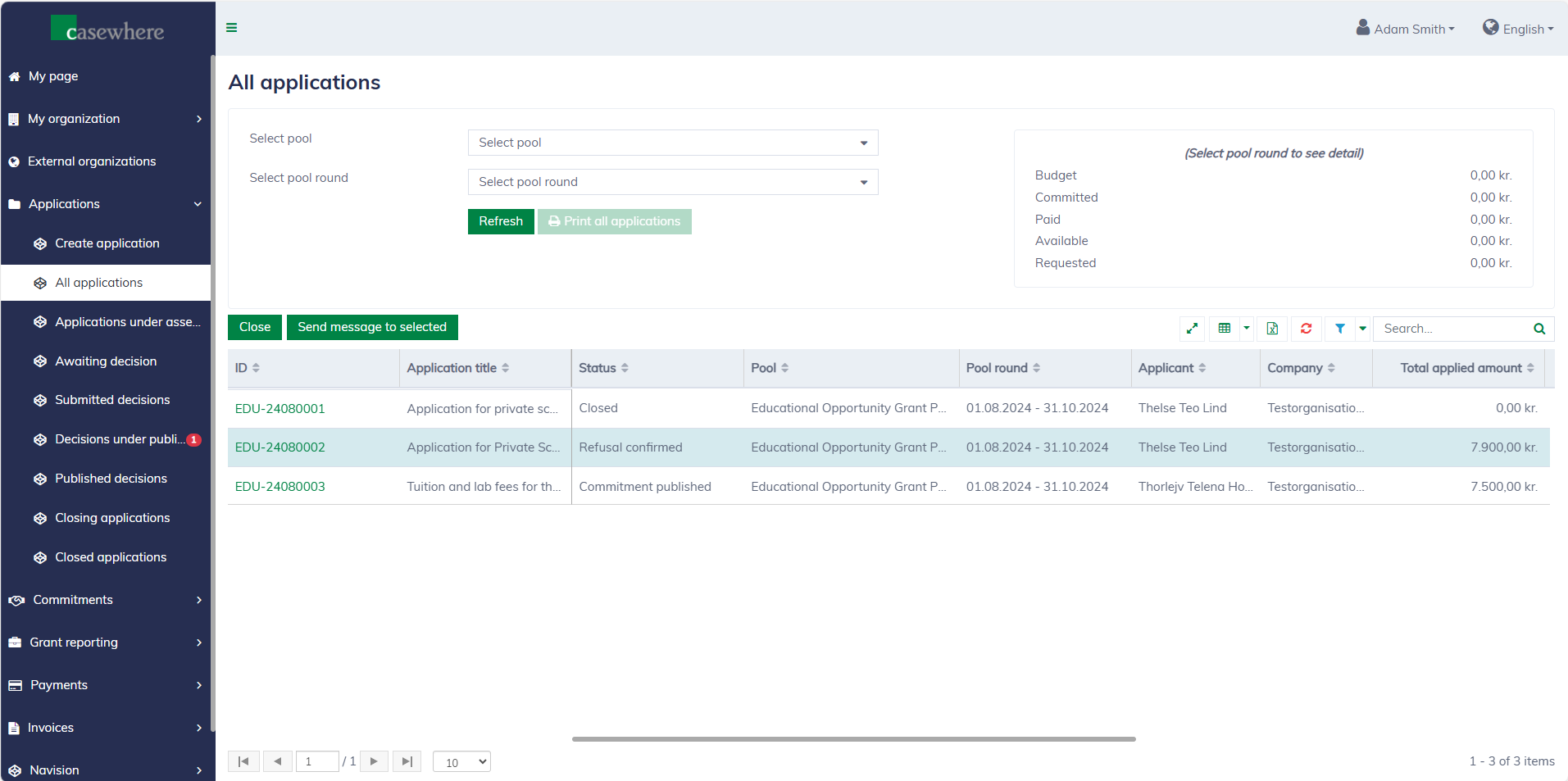
To close an application, the following conditions must be met:
- All tasks are completed.
- There are no outstanding payments or invoices.
If the application still has open tasks or outstanding obligations and cannot be closed, the system will display them to the caseworker.
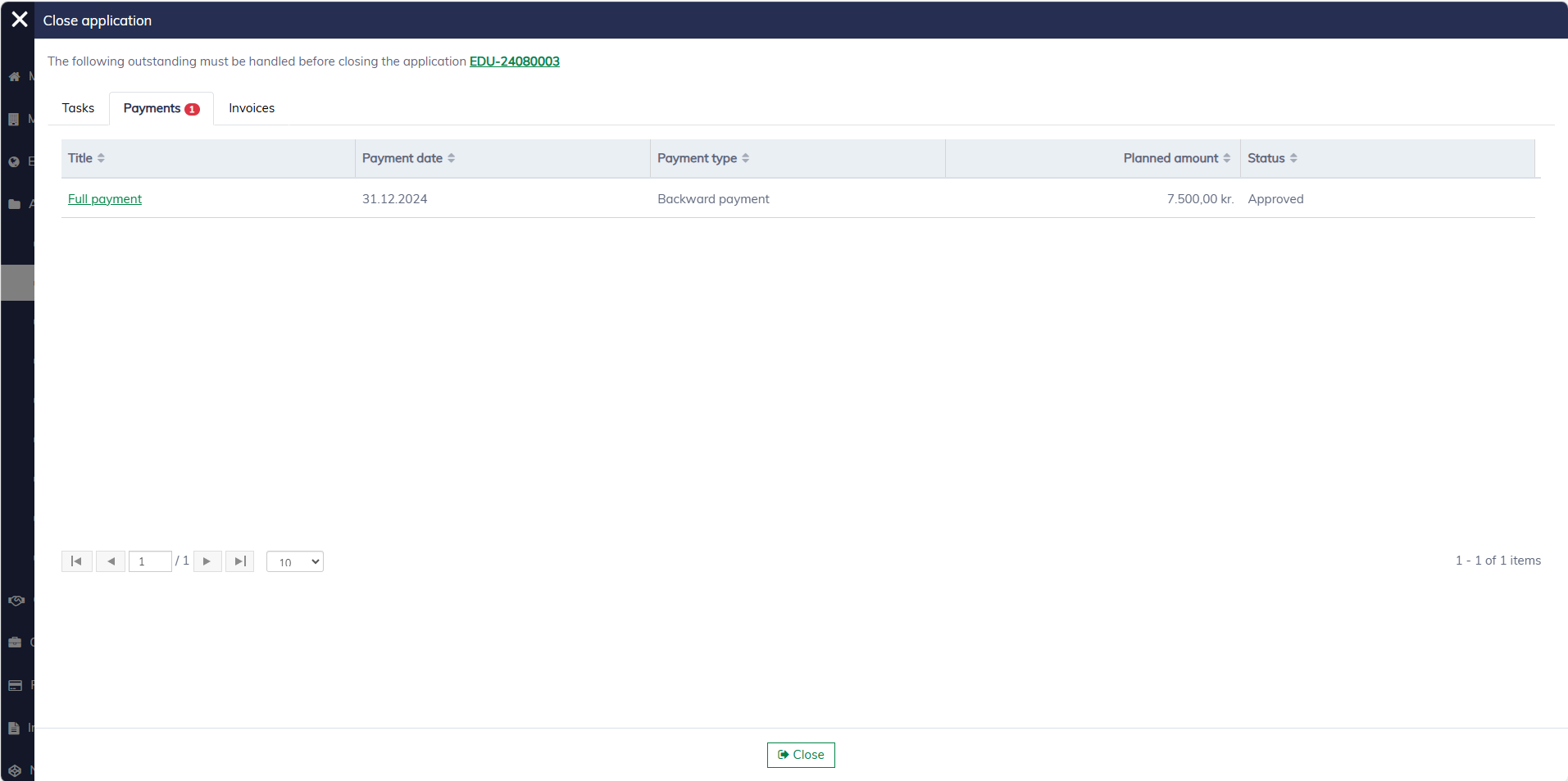
A comment is required when closing an application:
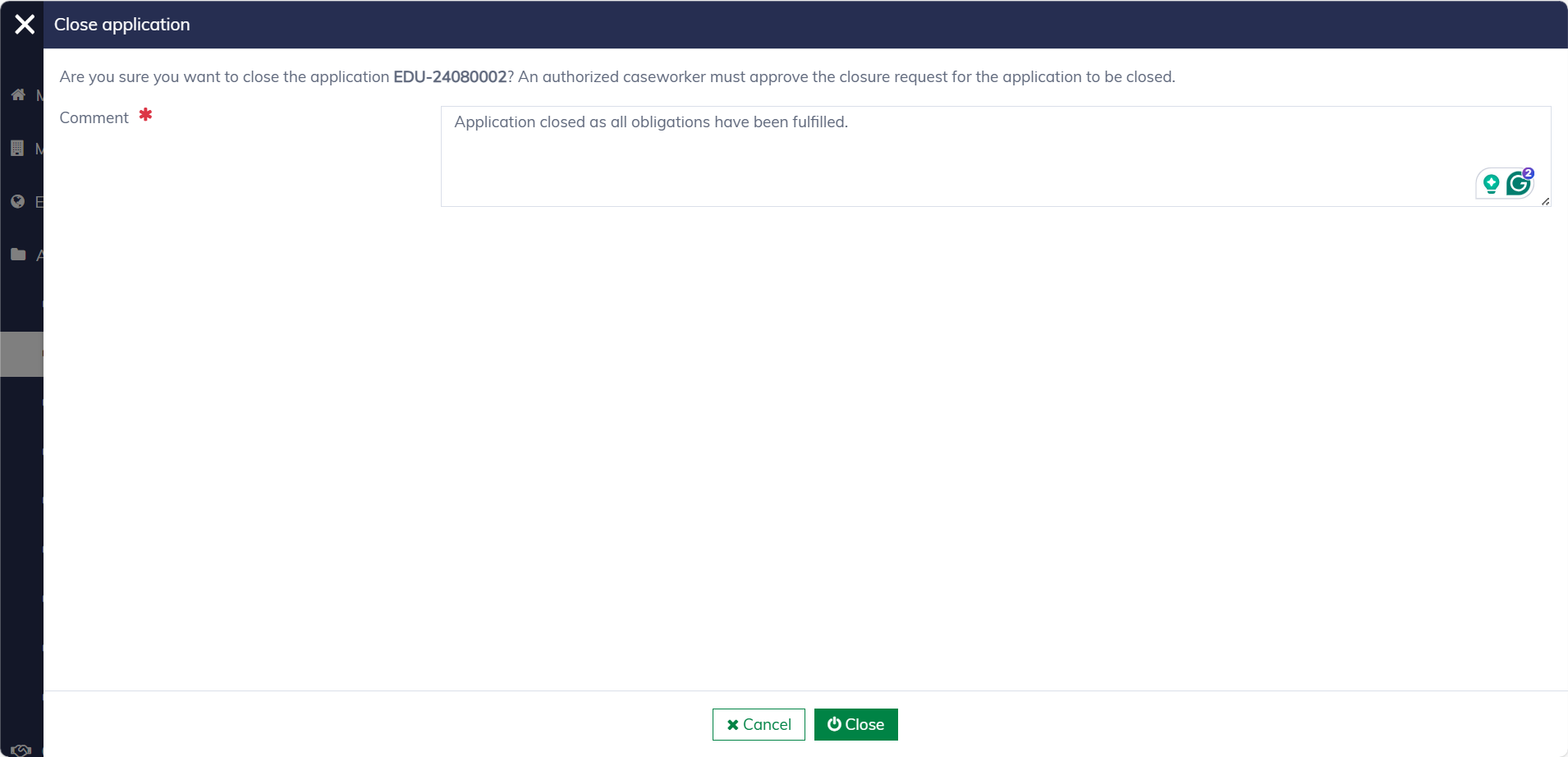
Please note that only caseworkers with the necessary permissions are authorized to close applications.
Approve application closure
Closing applications will require approval from another authorized caseworker. All pending closing applications can be found under "Applications / Closing applications".
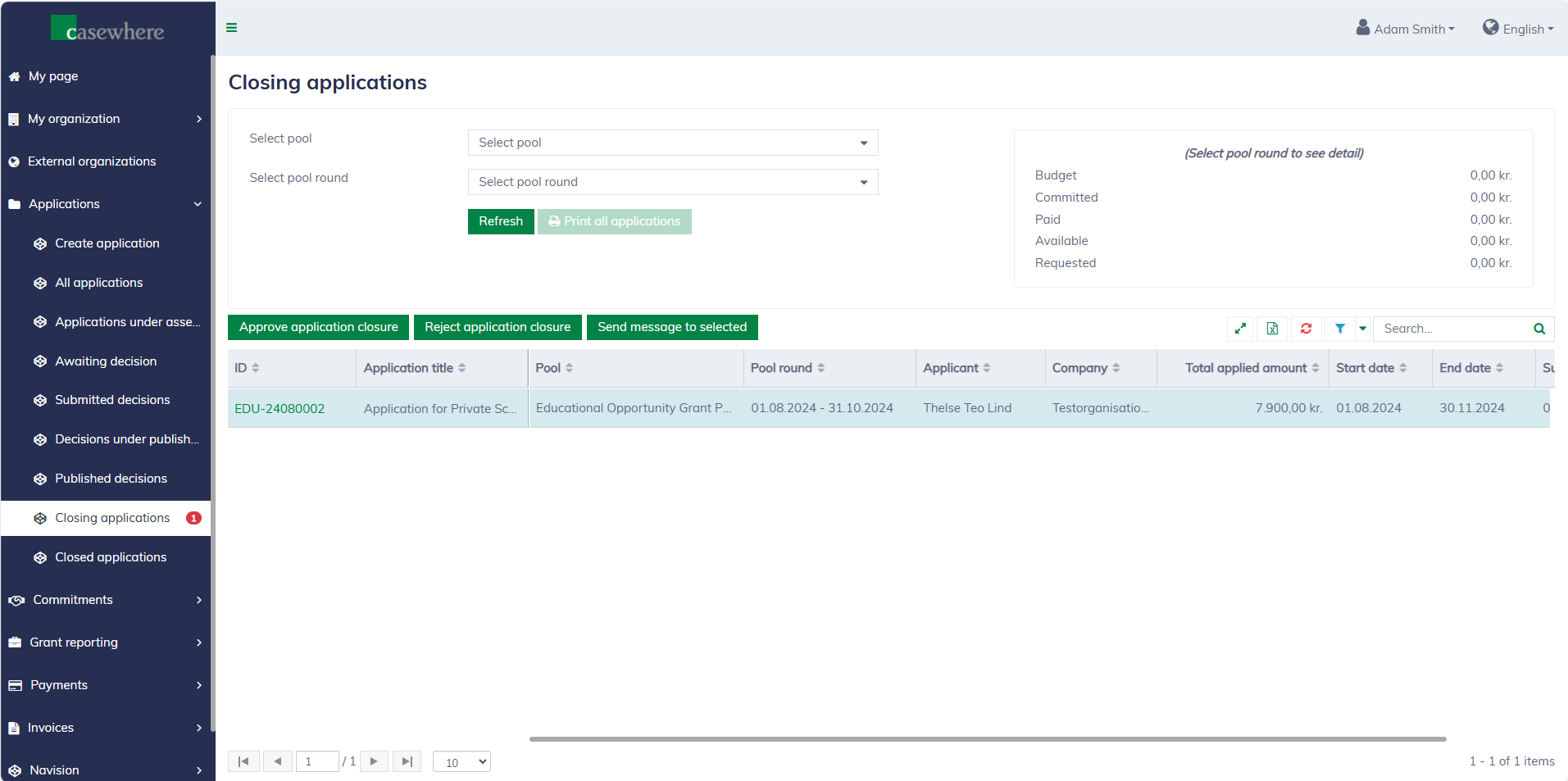
A confirm dialog will appear as follows:
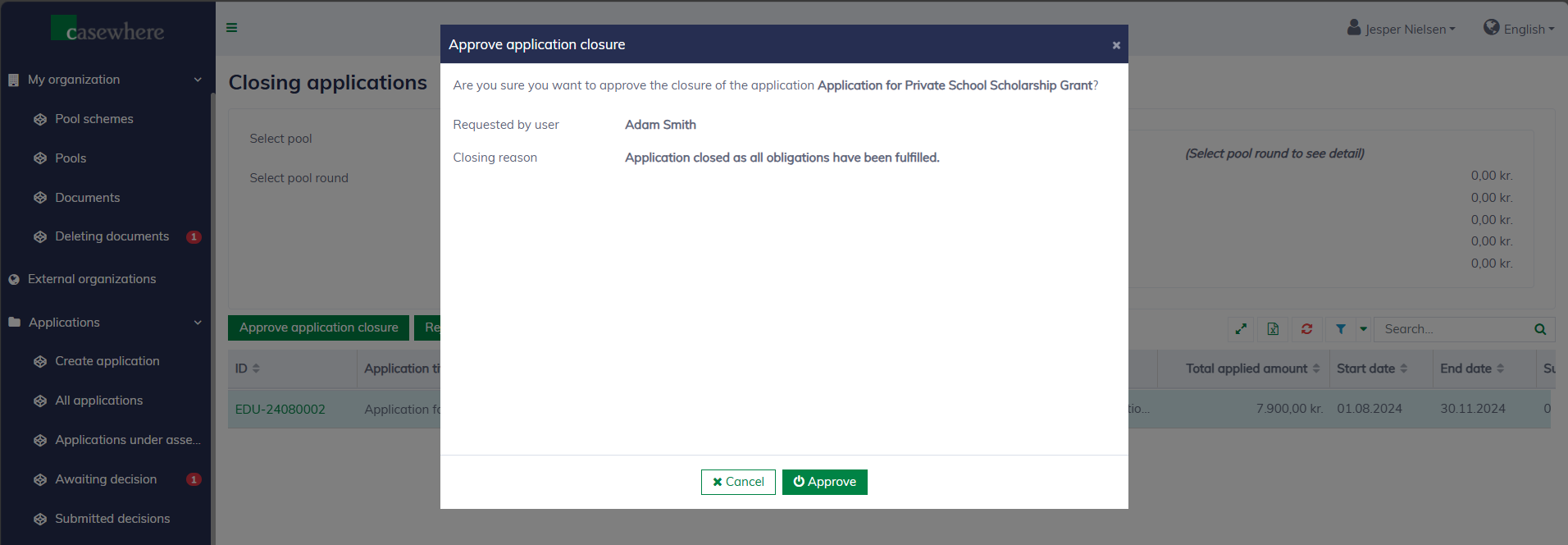
Once approved, the application will be moved to "Applications / Closed applications", and no further changes can be made. If rejected, the application will revert to its previous status. A comment is required when rejecting an application closure.
Closing a draft application is simpler. The application will be closed immediately without requiring a second approval.