Set up payment plans
All committed applications require a payment plan before being published to applicants. A payment plan determines how, when, and under what conditions the funds can be released to the applicant.
Browse approved commitments
All approved commitments can be found under "Commitments / Approved commitments". Here, you can review and set up payment plans for committed applications before they can be published.
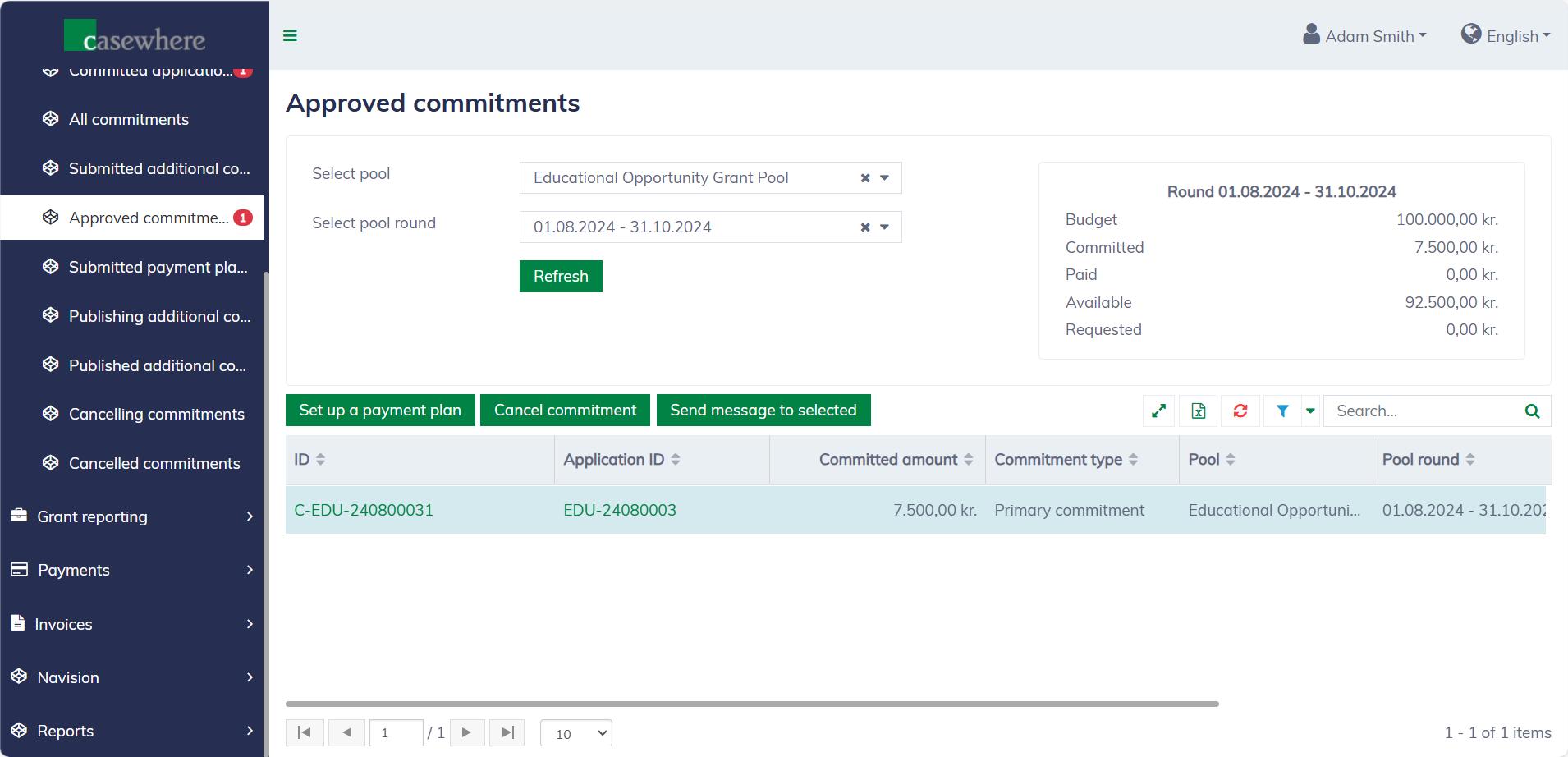
In this list, you can filter applications by their pools and pool rounds. As with any standard list, you can also filter, search, and sort by various criteria.
Set up payment plans
In the application list, select a commitment and click "Set up a payment plan". A dialog will then appear, allowing you to configure the payment plan.
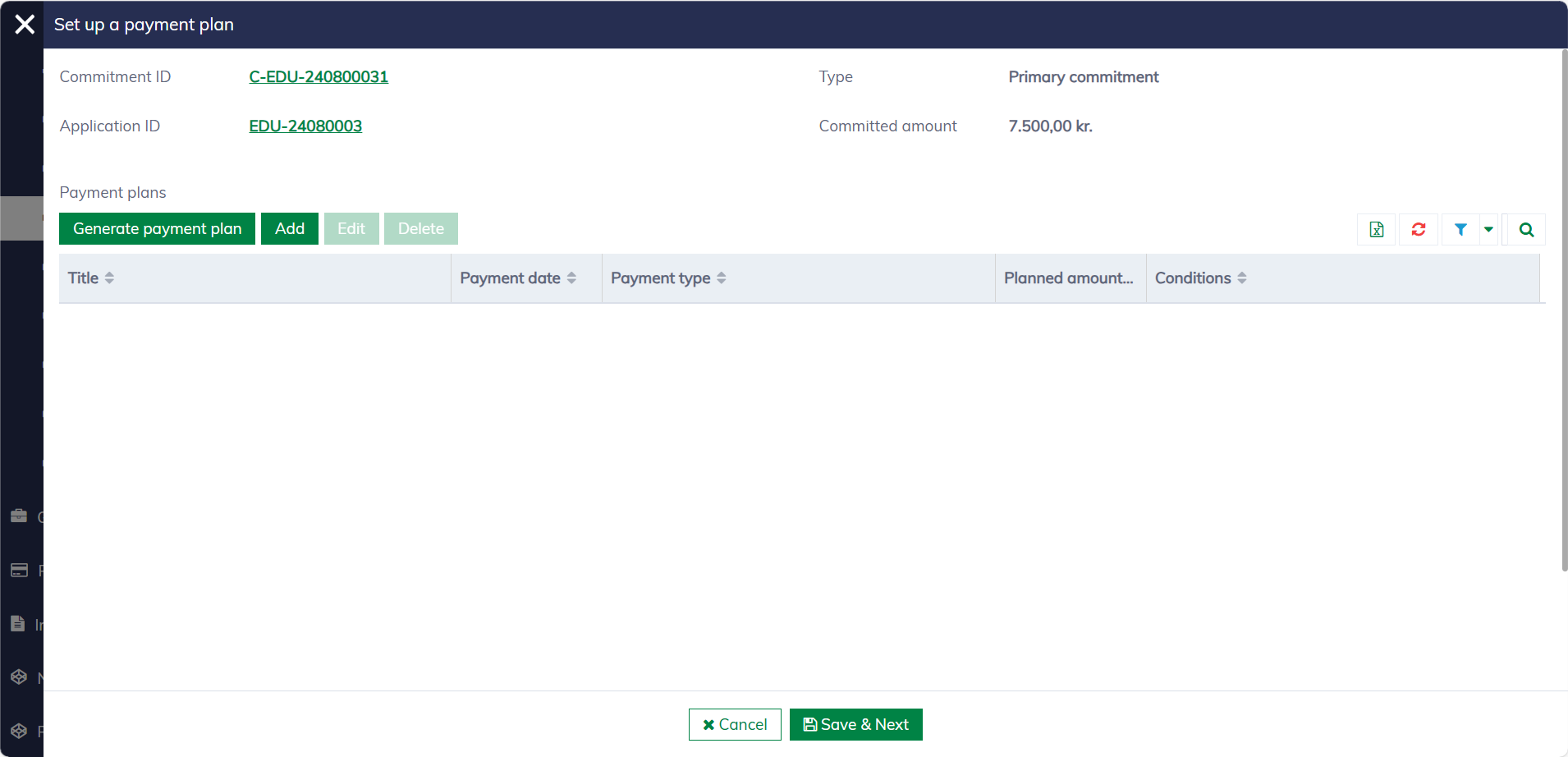
You can click "Generate payment plan" to create a default payment plan based on the pool configuration. Alternatively, you can manually add or edit the payment plan to customize it for each application.
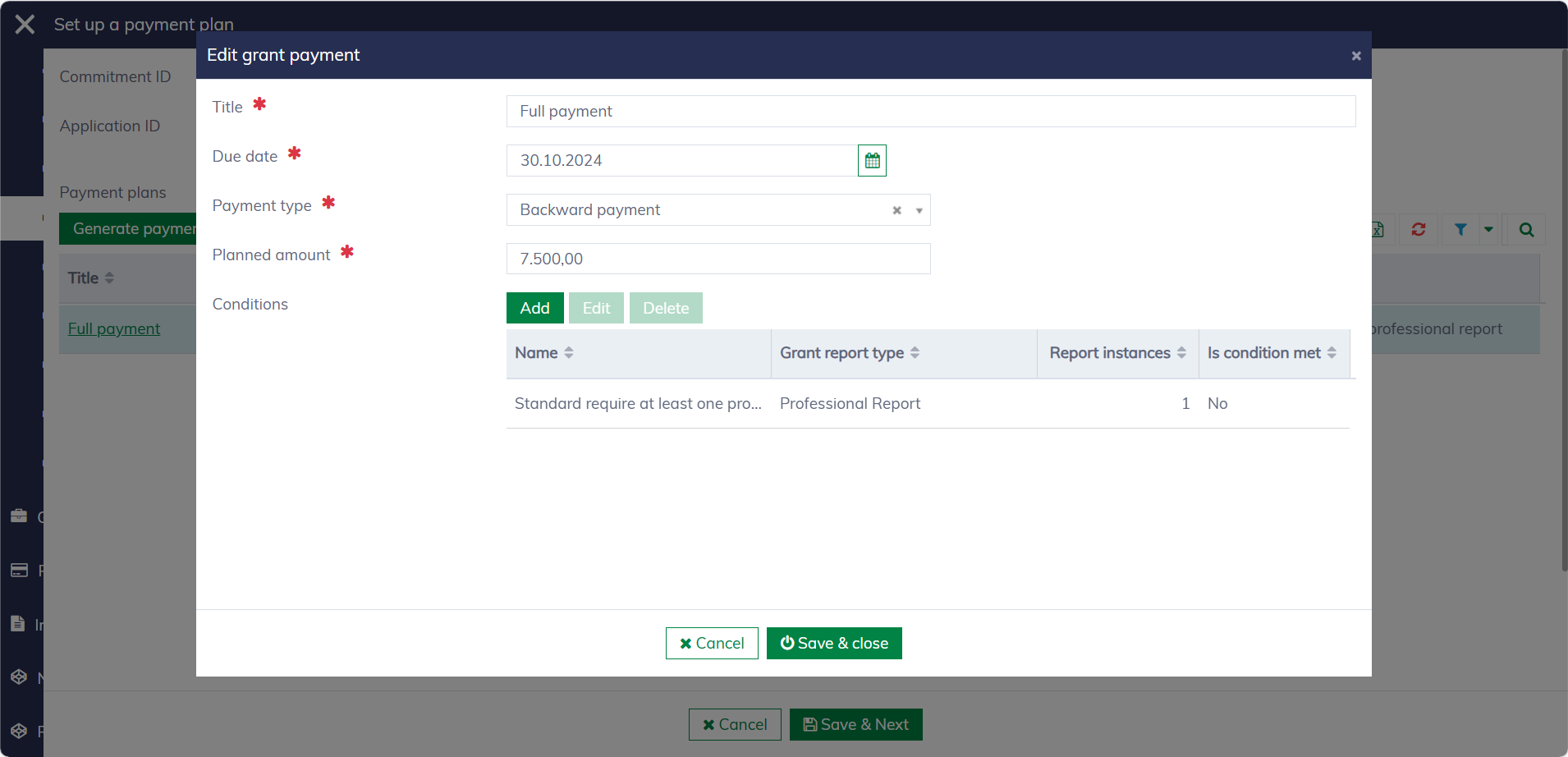
A payment item requires the following information:
| Field name | Mandatory | Description |
|---|---|---|
| Title | Yes | The title of the payment. |
| Due date | Yes | The date on which the payment is planned to be executed. |
| Payment type | Yes | The type of payment. Available payment types can be configured within the solution. |
| Planned amount | Yes | The payment amount. |
| Conditions | No | The conditions required to execute the payment. Typically, a specific report must be approved before the payment can proceed. |
After setting up the pay plan, click "Save and next" to submit it for approval.
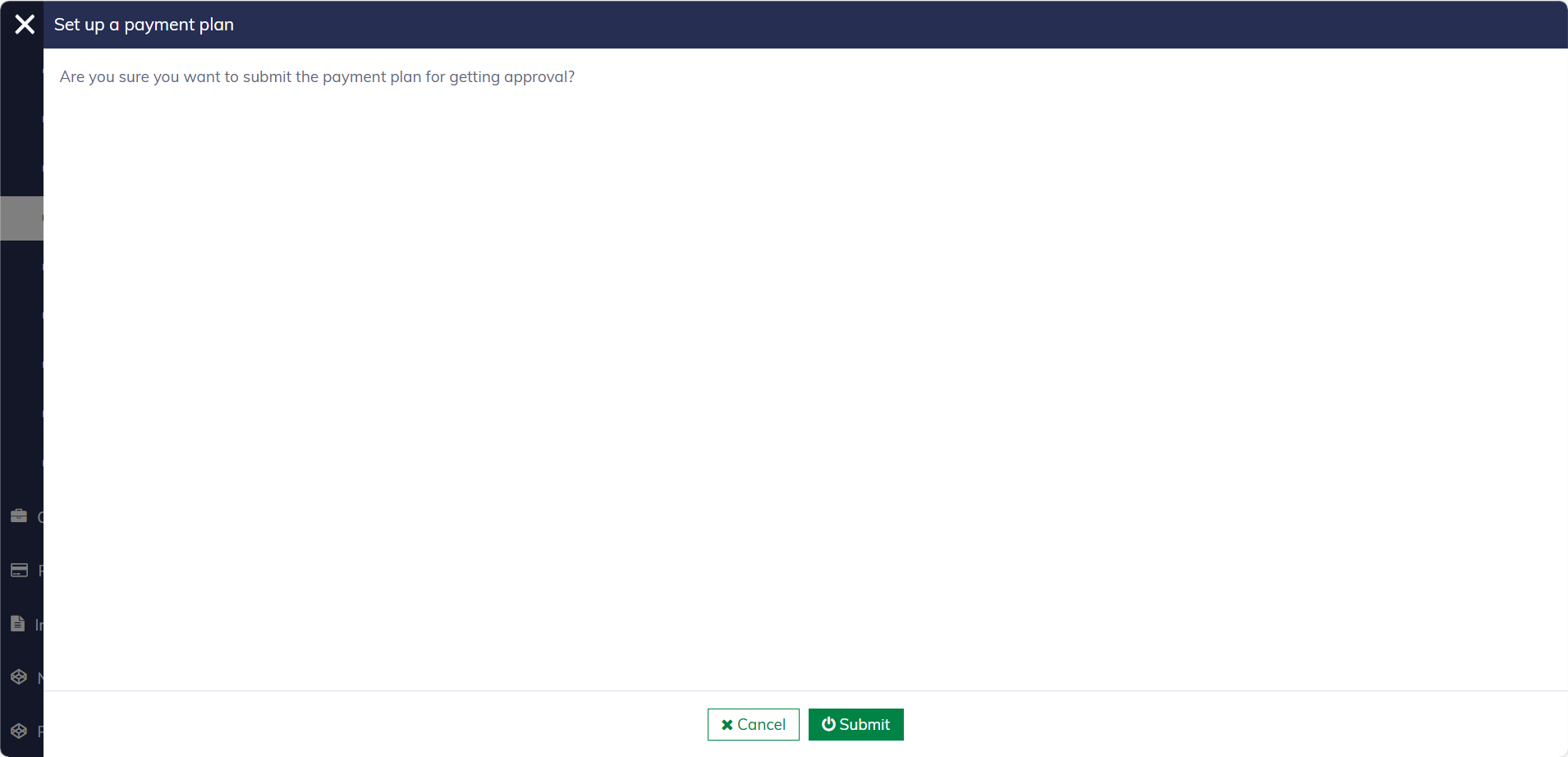
Once submitted, the commitment is moved to "Commitments / Submitted payment plans" and awaits approval. Please note that only caseworkers with the necessary permissions are authorized to set up payment plans