Vote applications
Most grant management organizations have a board that votes on applications before making final decisions, whether to approve or reject them. The solution offers an add-on to facilitate voting within the grant management process.
Browse applications for voting
When the add-on is enabled, you can access the voting functionality in the "Applications / Awaiting decision" list. There, you will see the "Vote" button and the "Votes" column, which displays the total votes for each application.
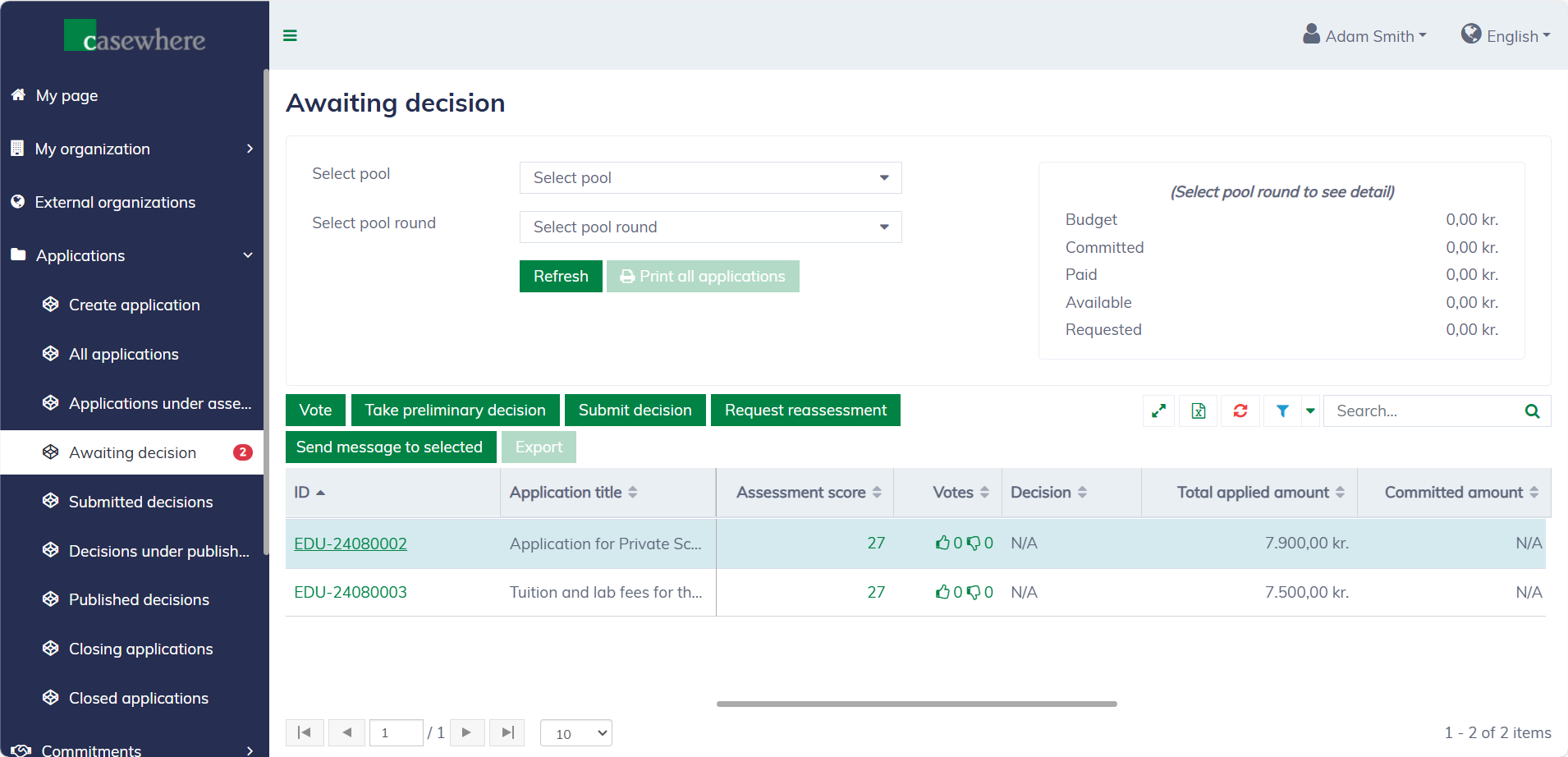
Please note that only caseworkers with certain permissions can vote on applications.
Vote
In the "Awaiting decision" list, select an application and click "Vote". You can also vote from your "My page" or from the application dialog. The voting form appears as follows:
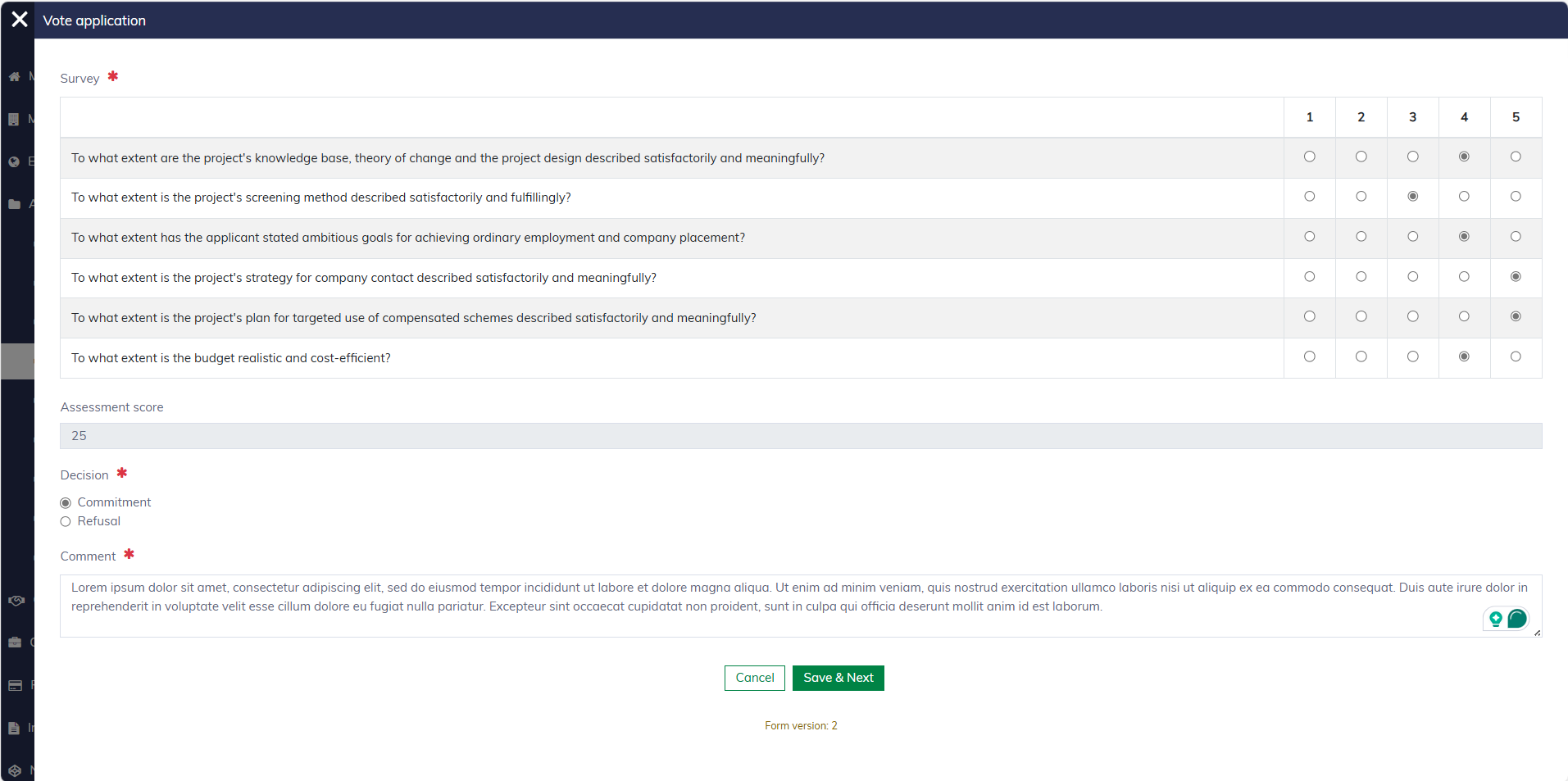
The voting form is configured within each pool and can vary by pool. Typically, you are required to submit additional data, such as a survey or a comment, to support your vote. The total votes will reflect the change immediately on the application list.

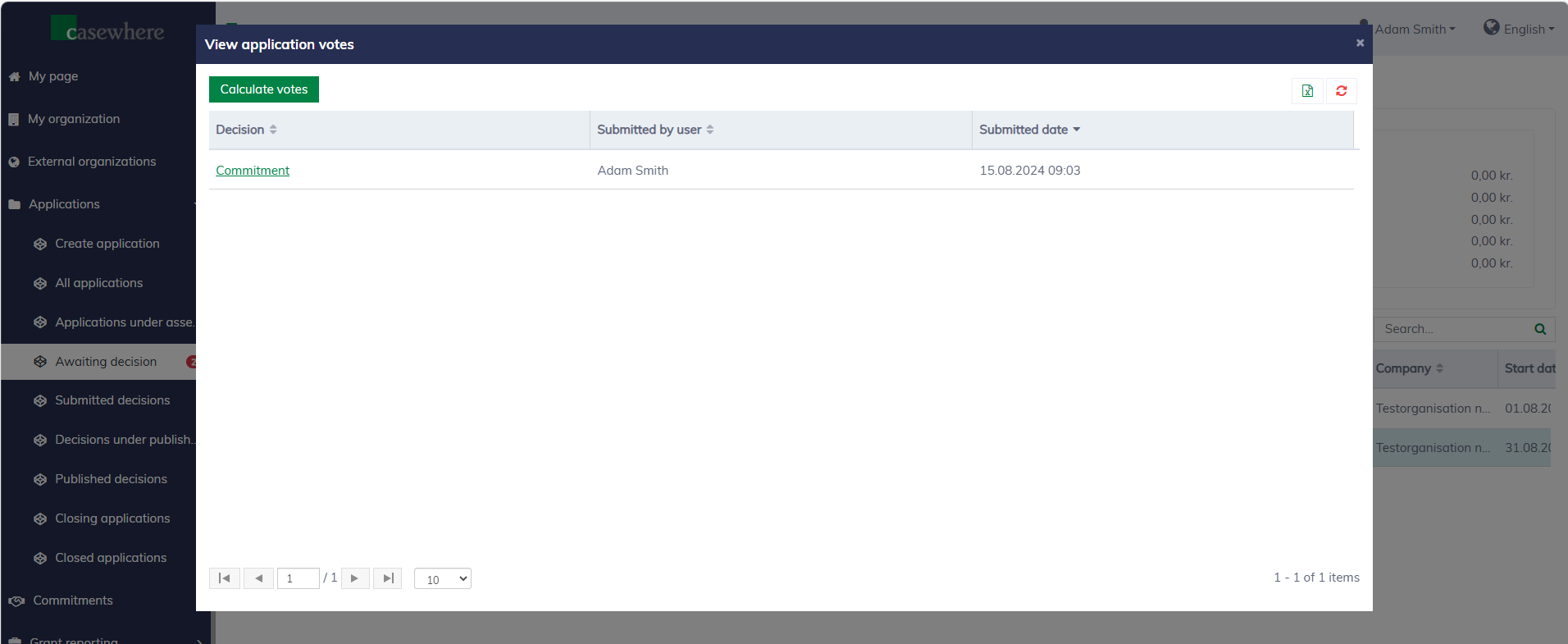
You can click on the votes to see voting details for an application.