Communication
The solution includes an internal messaging system designed to streamline communication between applicants and caseworkers. Notifications can be dispatched through various channels to keep users informed of ongoing developments. Additionally, formal letters conveying critical information can be sent to physical or electronic mailboxes using various technologies.
Internal messages
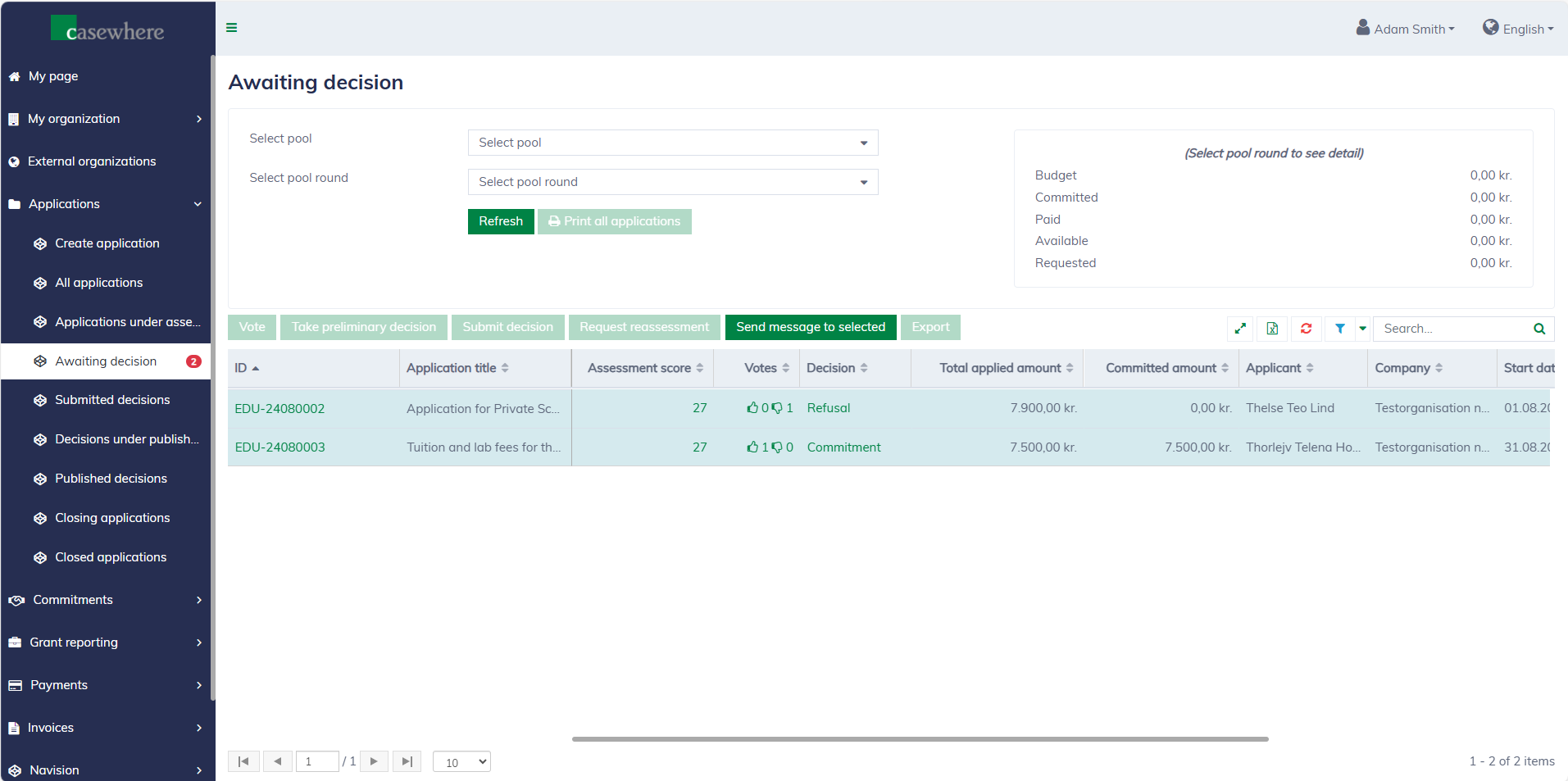
Internal messages are accessible from the user's "My page" and in the application log, both for internal and external users.
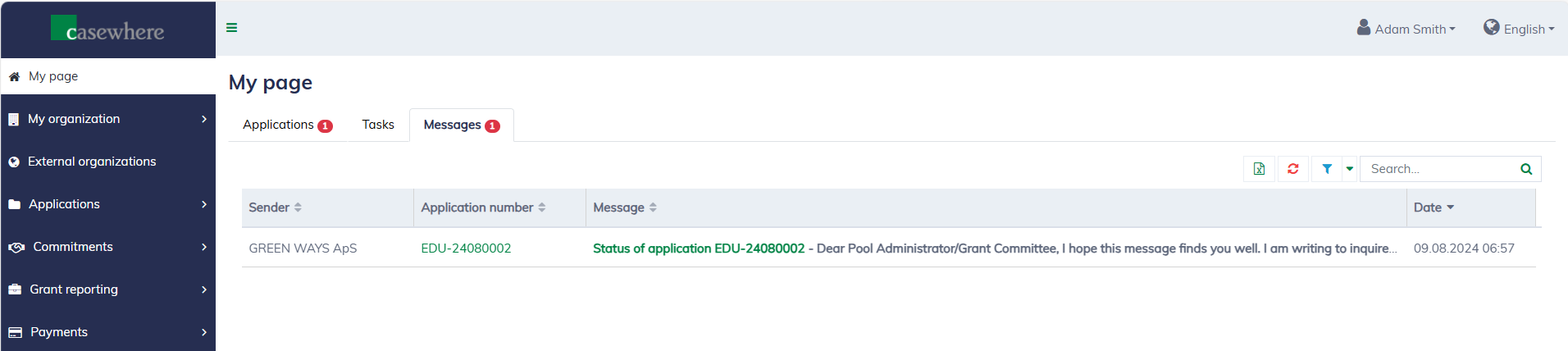
It's easy to read, follow up and reply to messages.
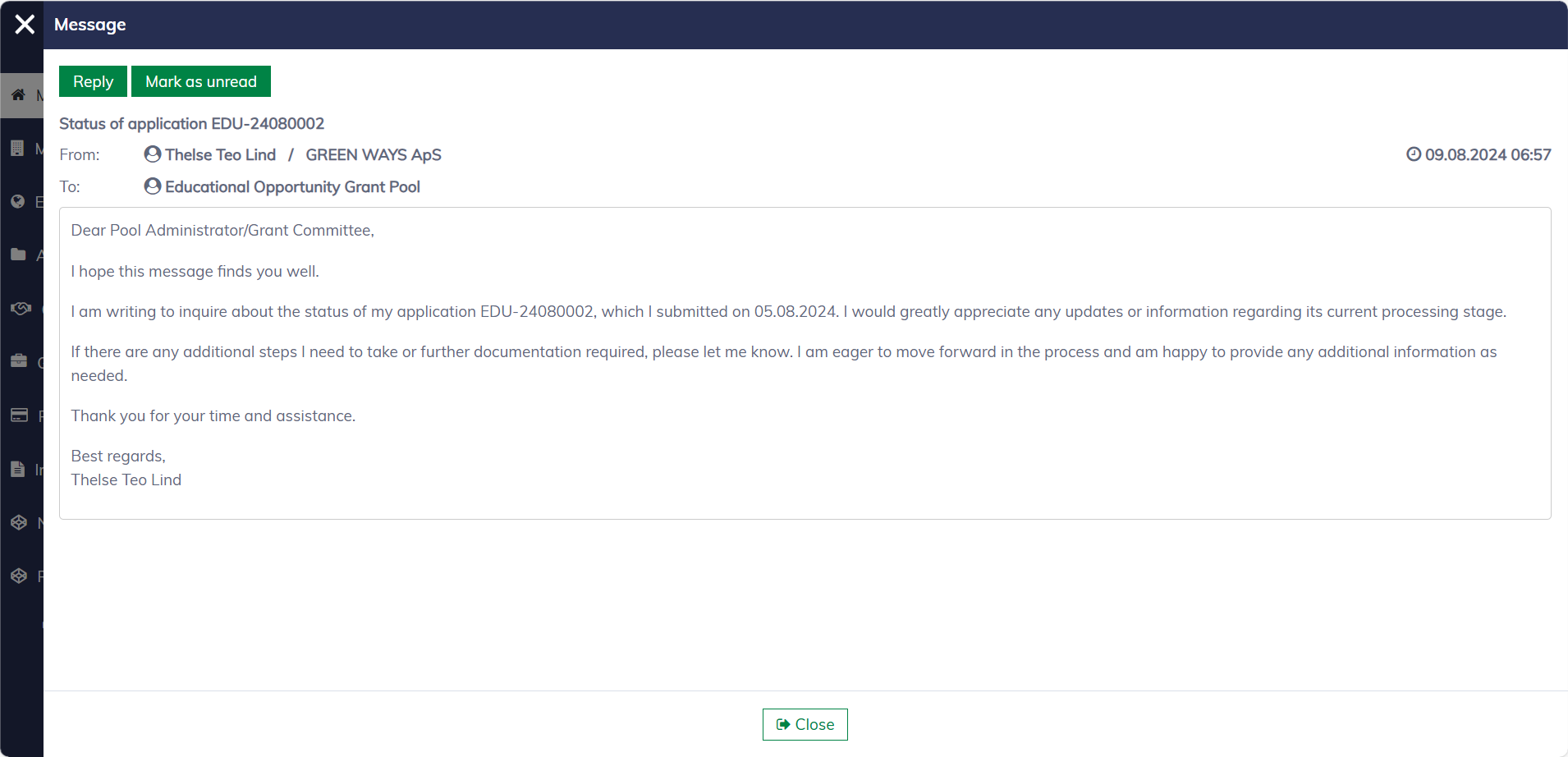
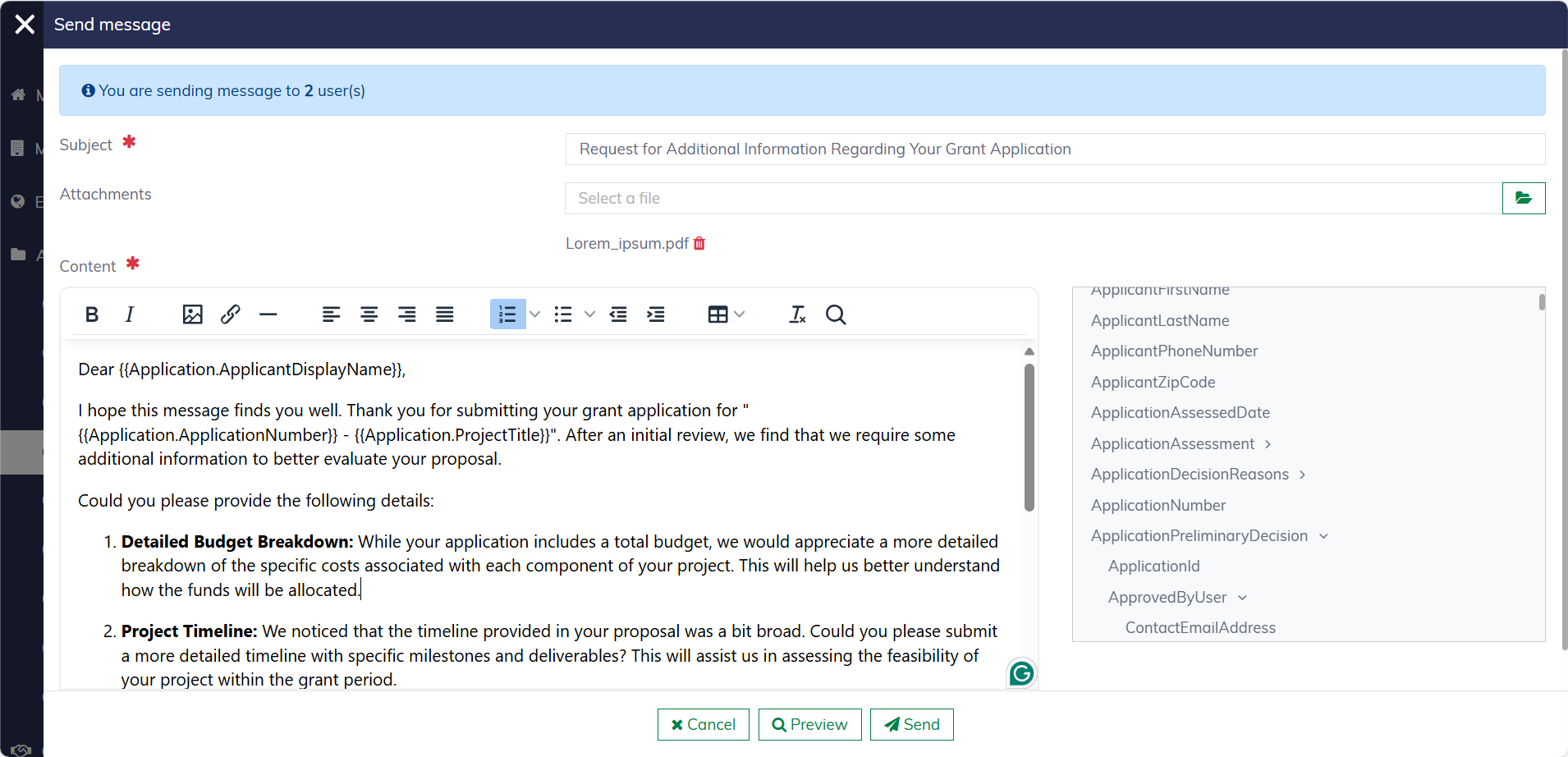
You can send messages from anywhere within the system and to multiple recipients simultaneously. In any application list, select the applications and then click "Send message to selected".
You can personalize messages using merge fields, which is especially useful when targeting multiple recipients. Additionally, you can upload files and preview the message before sending it.
Notifications
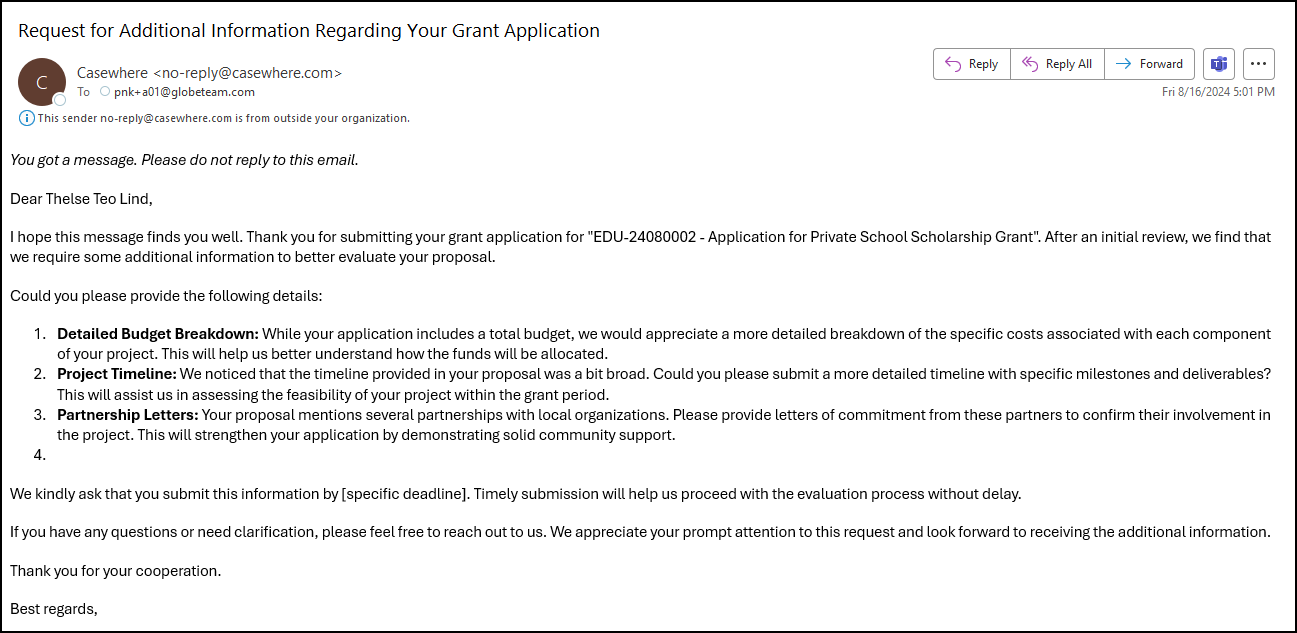
Depending on the pool setup, users will typically be notified when messages are sent to them. The notification template and delivery method are determined by the pool configuration. Below is an example of what an email notification might look like:
Formal letters
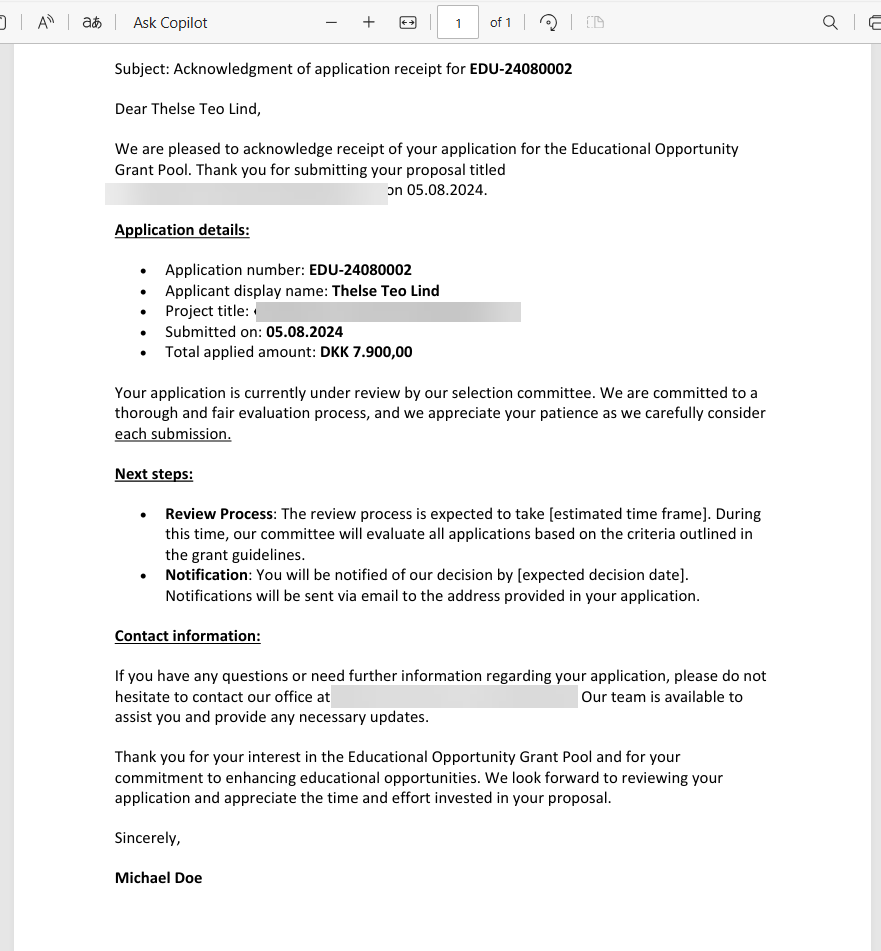
Formal letters are used to communicate crucial information, such as application receipts, decision letters, payment notifications, and invoices. These letters can be sent to both digital and physical mailboxes, depending on how the solution is deployed and configured.
All letters can be found under the "Documents" tab in the application dialog.
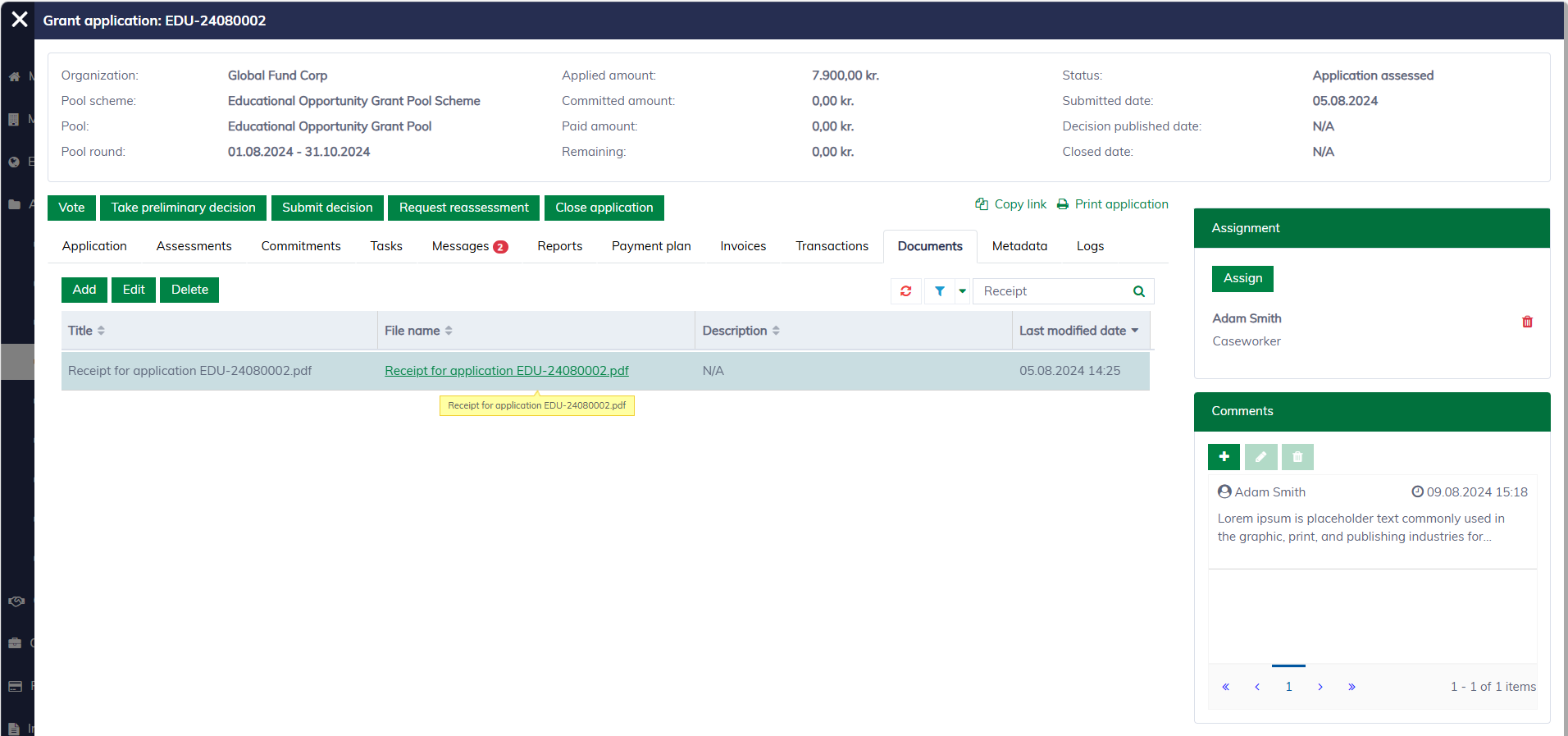
A letter is generated as a PDF file, specifically formatted and optimized for printing. This ensures that the document maintains its layout and design, regardless of the device or platform used to view or print it. Additionally, PDFs are easily archived and can be securely shared, ensuring the integrity and authenticity of the document.