My organizations
A caseworker can browse and view all schemes, pools, and documents within his organization. This access provides caseworkers with more information and flexibility to perform their tasks effectively.
Pool schemes
Navigate to "My organizations / Pool schemes" to access the pool schemes managed by your organizations.
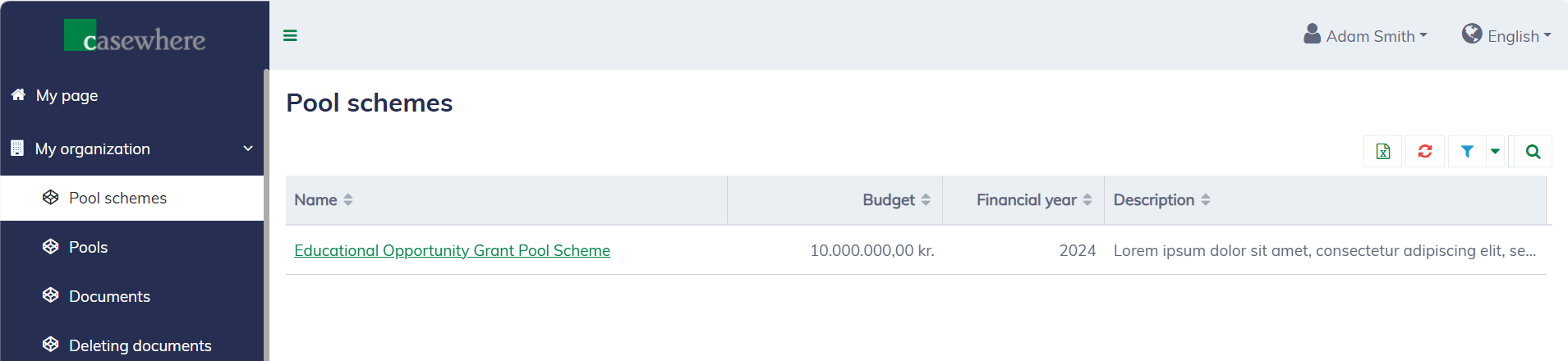
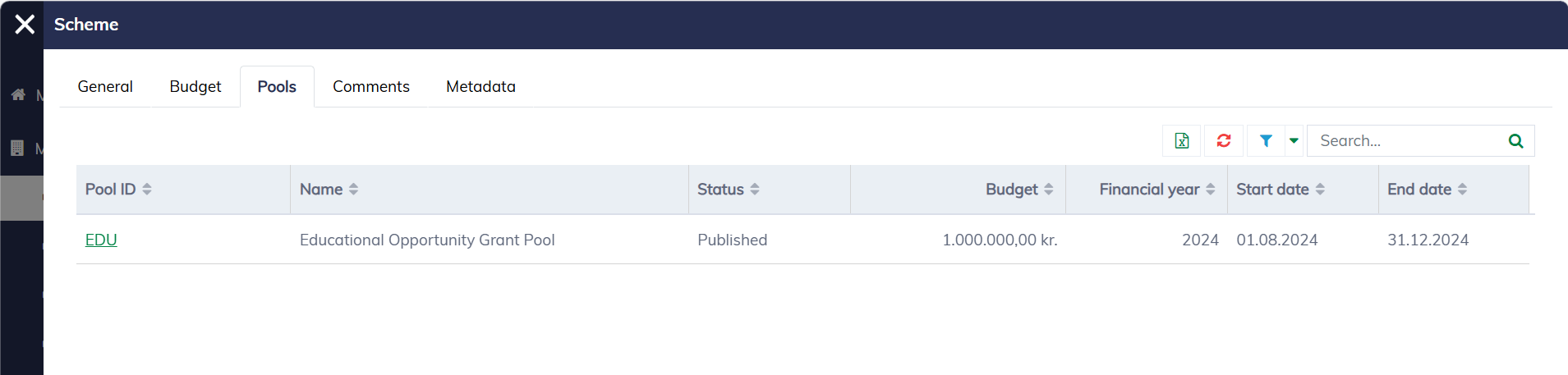
Click on the scheme name to view its details. In the pool scheme dialog that appears, you can read the description of the pool scheme, its allocated budget, the assigned pools, and other relevant information.
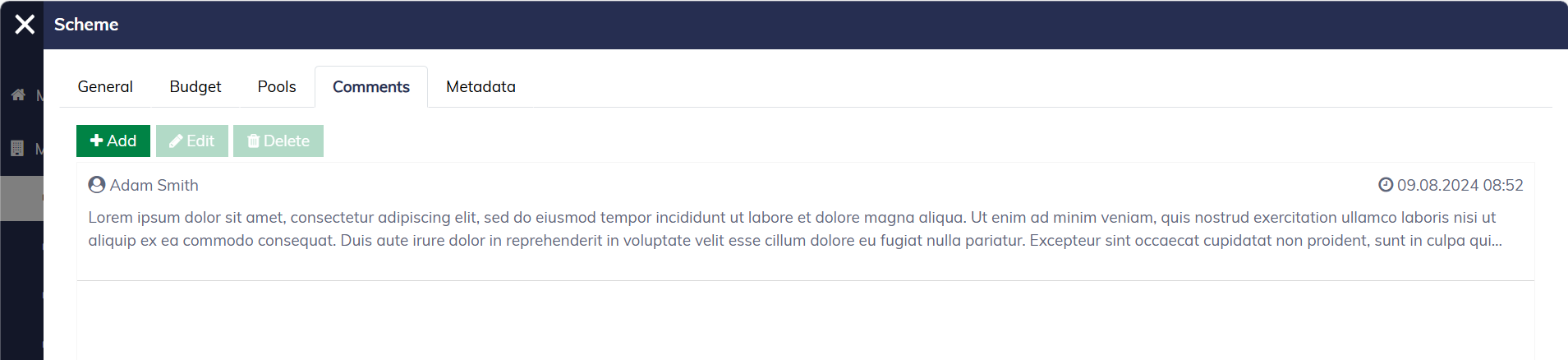
You can also comment on the pool scheme if needed.
Pools
Navigate to "My organizations / Pools" to access the pools managed by your organizations.
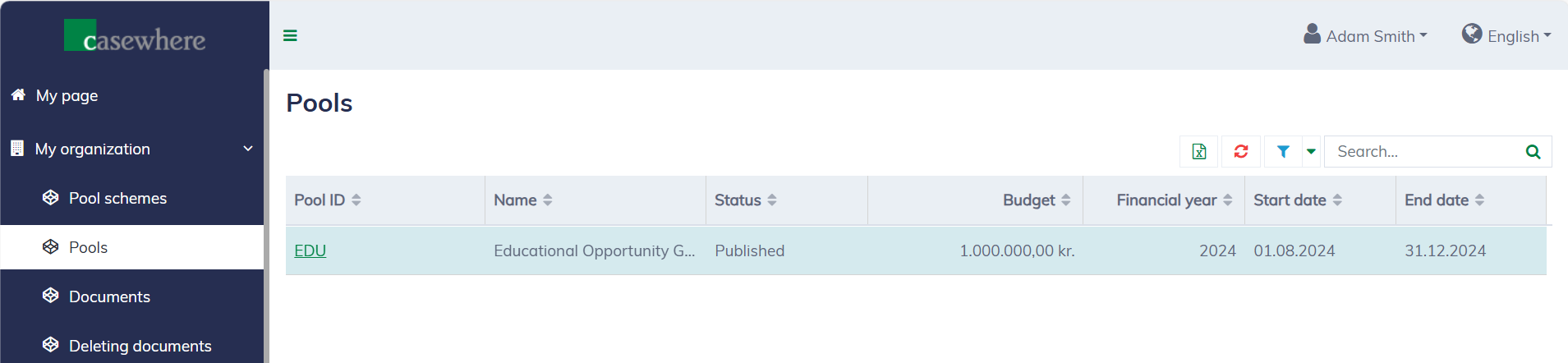
Click on the pool ID to view its details. In the pool dialog that appears, you can read the description of the pool, its allocated budget, the available pool rounds, documents and other relevant information.
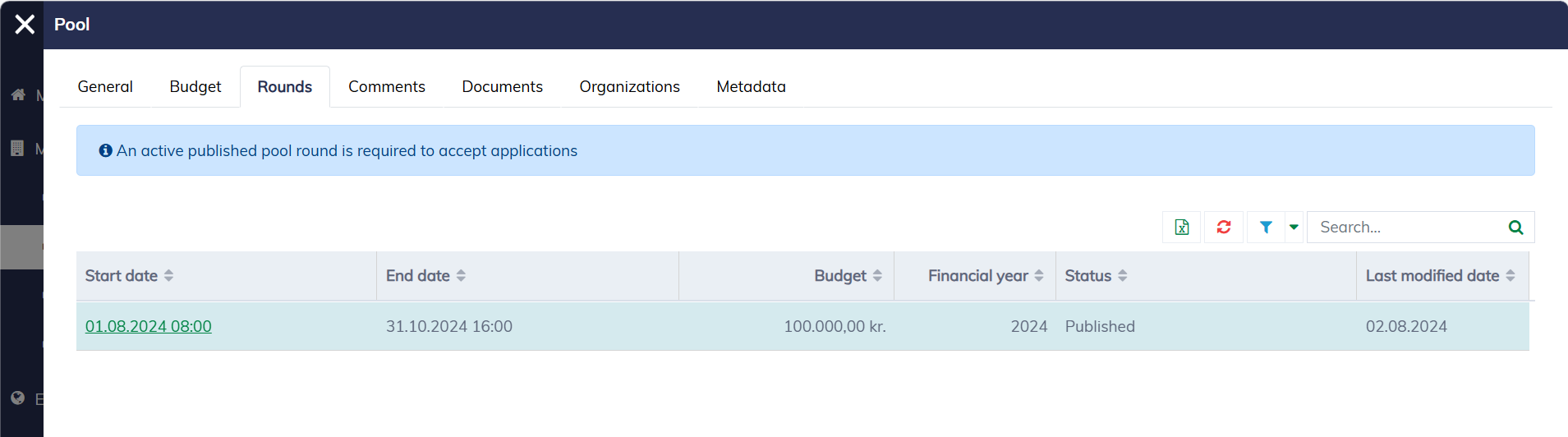
You can also comment on the pool if needed.

Documents
All documents submitted by applicants or created during the application process can be found under "My Organizations / Documents". To download a document, you can click simply on the "File name".
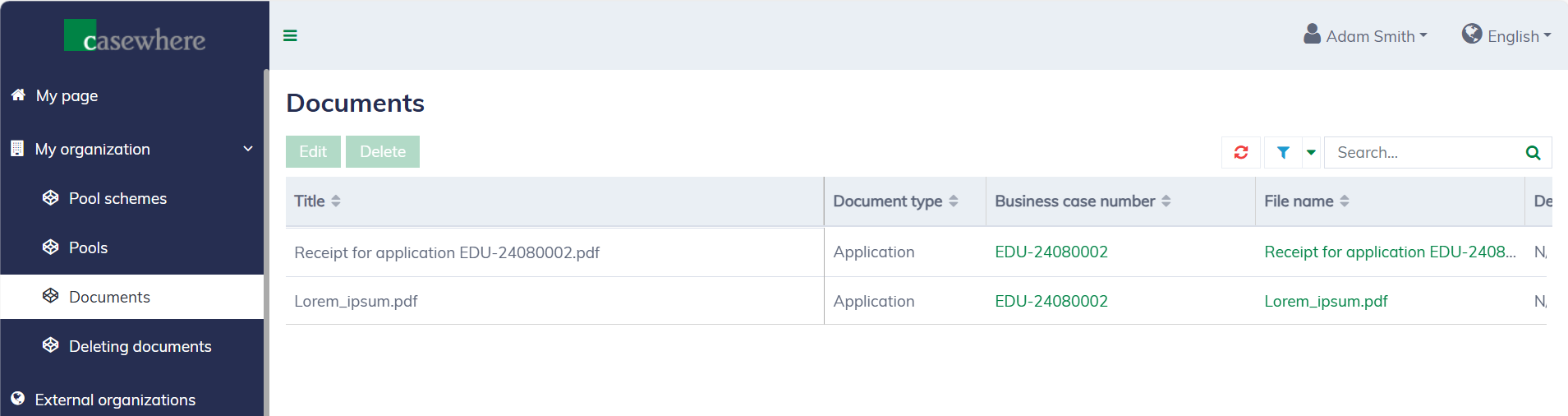
Here, you can easily locate documents for a specific application, input document descriptions, adjust the document access level, and more.
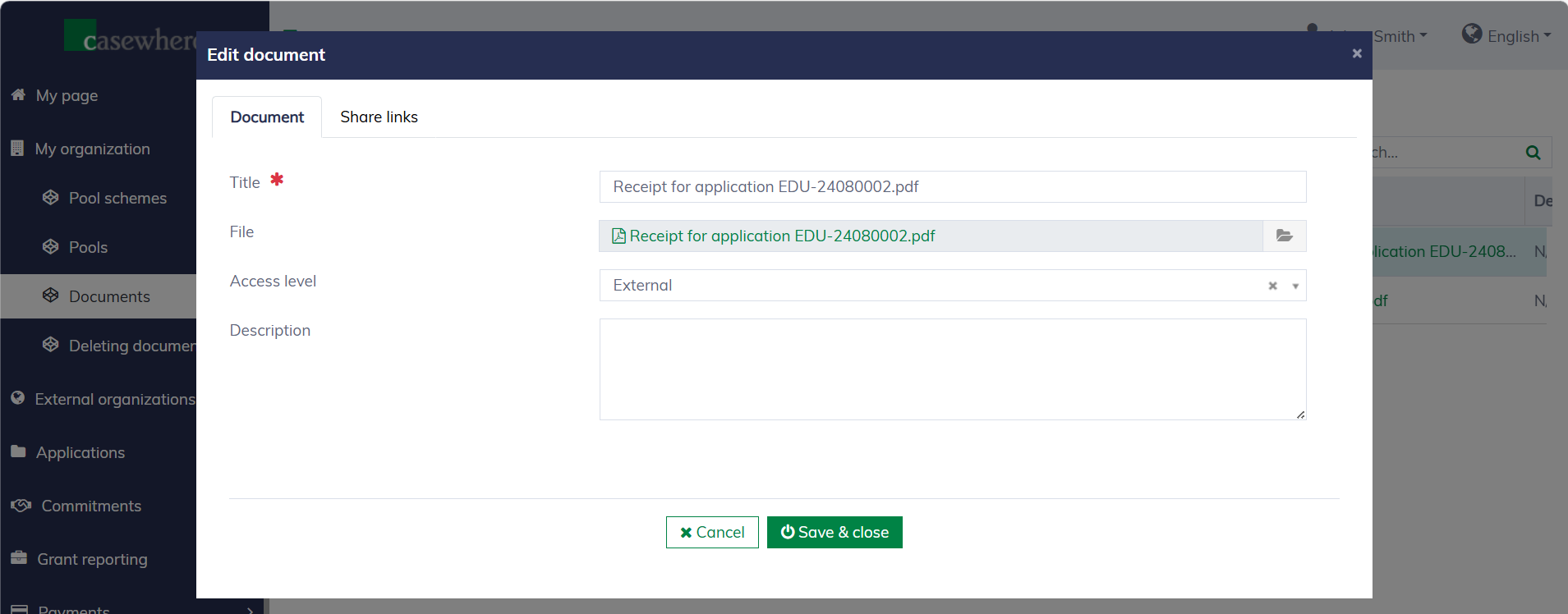
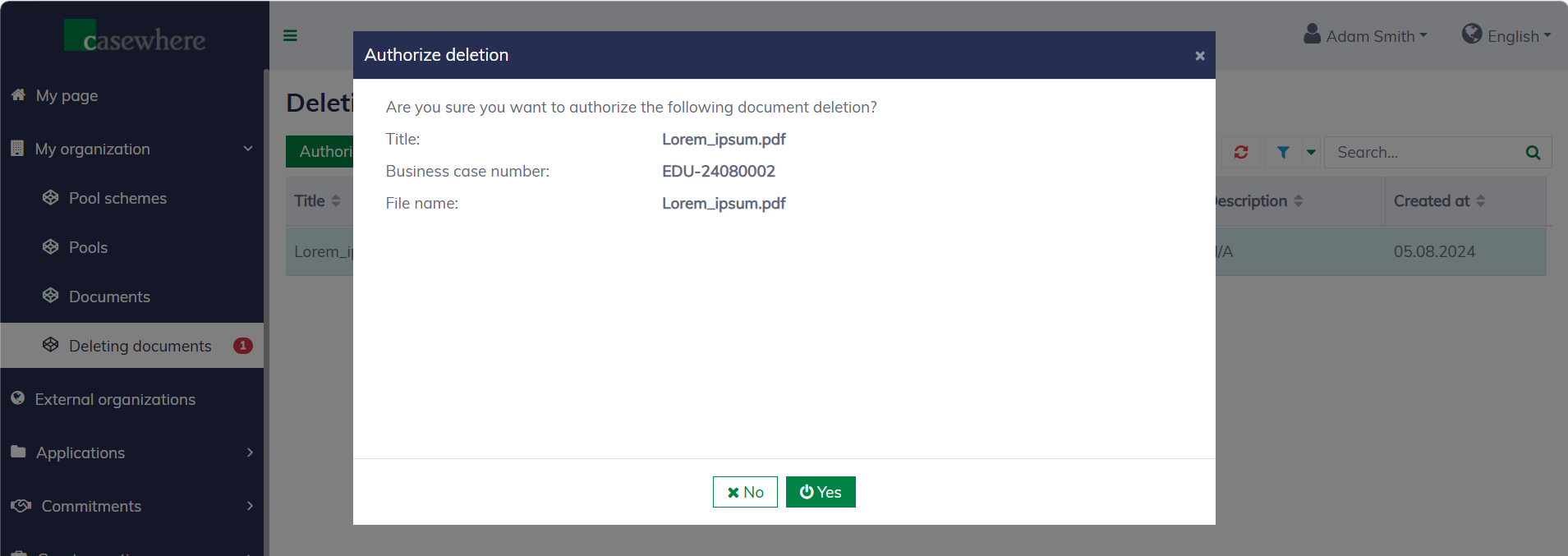
The solution requires dual approval for deleting documents. All deleting documents will appear under "My organizations / Deleting documents" awaiting authorization.
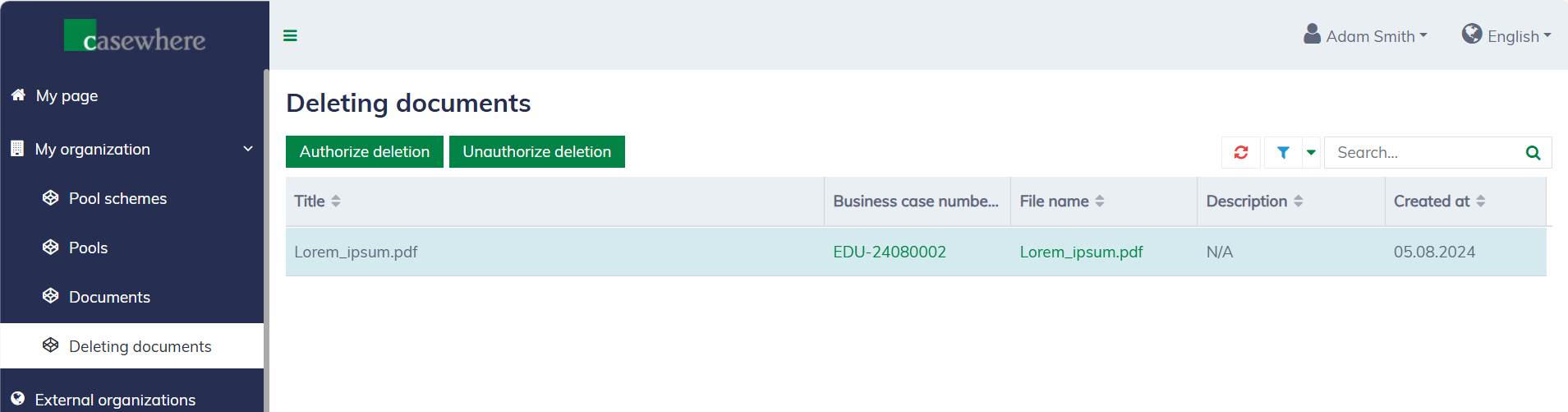
Only caseworkers with specific permissions are allowed to authorize document deletion.