Authorize payments
All payment executions must be authorized by another caseworker with the appropriate permissions. Individuals are not allowed to authorize payments they have executed themselves.
Executing payments
All payments pending authorization can be found under "Payments / Executing payments".
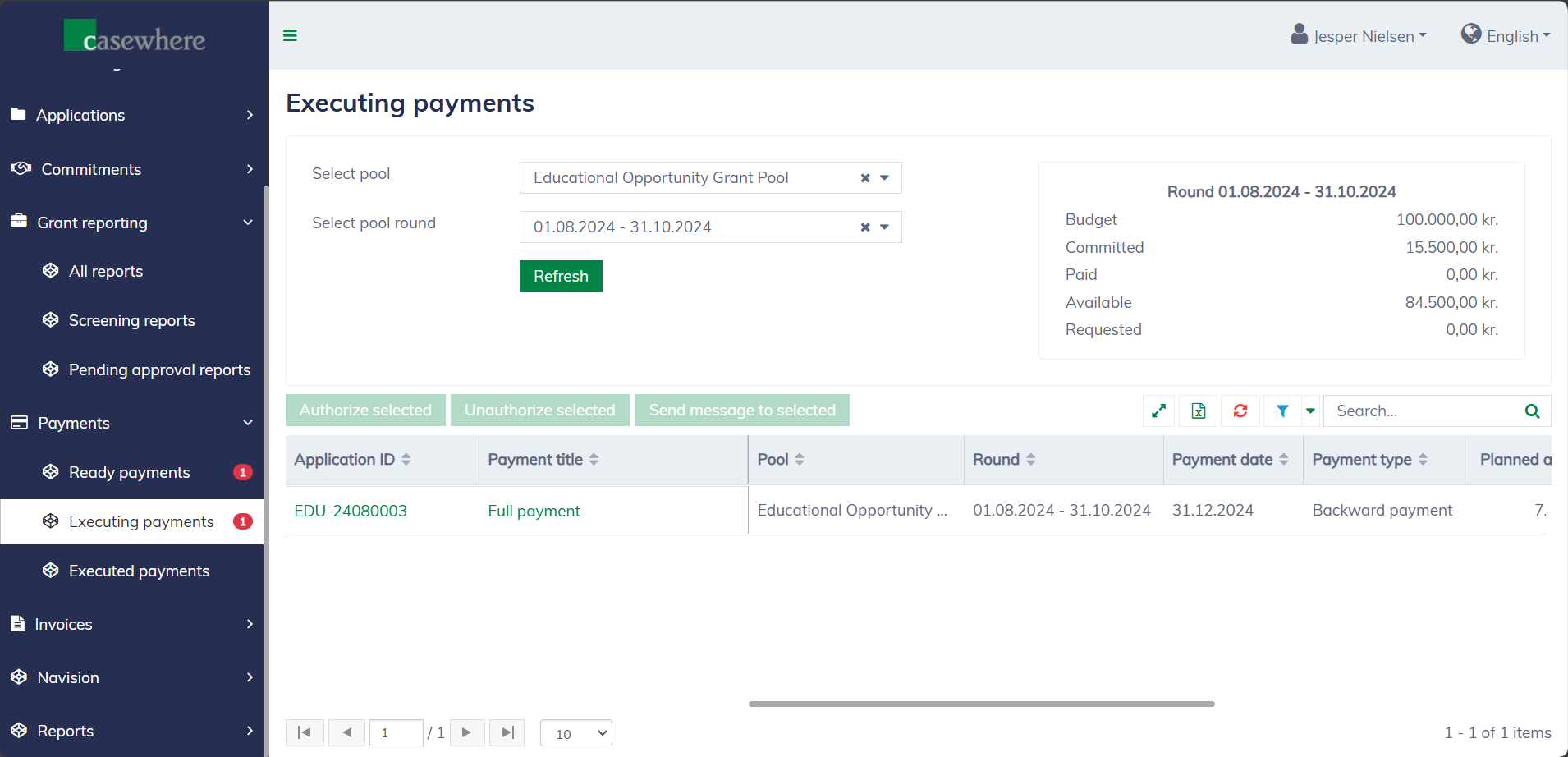
You can filter payments by their pools and pool rounds. Like any standard list, you can filter, search, and sort by various other criteria to streamline your payment process.
Authorize payments
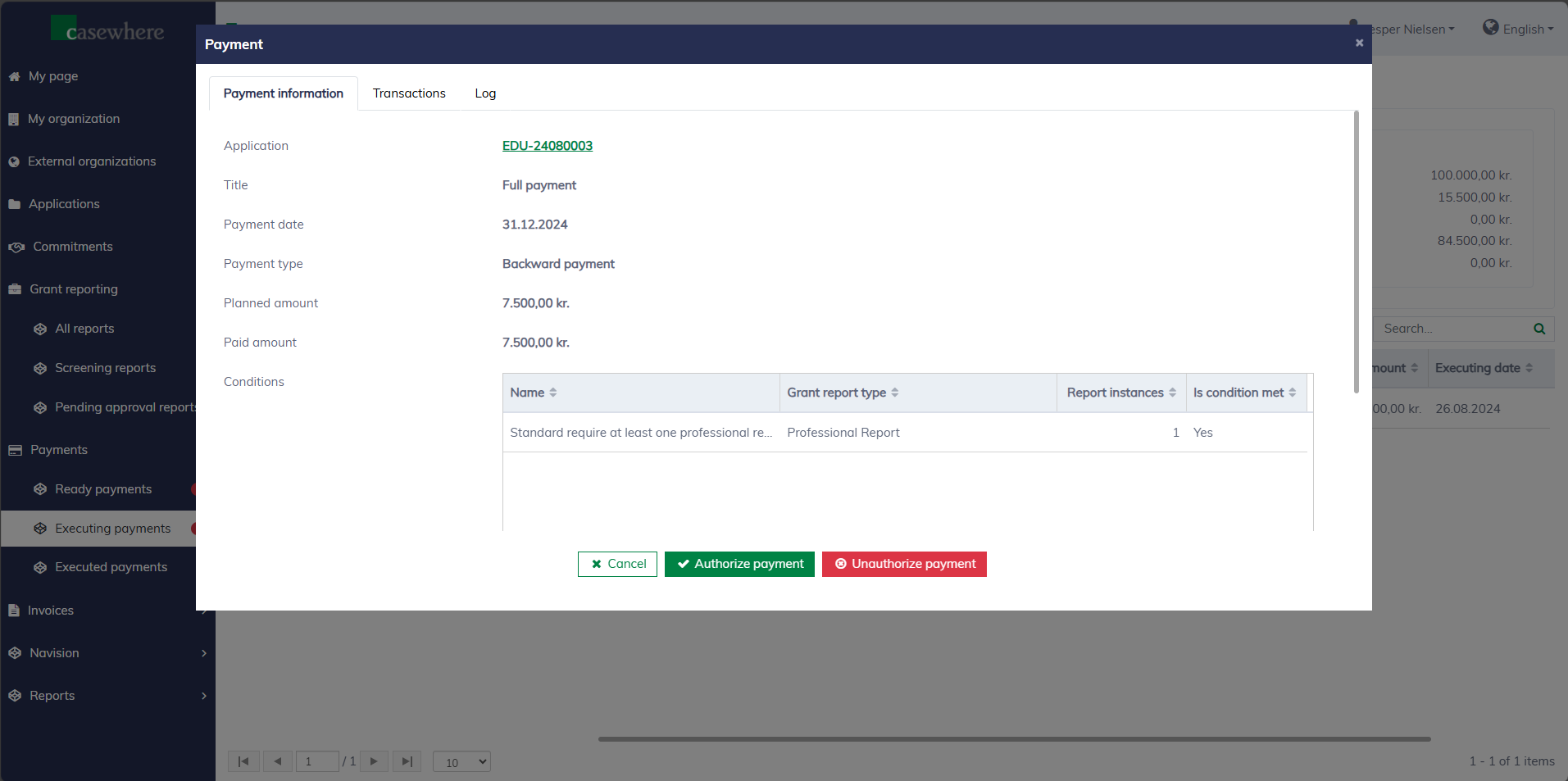
You can authorize payment directly from the payment dialog:
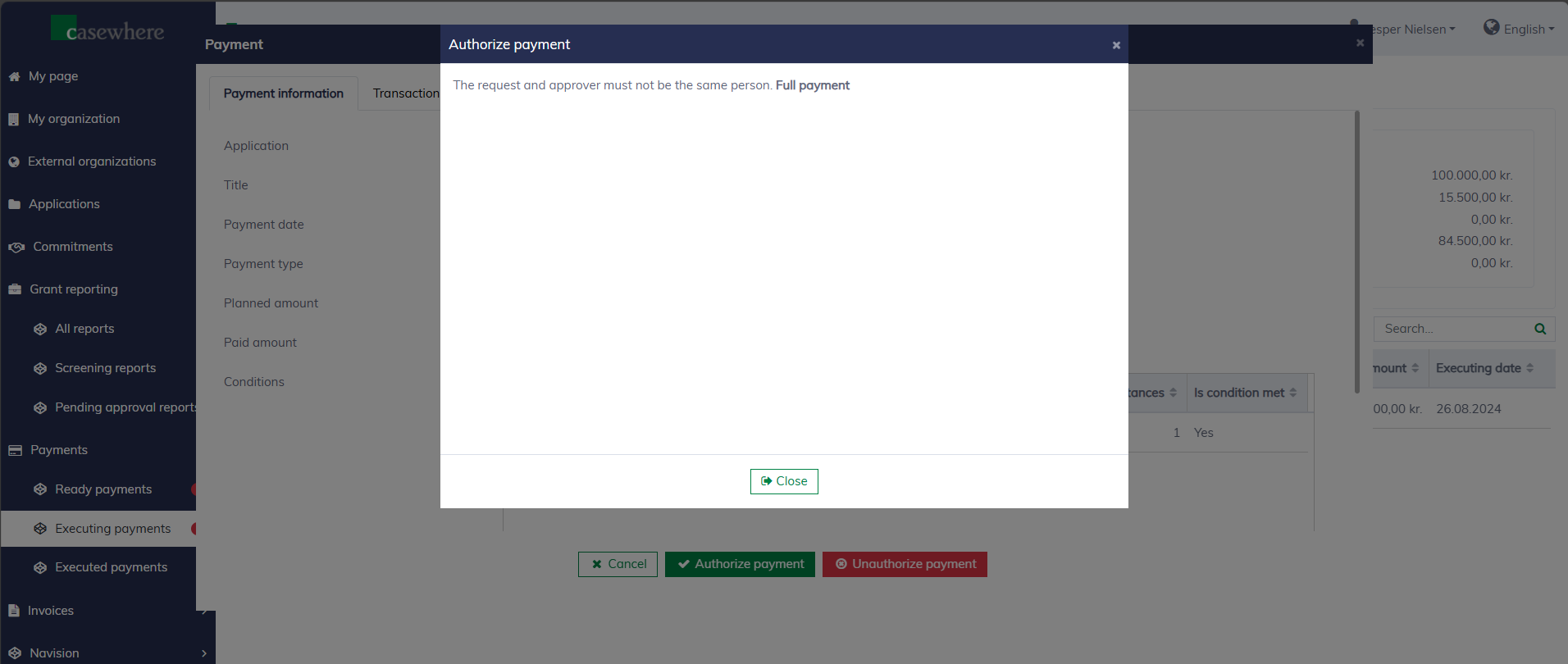
The system makes it very clear that caseworkers are not allowed to authorize their executed payments.
It's also possible to select multiple payments and authorize them at once.
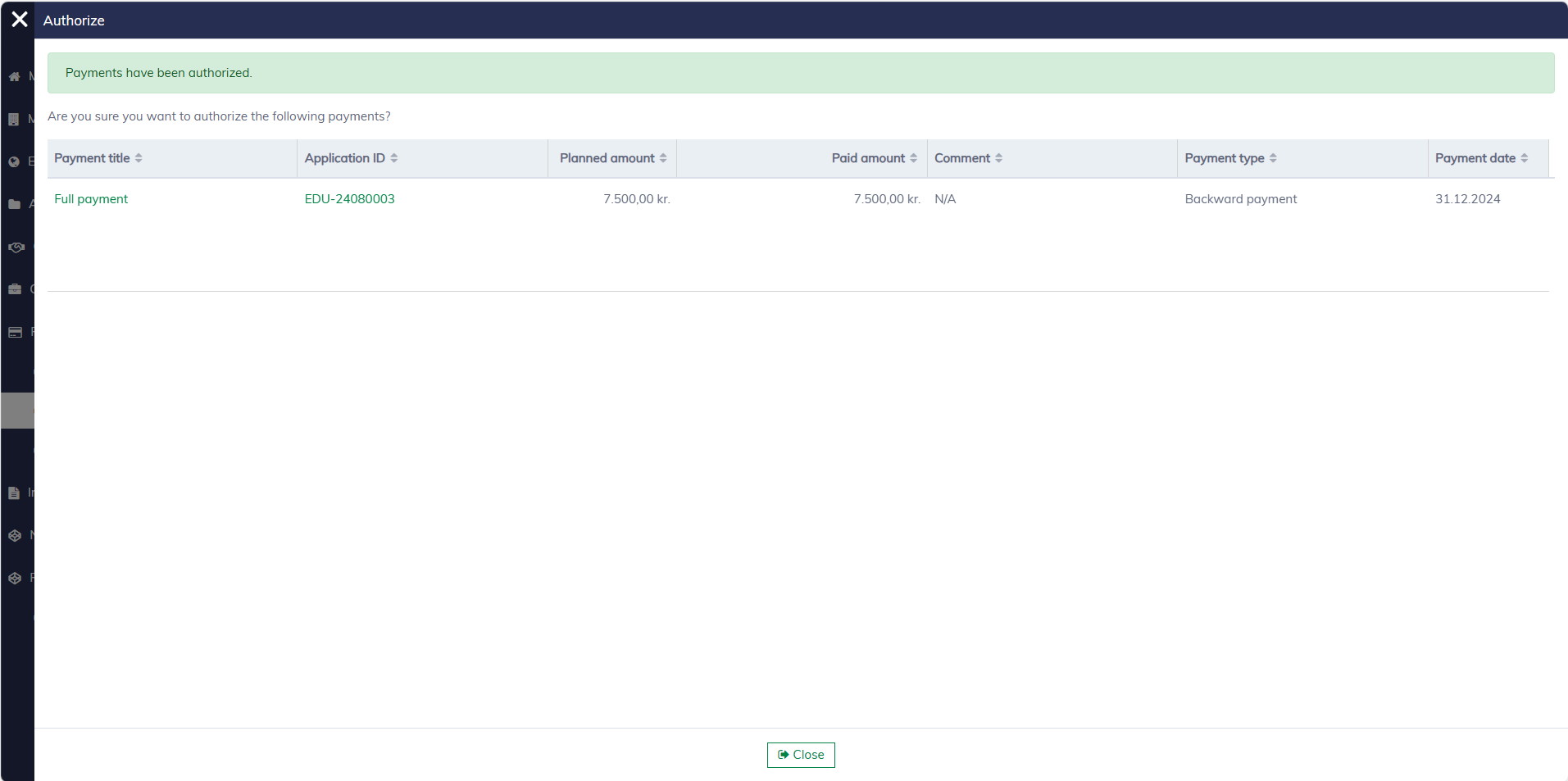
After authorization, the payment will appear in the "Payments / Executed payments".
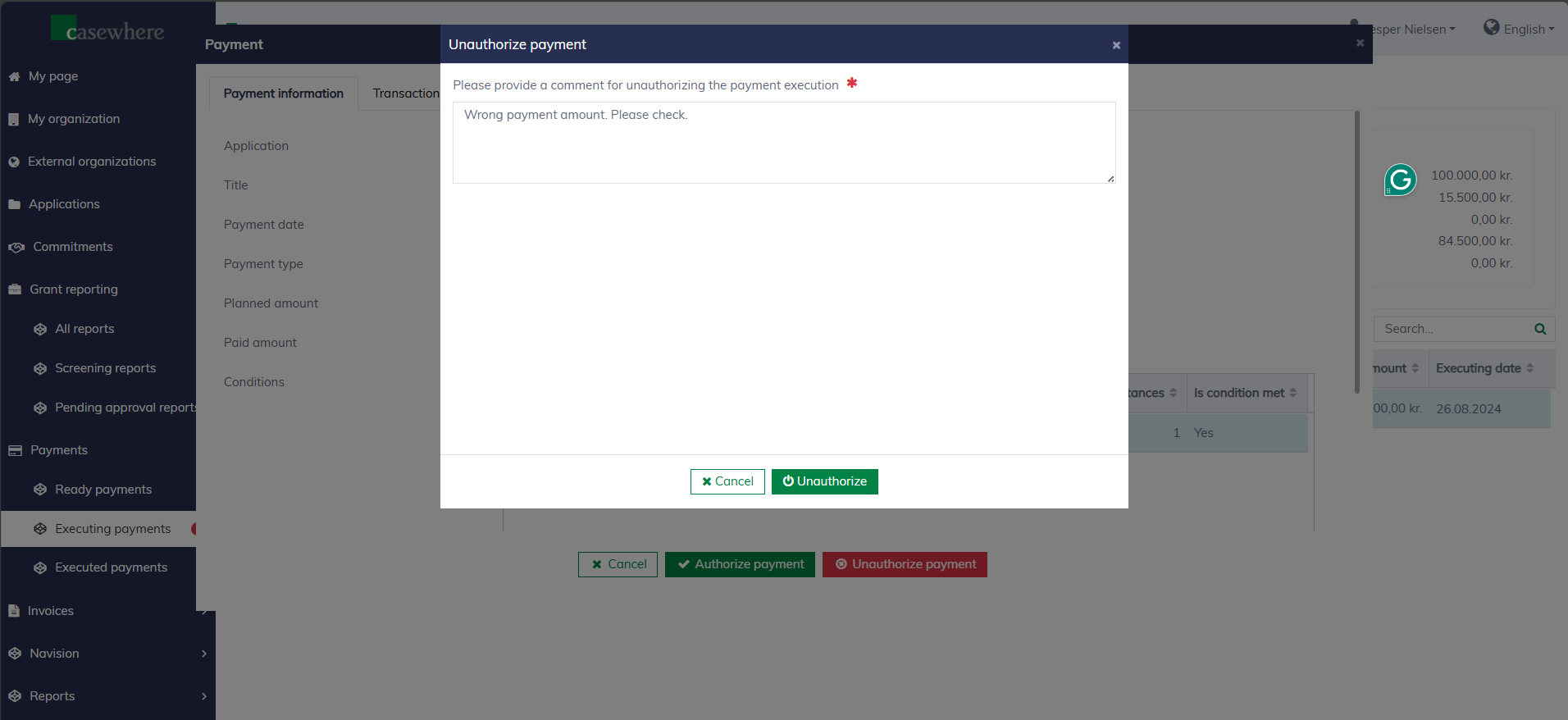
Unauthorize payments
A comment is required when a payment is unauthorized. The payment will then be moved back to "Ready to pay".