Cancel commitments
Commitments may be canceled for various reasons, such as applicants being unable to continue their projects or violations of commitment conditions. When a commitment is canceled, the process will vary depending on the type of cancellation and whether payments have already been made.
Cancel commitments
Approved commitments can be canceled from various locations, such as the "All commitments" list and the commitment dialog. Please note that only caseworkers with specific permissions can cancel commitments.
You must complete the following form to request the cancellation of a commitment.
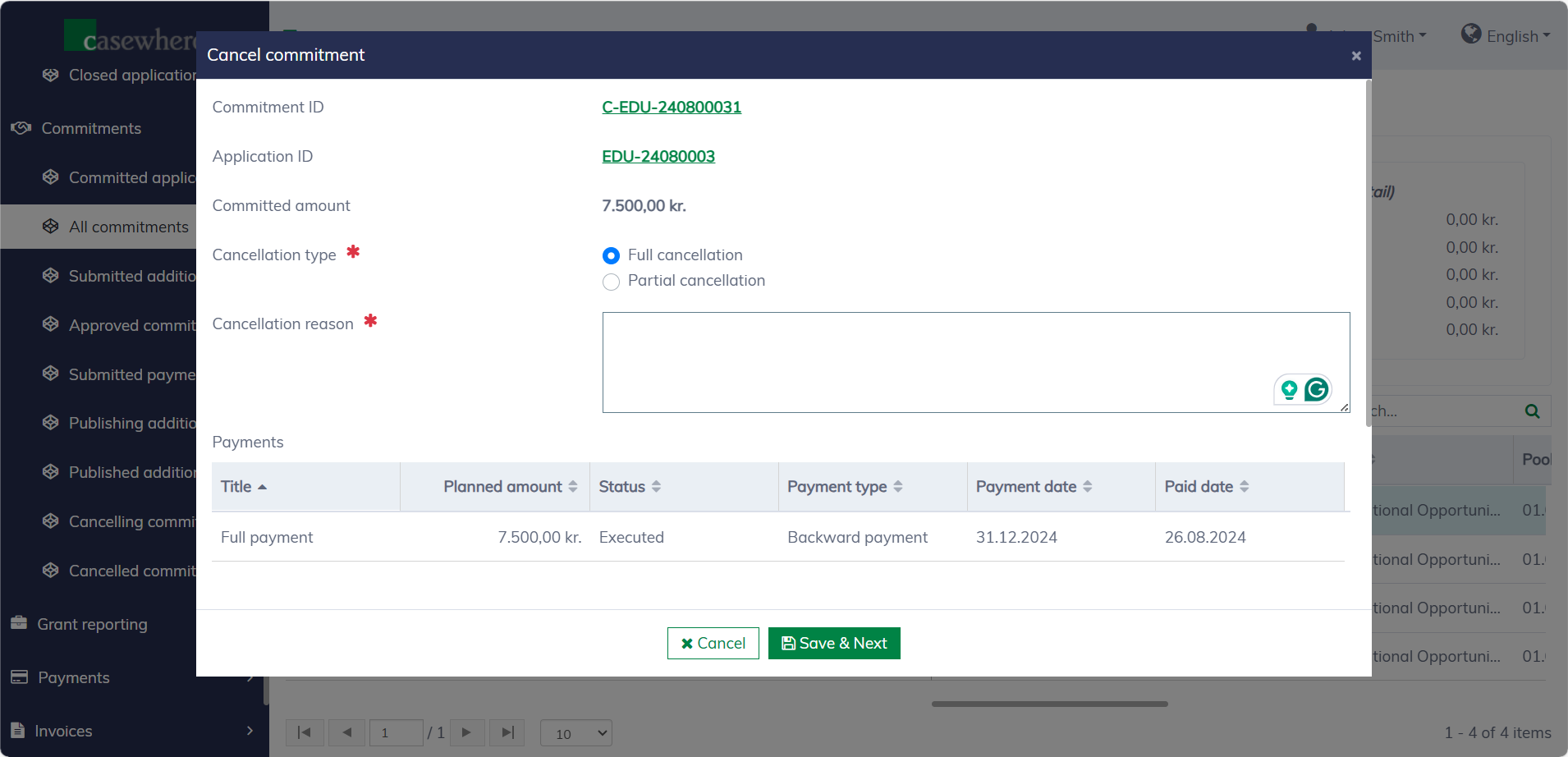
The following fields are needed when canceling a commitment:
| Field name | Mandatory | Description |
|---|---|---|
| Cancellation type | Yes | "Full cancellation" will demand repayment for all disbursed amounts, while "Partial cancellation" will only cancel the remaining funds, with no repayment needed. |
| Cancellation reason | Yes | To explain why the cancellation is needed. |
Click "Save & next" to submit the cancellation request. Another authorized caseworker must review and approve the cancellation for it to become effective.
Approve commitment cancellations
All commitment cancellation requests can be found under "Commitments / Cancelling commitments".
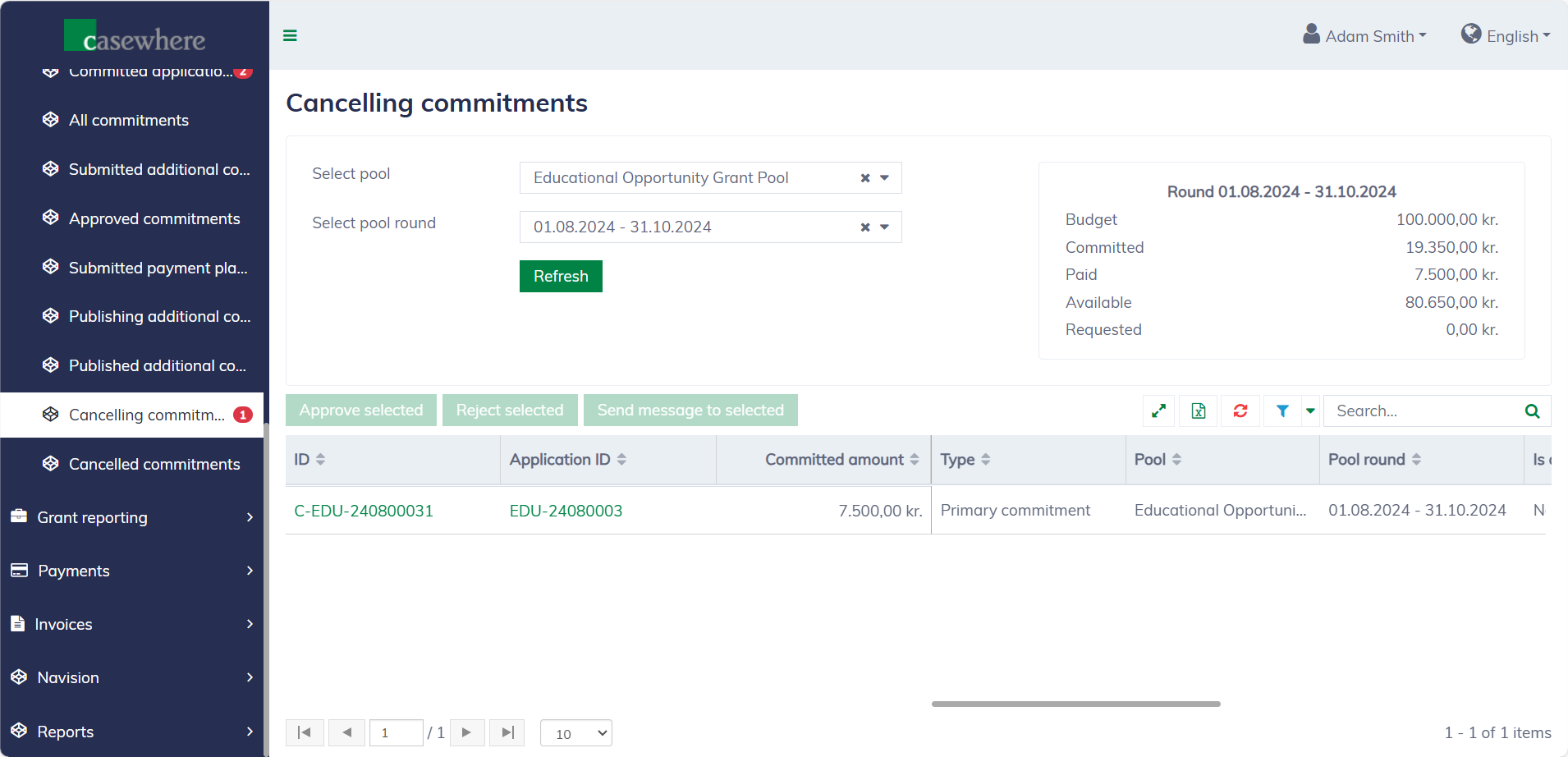
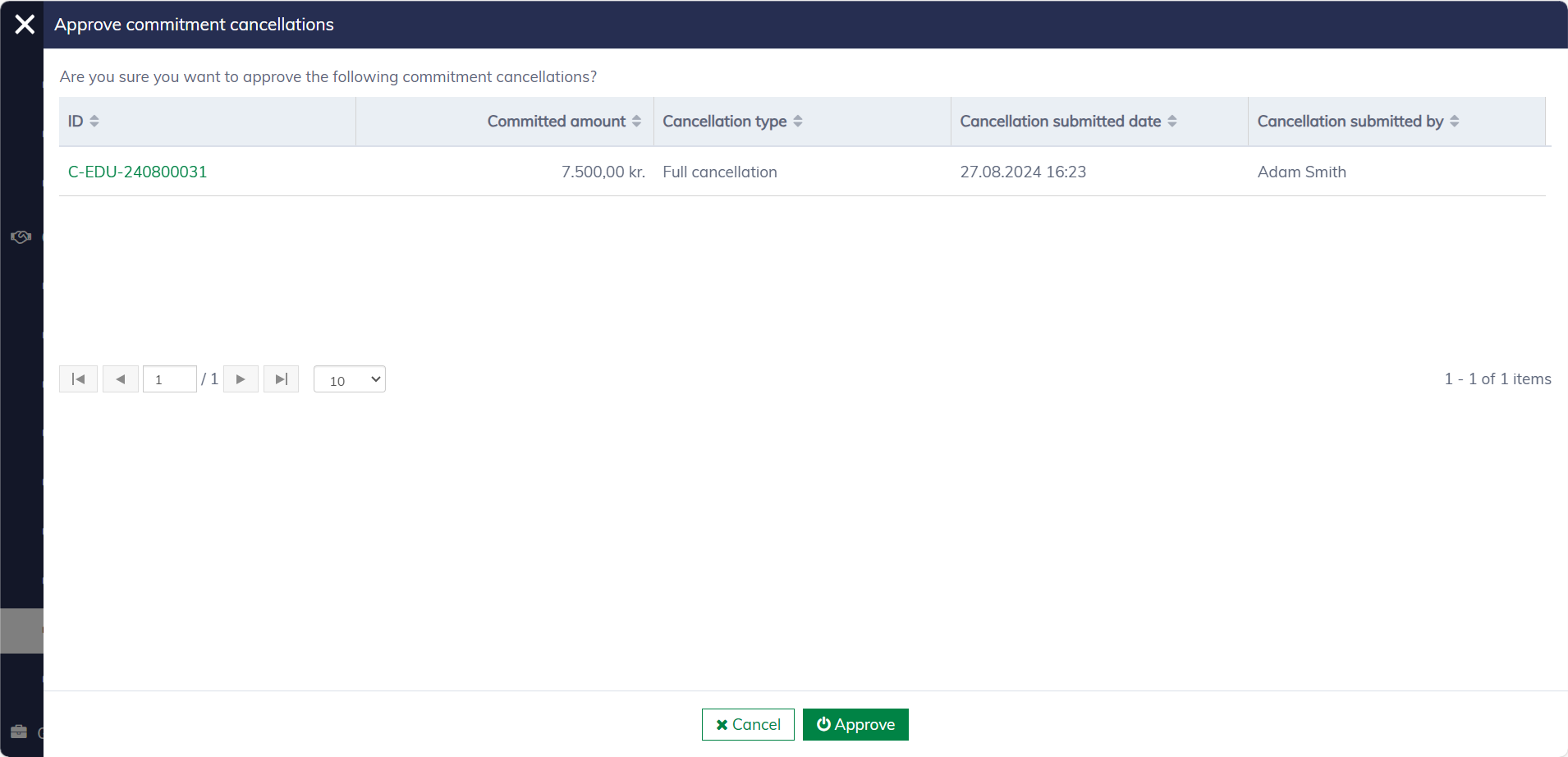
It's possible to select and approve multiple requests at once. Once approved, the commitments will be canceled, and repayment may be triggered, depending on the cancellation type and the payment status.
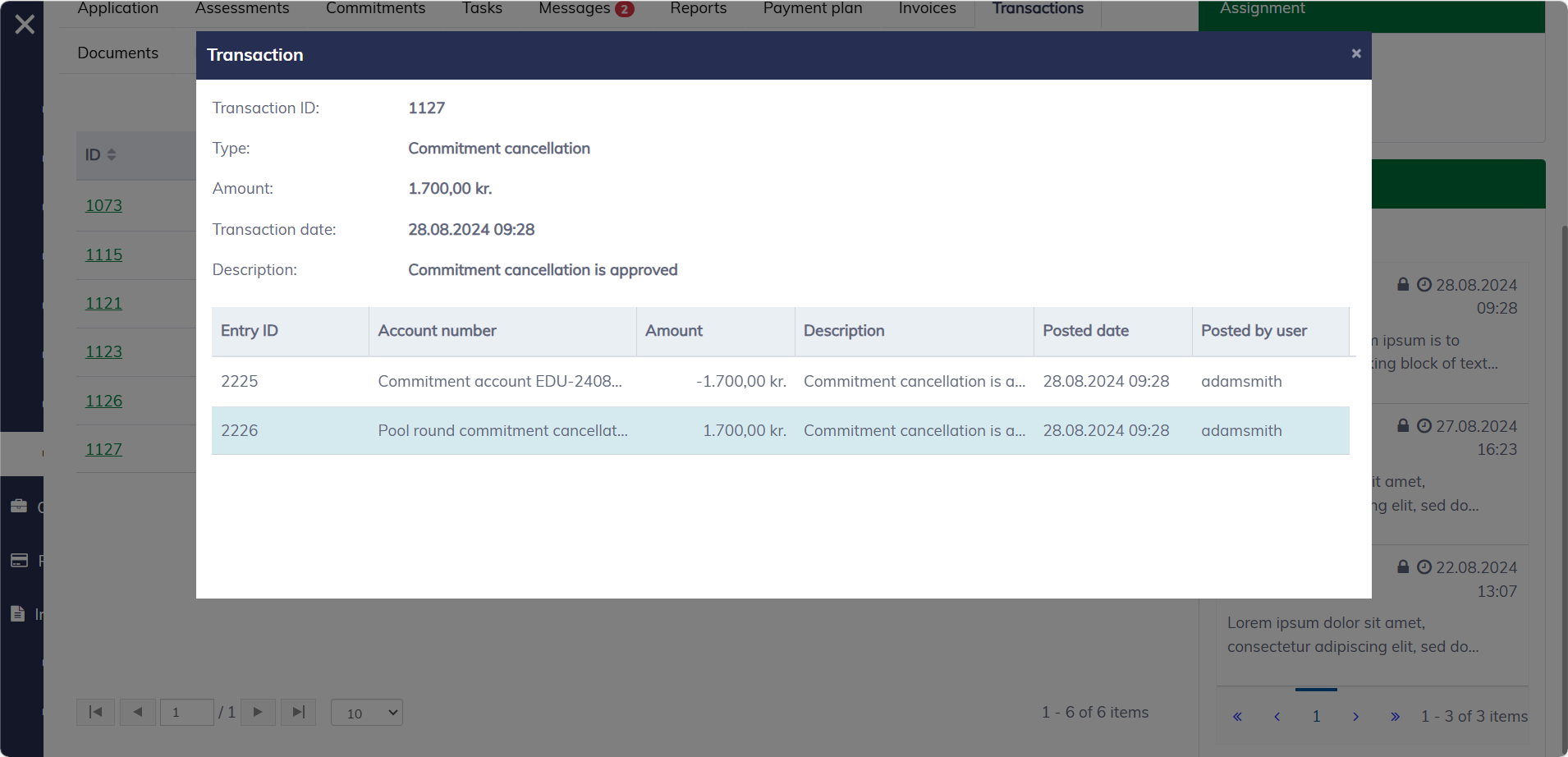
In the application or commitment dialog, navigate to the "Transactions" tab, and you can see a financial transaction that transfers the remaining funds back to the pool.
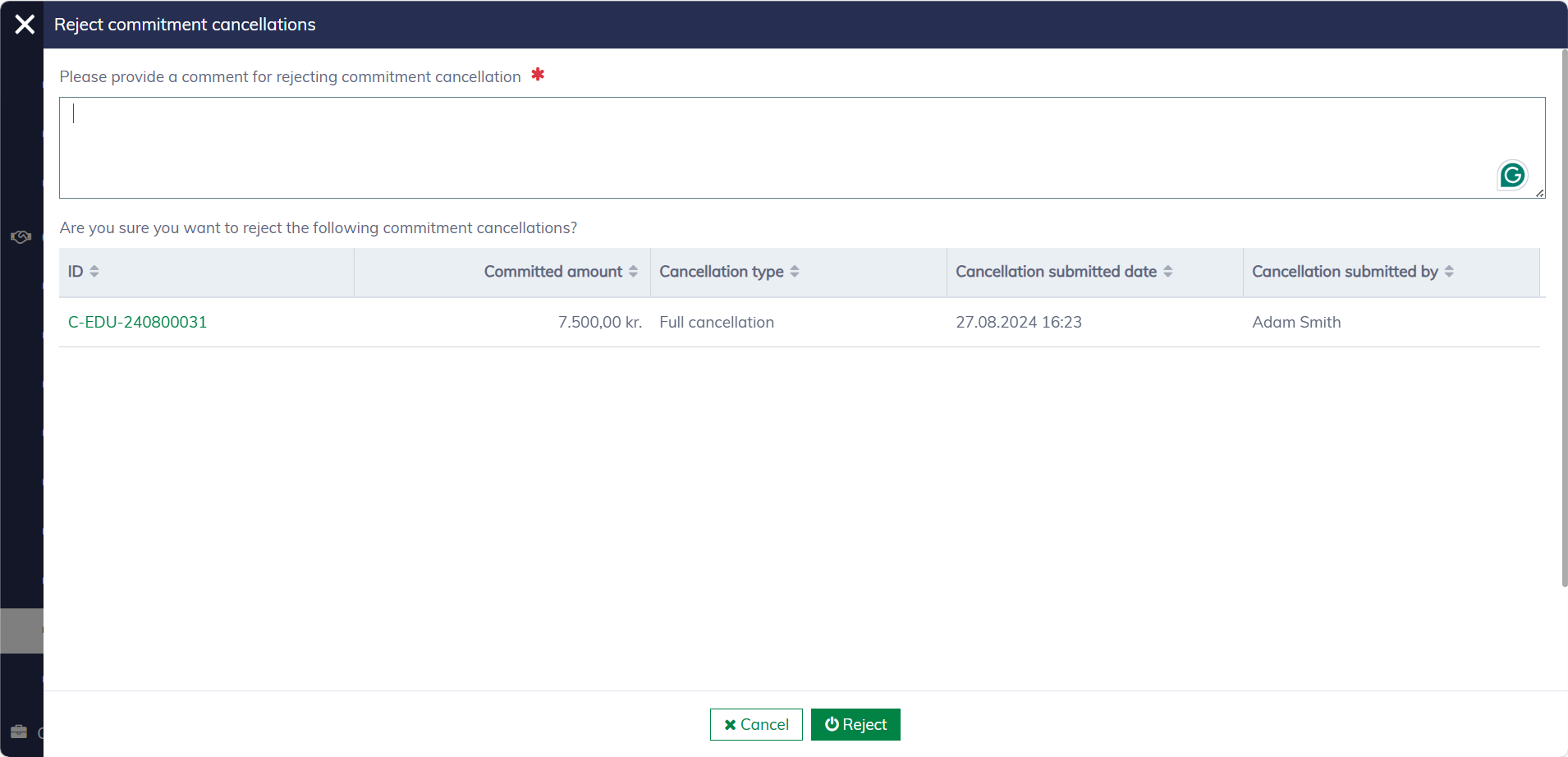
A comment is required for rejecting requests. Once a cancellation request is rejected, the commitment will revert to its original status.