Issue invoices
All approved invoices need to be issued so they can be sent to applicants for repayments.
Browse approved invoices
All approved invoices can be found under "Invoices / Approved invoices".
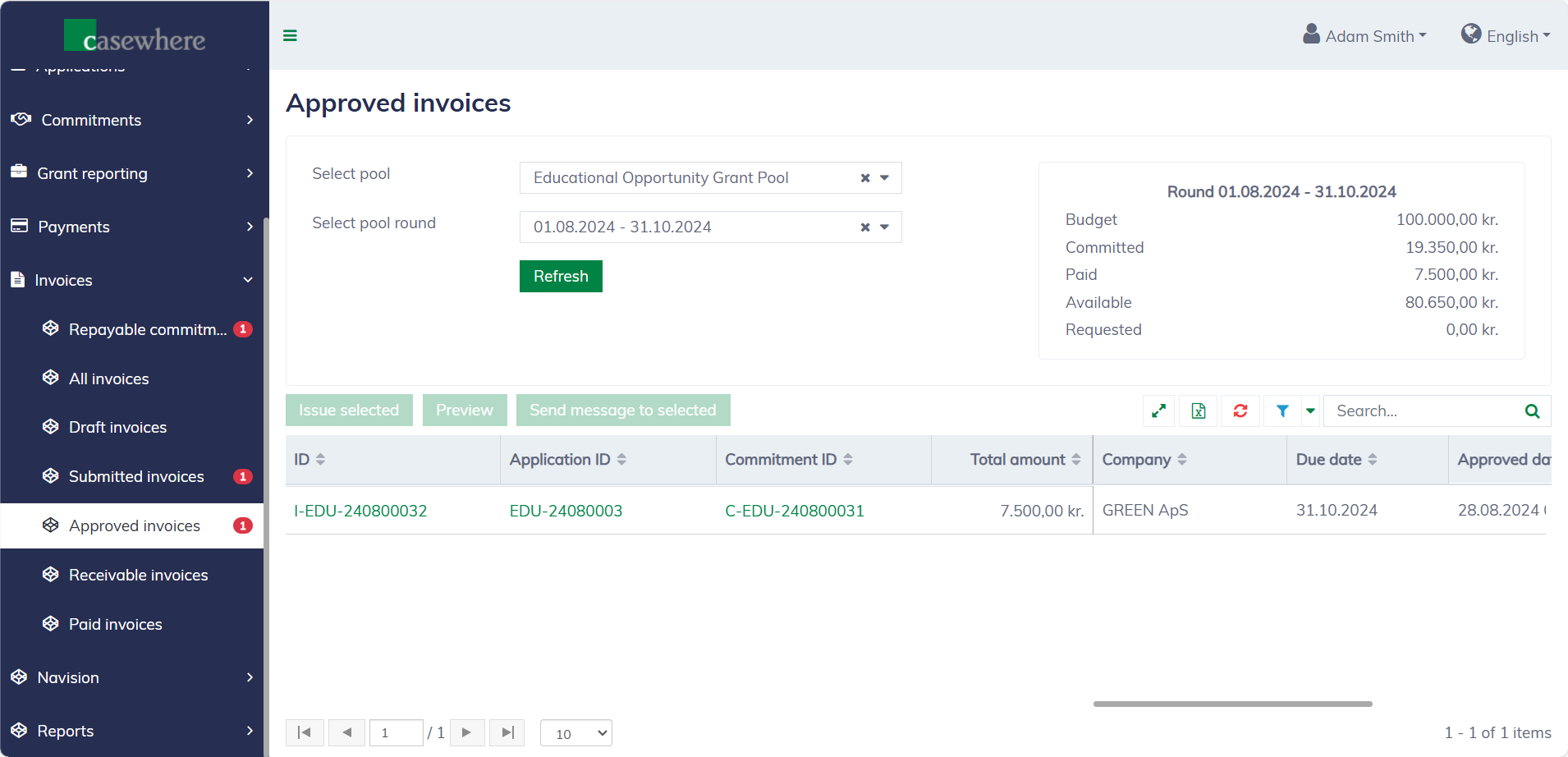
In this list, you can filter invoices by their pools and pool rounds. Like any standard list, you can also filter, search, and sort by various criteria.
Preview invoice letters
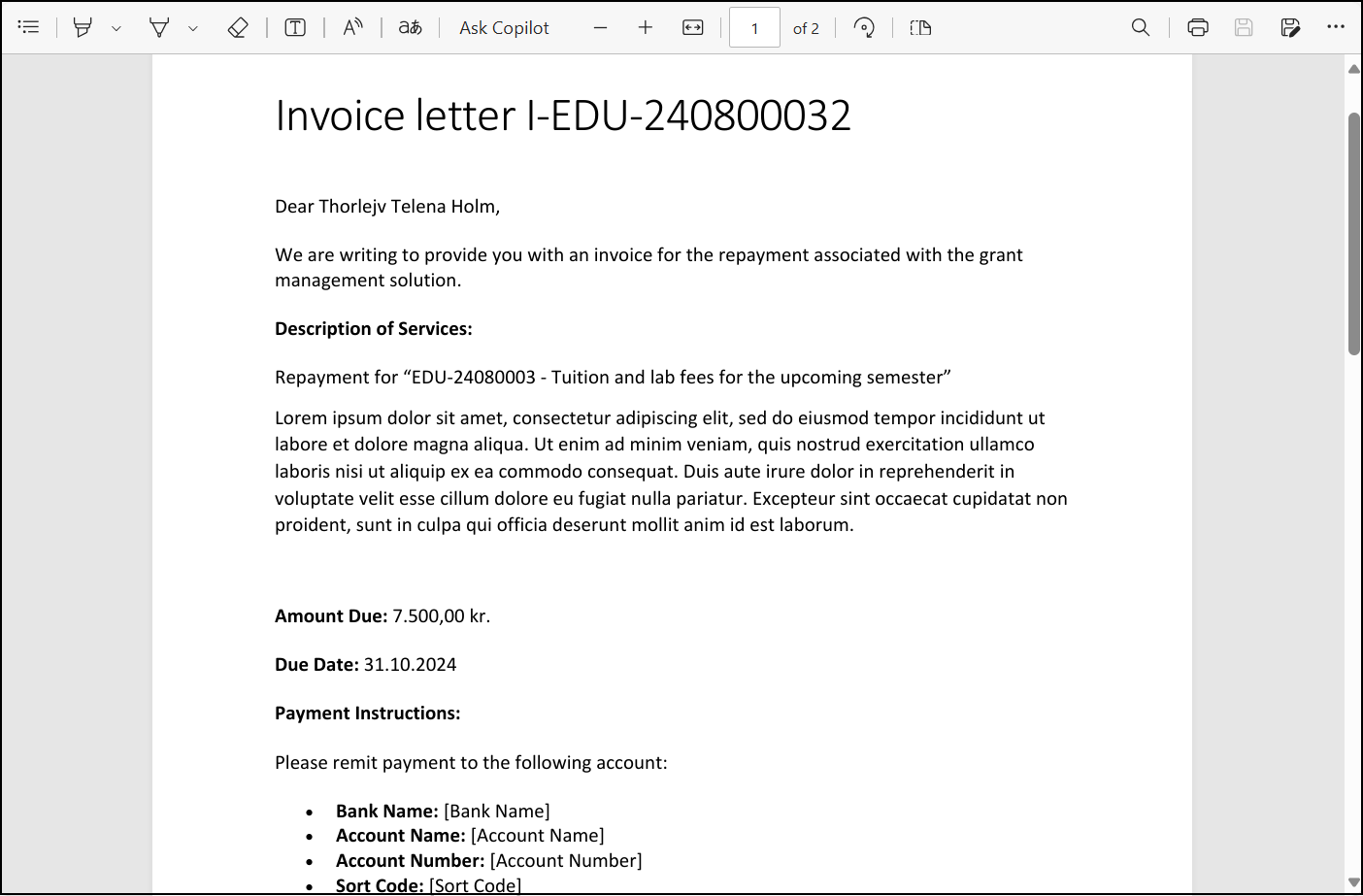
You can preview invoice letters before sending them to applicants. Select an invoice and click "Preview" to download the invoice letter.
Issue invoices
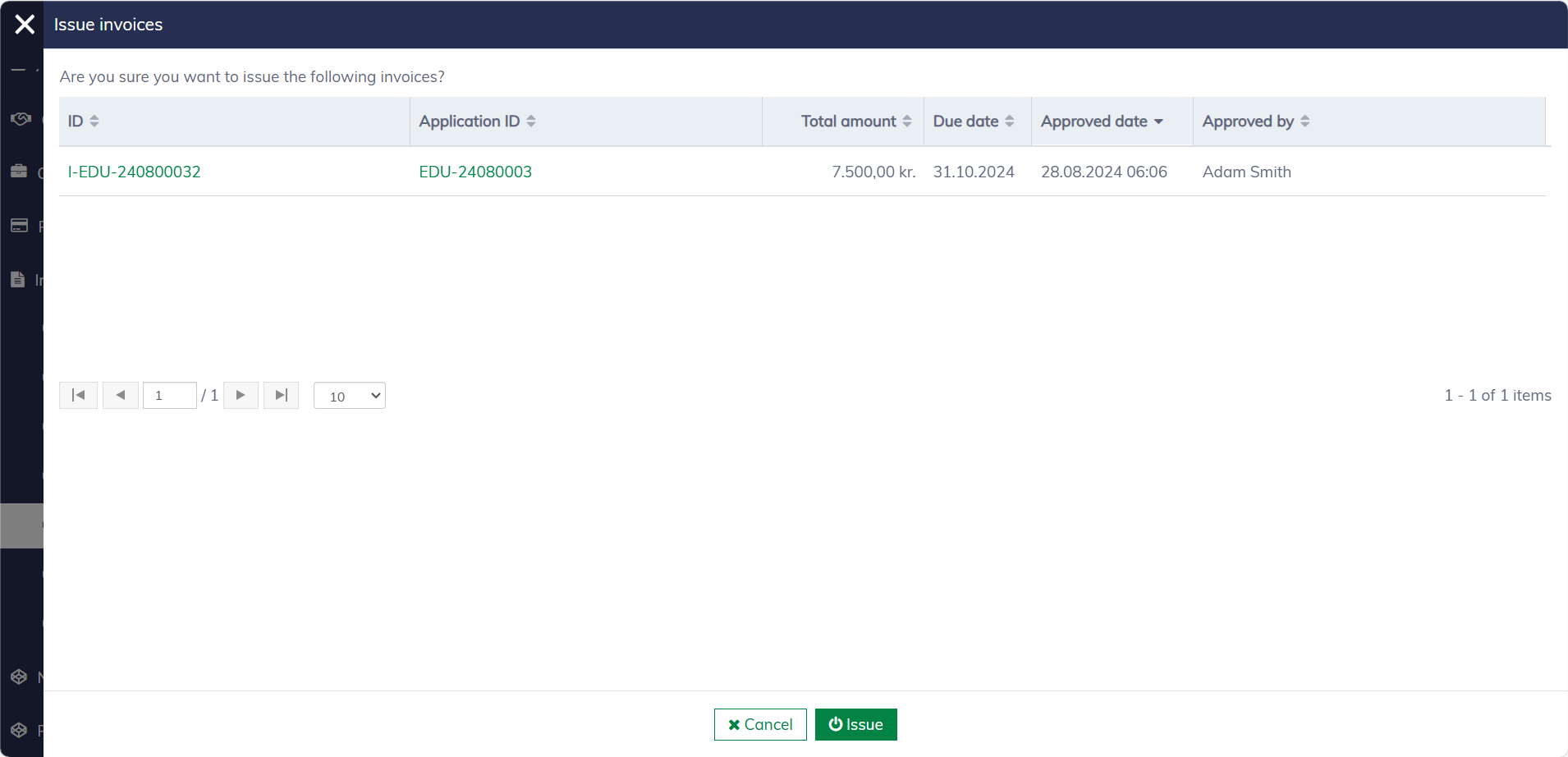
You can select and issue multiple invoices at once. Once an invoice is issued, applicants will receive the invoice letter in their digital and/or physical mailbox, typically accompanied by an internal message and an email notification, depending on the pool's setup.
The invoice letter is also available in the invoice dialog.
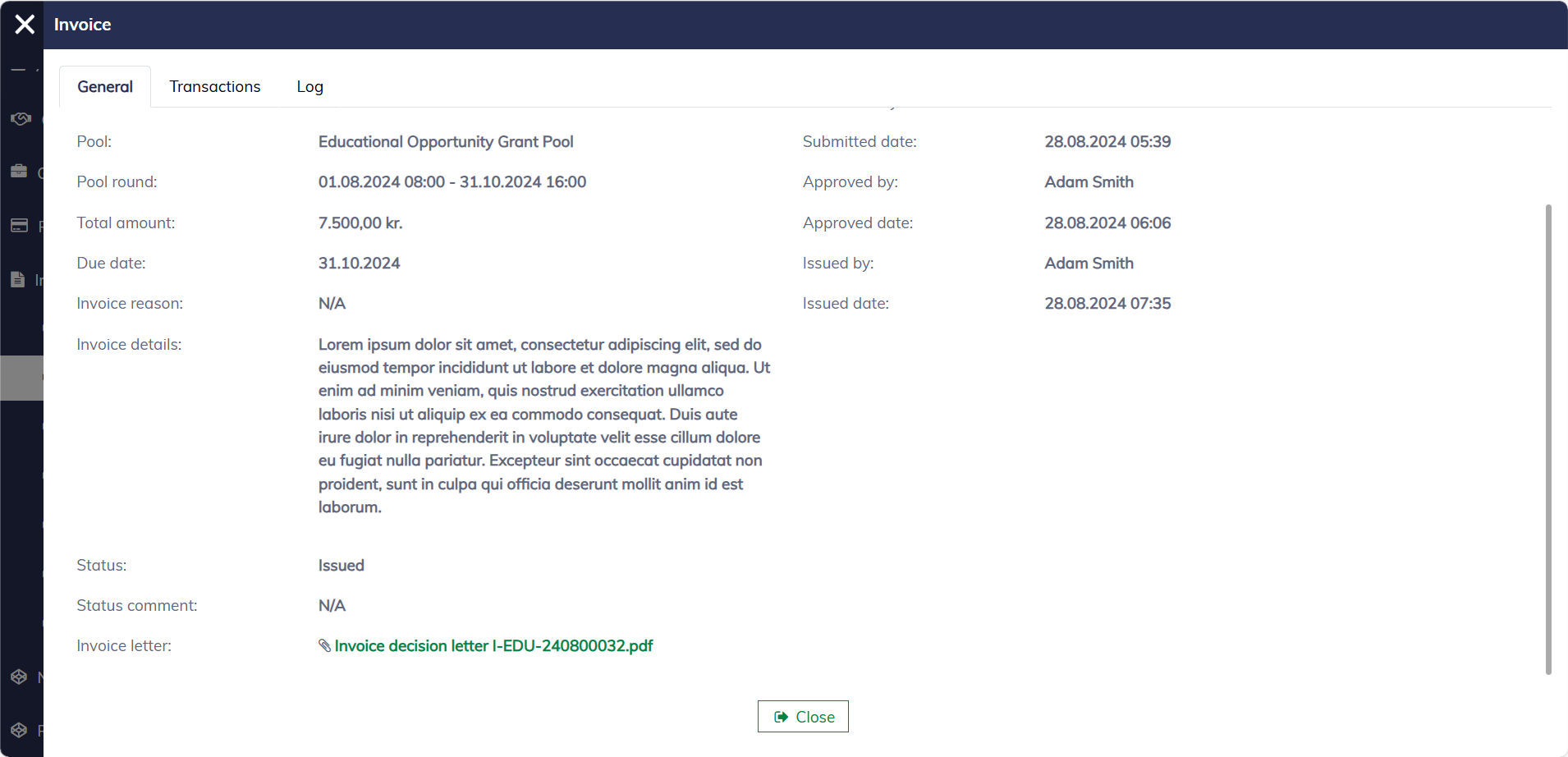
The issued invoices will be moved to "Invoices / Receivable invoices", awaiting payment.