Notification
The grant management solution allows sending notifications via different channels, with configurations tailored to each pool. It offers maximum flexibility, enabling you to create and customize notification templates for all processes, ensuring that all your specific business requirements are met.
Notification types
Notification types define how notifications are sent, such as via email or SMS. All available notification types can be found under "Notification / Notification types".
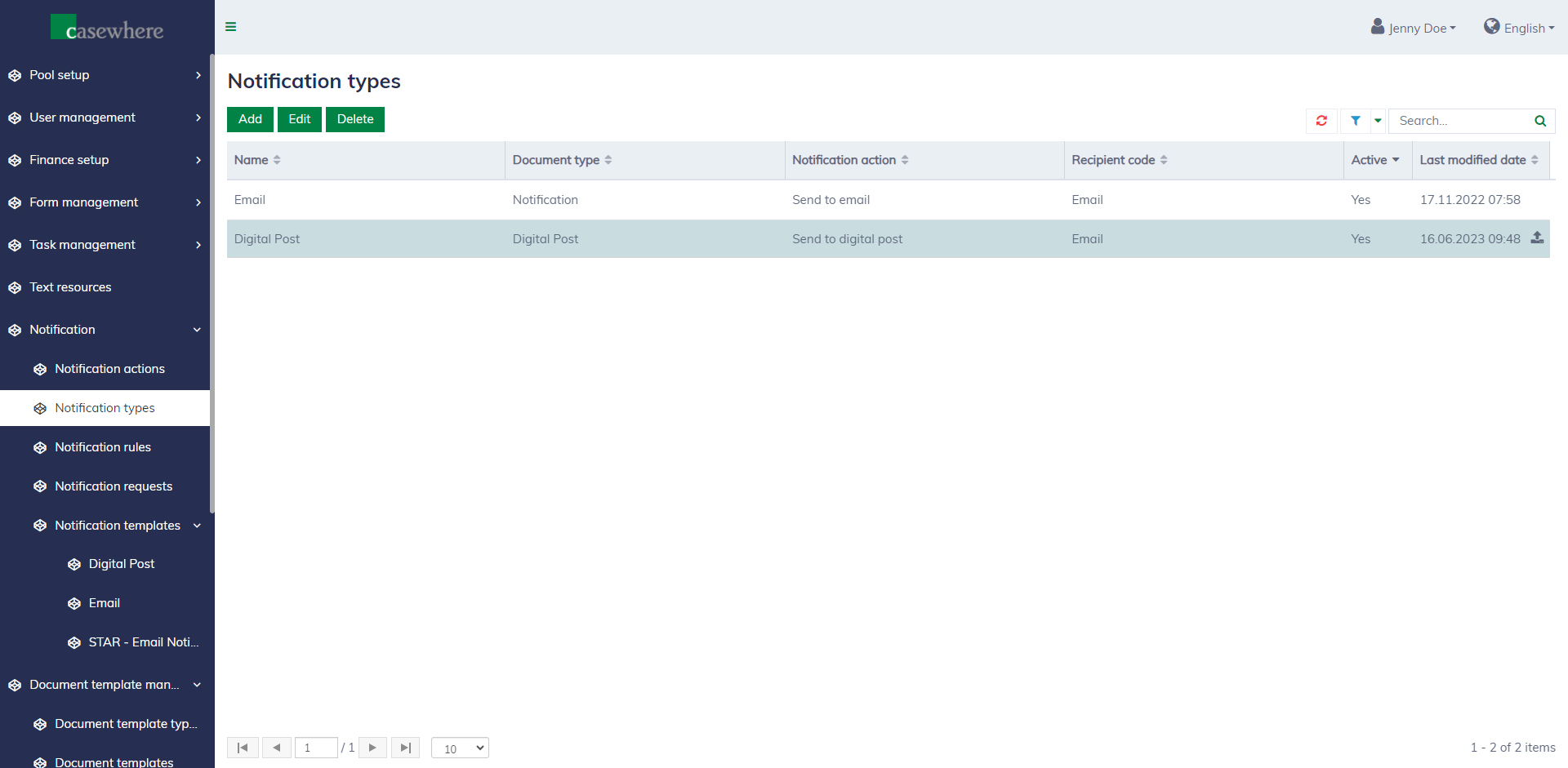
Configuring notification types requires technical knowledge. You can learn more from here if needed.
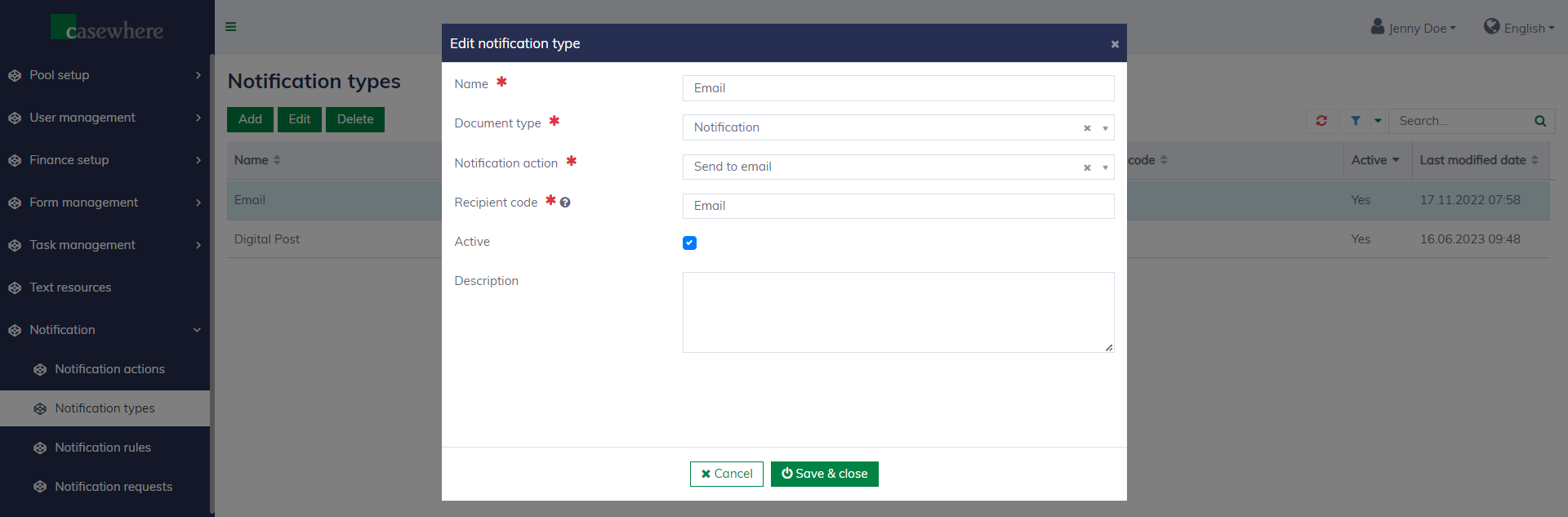
Notification templates
Notification templates are managed separately by notification types under "Notification / Notification templates".
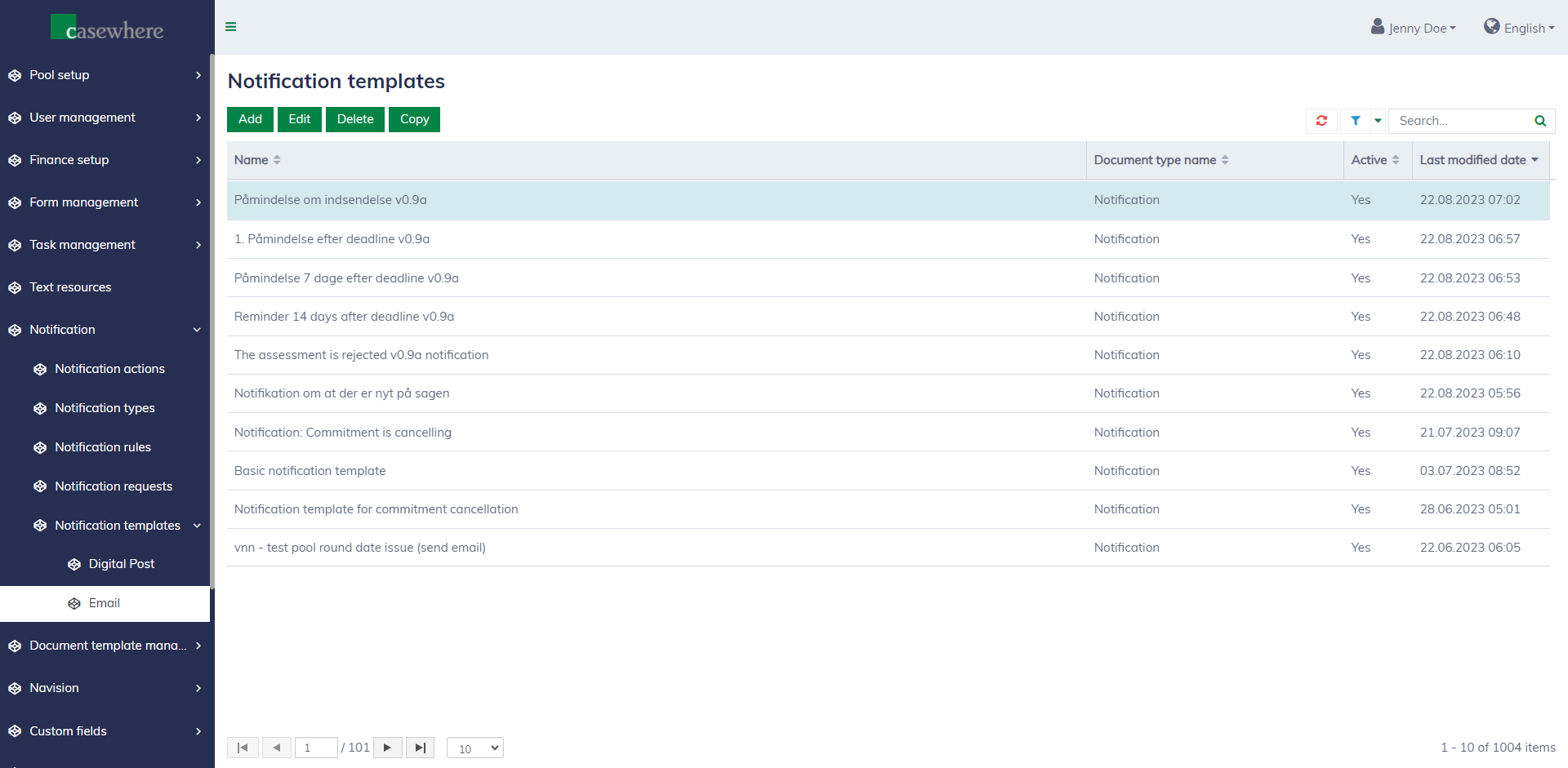
Editing a notification template is similar to editing a document template. You can click on the merge field item in the right sidebar to insert it at your desired position. Learn more here.
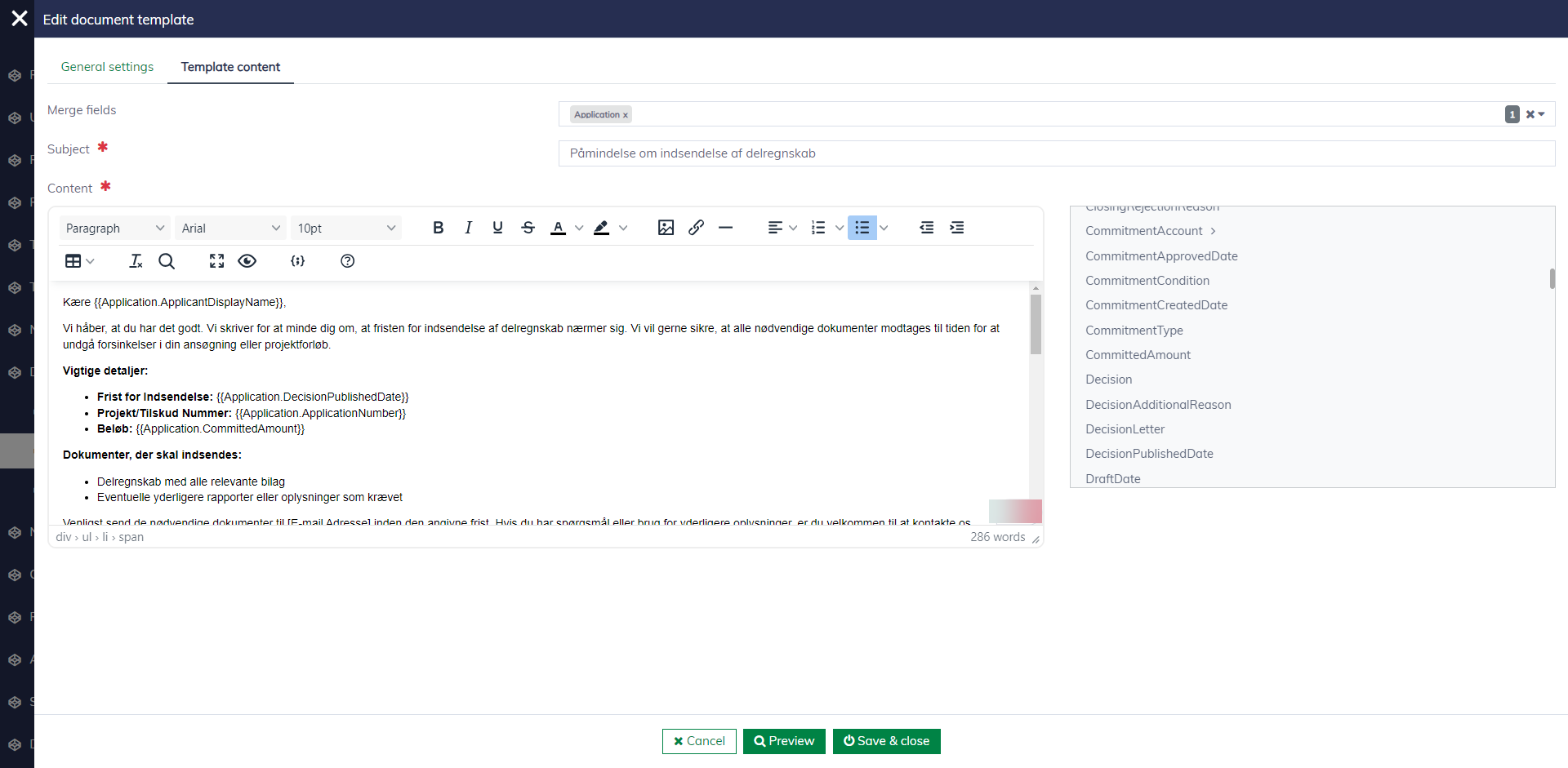
Set up notification templates for pools
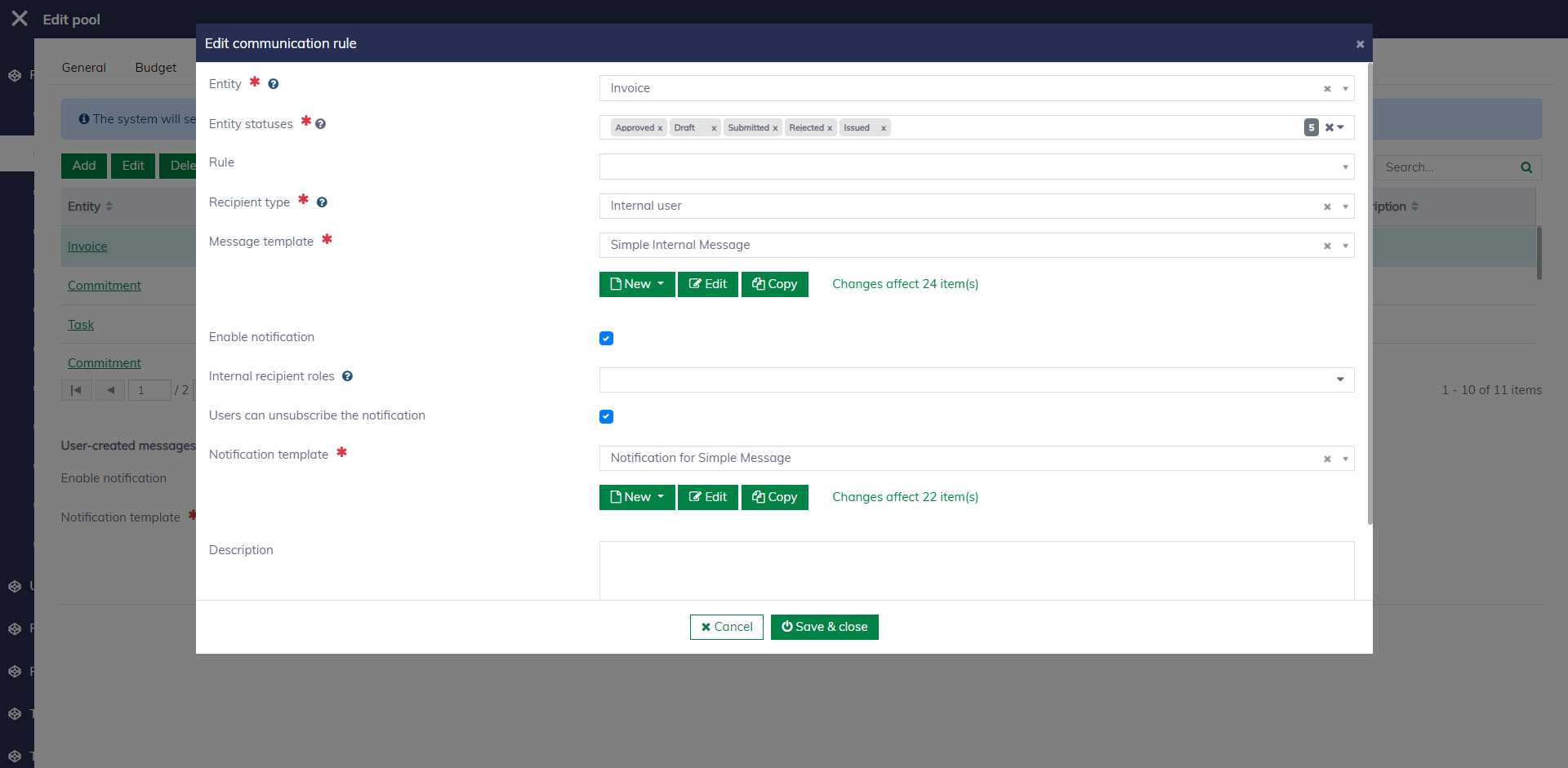
When editing a pool, navigate to the "Communication rules" tab to set up rules for messages and notifications. Here, you need to specify the message template and notification template for different business scenarios. Learn more about communication rules here.