Pool rounds
A pool round typically refers to a specific phase or period during which grant applications are collected, reviewed, and evaluated for funding.
Create pool round
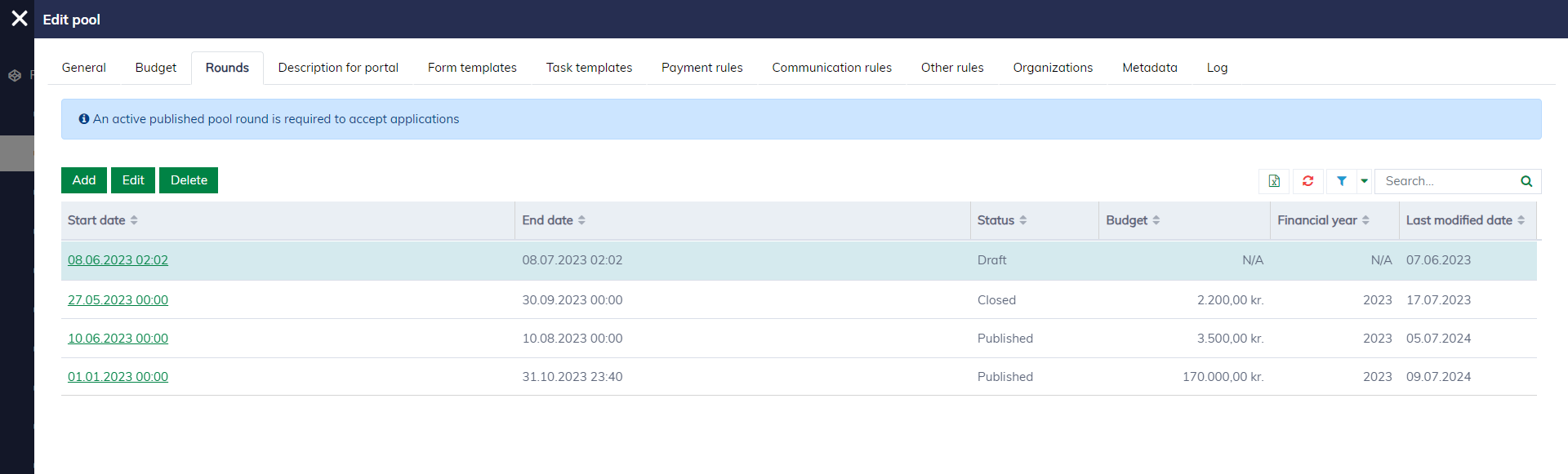
In the pool editor, navigate to the "Rounds" tab to configure pool rounds.
The editor for the pool round looks as follows:
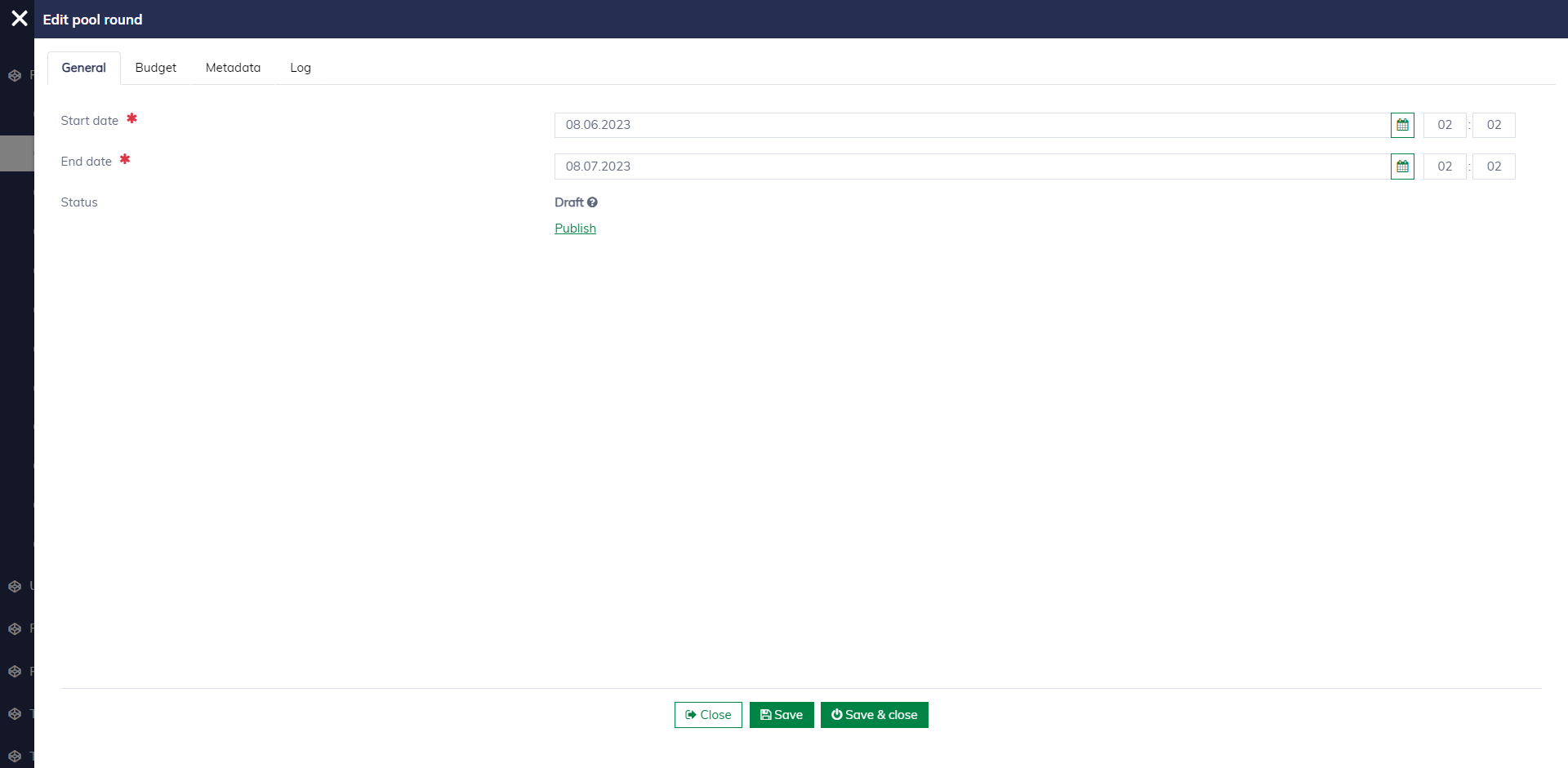
A pool round requires the following fields to be published for applications:
| Field name | Mandatory | Description |
|---|---|---|
| Start date (time) | Yes | The date when the pool round starts accepting applications. |
| End date (time) | Yes | The deadline for submitting applications for the pool round. |
| Status | Yes | Learn more about pool round statuses here. |
| Budget | Yes | Navigate to the "Budget" tab to set up a budget for the pool round. Learn more here. |
Publish pool round
When editing a draft pool round, click "Publish" to publish the pool round for applications if all conditions are met.
All required fields are filled up.
A budget is set up and approved.
The status of the pool round will be updated to "Waiting for publishing approval". An authorized user can visit the "Pending Approval Pool Rounds" page to review and approve it. After approval, the pool round will be accessible from the application portal.
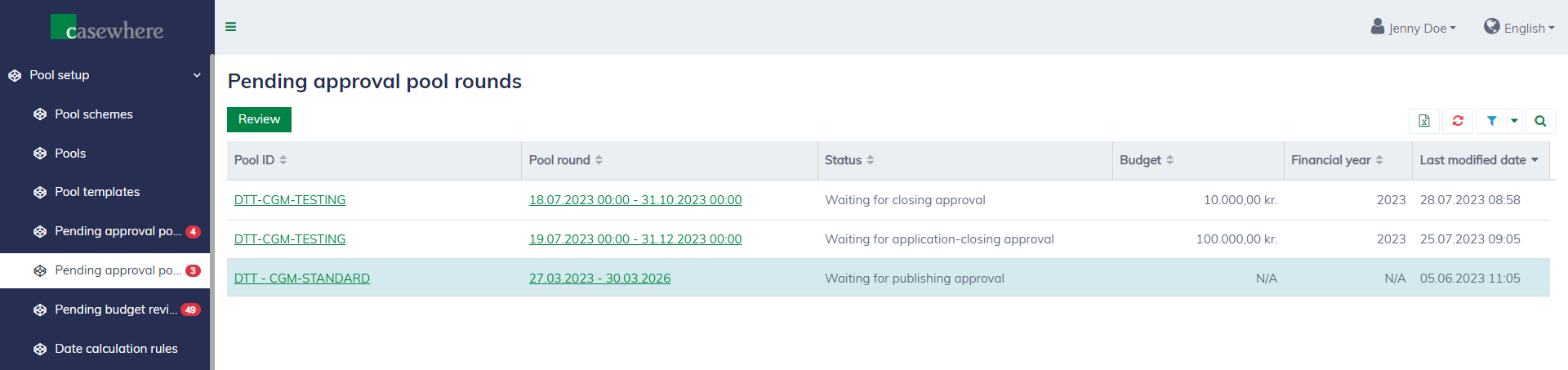
You can click "Review" and make an approval decision:

Pool round lifecycle
The diagram below illustrates the statuses of the pool round and their transitions.
 stateDiagram
 	classDef normalState fill:#DAE8FC,stroke:#6C8EBF
 	classDef pendingState fill:#FFF2CC,stroke:#D6B656
 	Draft: Draft
 	WaitingForPublisingApproval: Waiting for publishing approval
 	Published: Published
 	WaitingForApplicationClosingApproval: Waiting for application closing approval
 	WaitingForClosingApproval: Waiting for closing approval
 	ClosedForApplication: Closed for application
 	Closed: Closed
 	WatingForReopen: Waiting for reopen
    [*] --> Draft: Set up new pool round
    Draft --> WaitingForPublisingApproval: Publish pool round (1)
    WaitingForPublisingApproval --> Published: Approve publishing
    WaitingForPublisingApproval --> Draft: Reject publishing
    Published --> WaitingForApplicationClosingApproval: Close for applications
    WaitingForApplicationClosingApproval -->  ClosedForApplication: Approve application closing
    ClosedForApplication --> WaitingForApplicationClosingApproval: Reopen for application
    ClosedForApplication --> WaitingForClosingApproval: Close pool round (2)
    Published --> WaitingForClosingApproval: Close pool round (2)
    WaitingForClosingApproval --> Closed: Approve closing
    Closed --> WatingForReopen: Reopen
    WatingForReopen --> Published: Revert to the previous state
    WatingForReopen --> ClosedForApplication: Revert to the previous state
    Closed --> [*]

    class Draft normalState
    class Published normalState
    class Closed normalState
    class ClosedForApplication normalState
    class WaitingForPublisingApproval pendingState
    class WaitingForClosingApproval pendingState
    class WaitingForApplicationClosingApproval pendingState
    class WatingForReopen pendingState
Publish pool round (1): Requirements for publishing a pool round.
- The budget is set up.
Close pool round (2): Requirements for closing a pool round:
- All applications must be closed.
Metadata
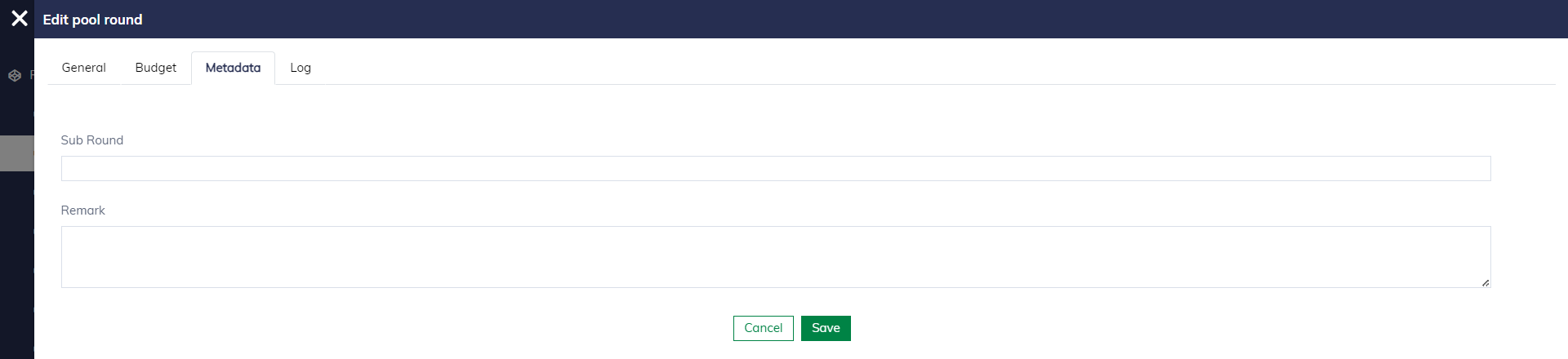
If your business needs more detailed information at the pool-round level, you can create custom fields for pool rounds. The custom fields will appear under the "Metadata" tab for user input. Learn more here.
Log
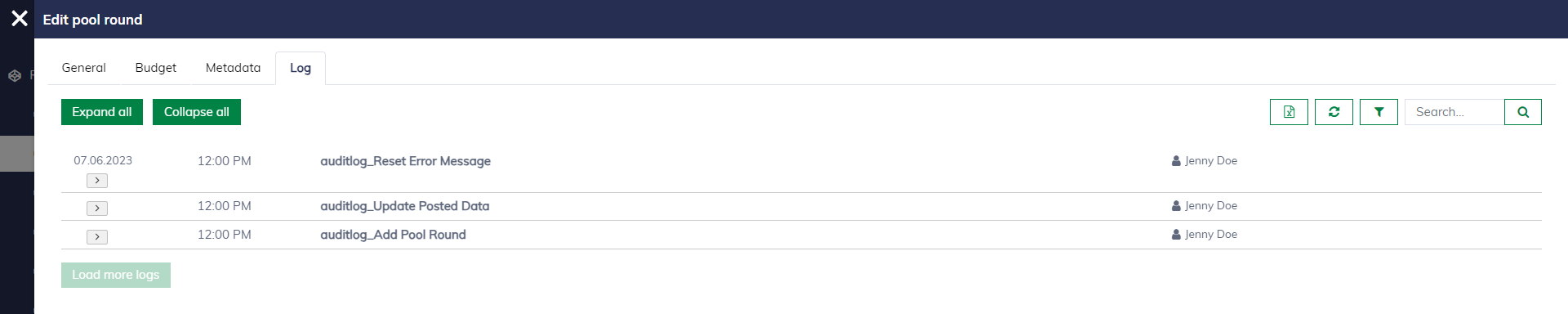
You can view the history of a pool round by opening the pool round and navigating to the "Log" tab.