Report setup
The article will detail the steps for setting up reports in the system and configuring them for pools. Here, you will learn:
- Set up report types
- Set up report templates
- Configure reporting tasks for a pool
Report types
Each pool may require different types of reports, which have different purposes. Navigate to "Pool setup / Report types" to manage the report types used in the system.
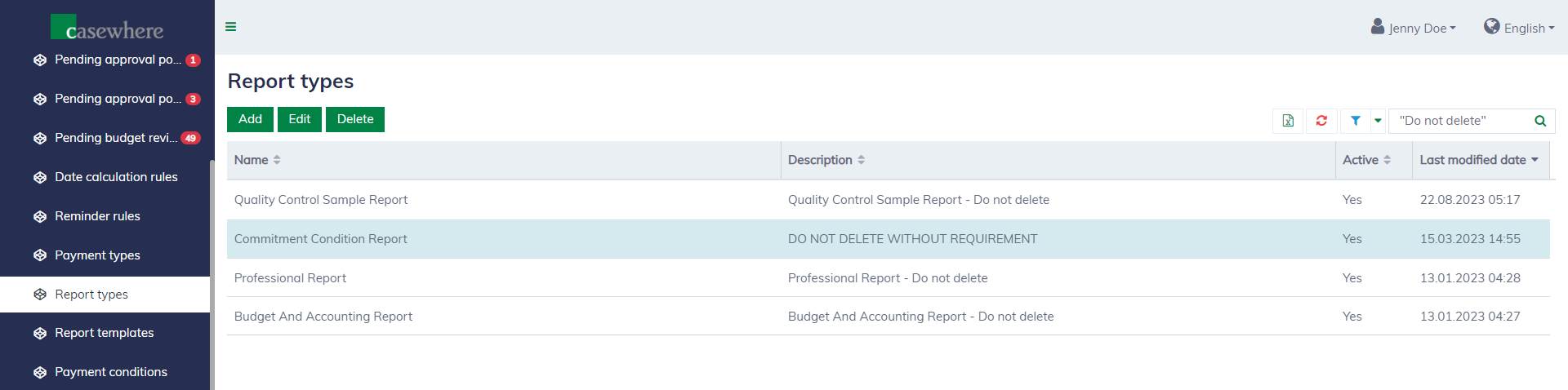
Editing a report type looks as follows:
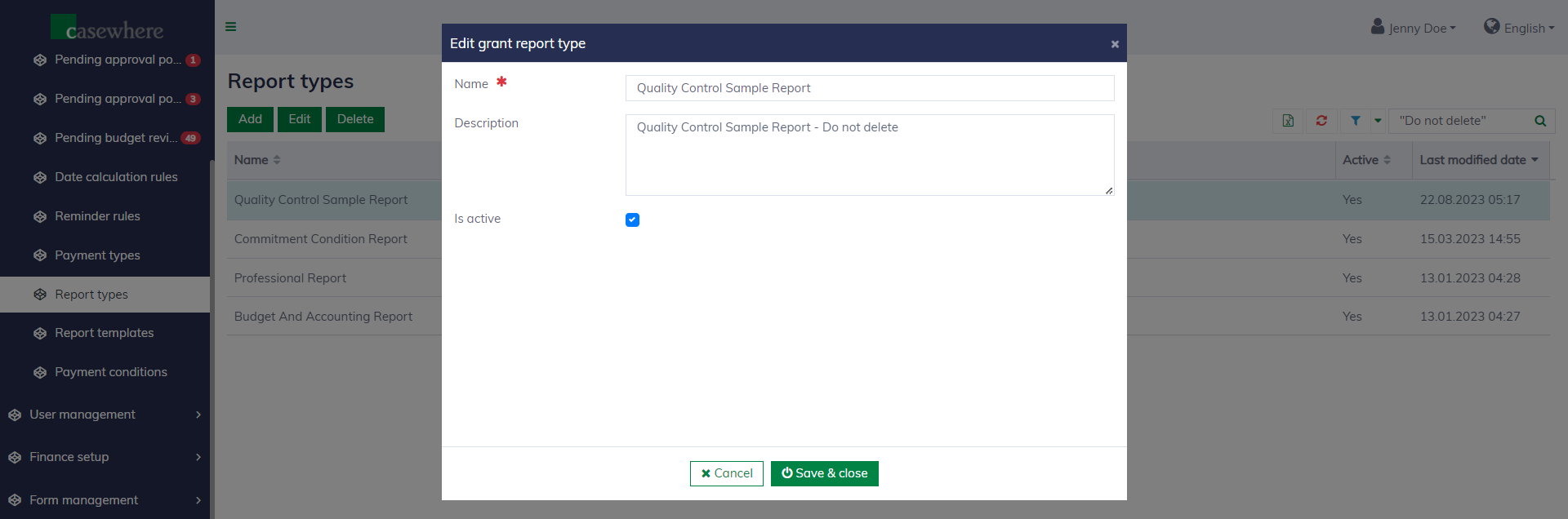
A report type has the following field:
| Field name | Mandatory | Description |
|---|---|---|
| Name | Yes | The name to identify the report type. |
| Description | No | To explain the purpose of the report type. |
| Is active | No | To determine if the report type is used or not. |
Report templates
Report templates are used to set up reporting tasks for pools. Navigate to "Pool setup / Report templates" to manage the report templates used in the system.
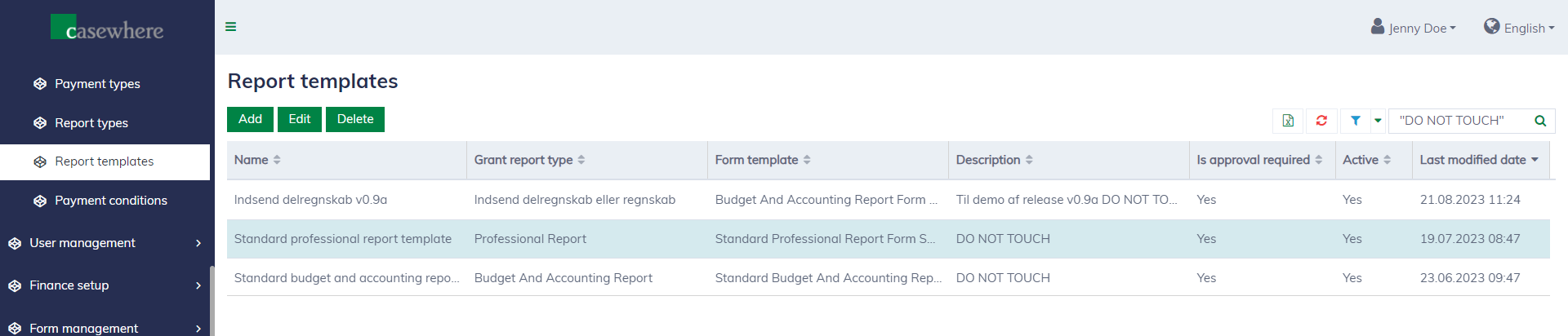
Editing report templates looks as follows:
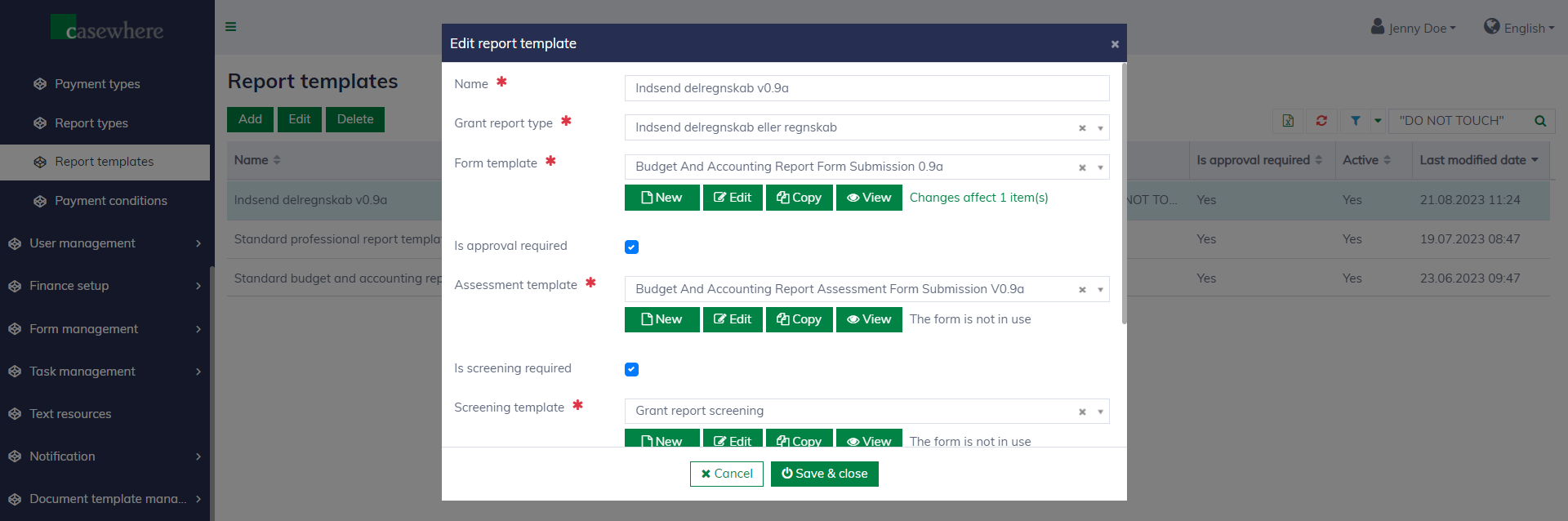
A report template has the following fields:
| Field name | Mandatory | Description |
|---|---|---|
| Name | Yes | The name to identify the report template. |
| Grant report type | Yes | The type of the report. |
| Form template | Yes | The template of the reporting form, which applicants will need to fill out and submit to complete reporting tasks. Refer to Form management for more details. |
| Is approval required | No | Check if the report requires approval by authorized caseworkers. Most reporting tasks need to be evaluated and approved to trigger subsequent steps, such as payment. |
| Assessment template | Yes, if approval is required | The template of the assessment form, which caseworkers will need to fill out and submit to complete the report assessment tasks. Refer to Form management for more details. |
| Is screening required | No | Check if the report needs to be screened by authorized caseworkers. Some reports require a quick screening before proceeding to the next evaluation step. |
| Screening template | Yes, if screening is required | The template of the screening form, which caseworkers will need to fill out and submit to complete the report screening tasks. Refer to Form management for more details. |
| Description | No | To explain more about the report template. |
| Active | No | To determine if the report template is enabled or not. |
Configure reporting tasks for a pool
Applicants submit reports through tasks defined in the pool. Depending on the configuration, a reporting task can be automated or manual. Learn more about configuring tasks here.
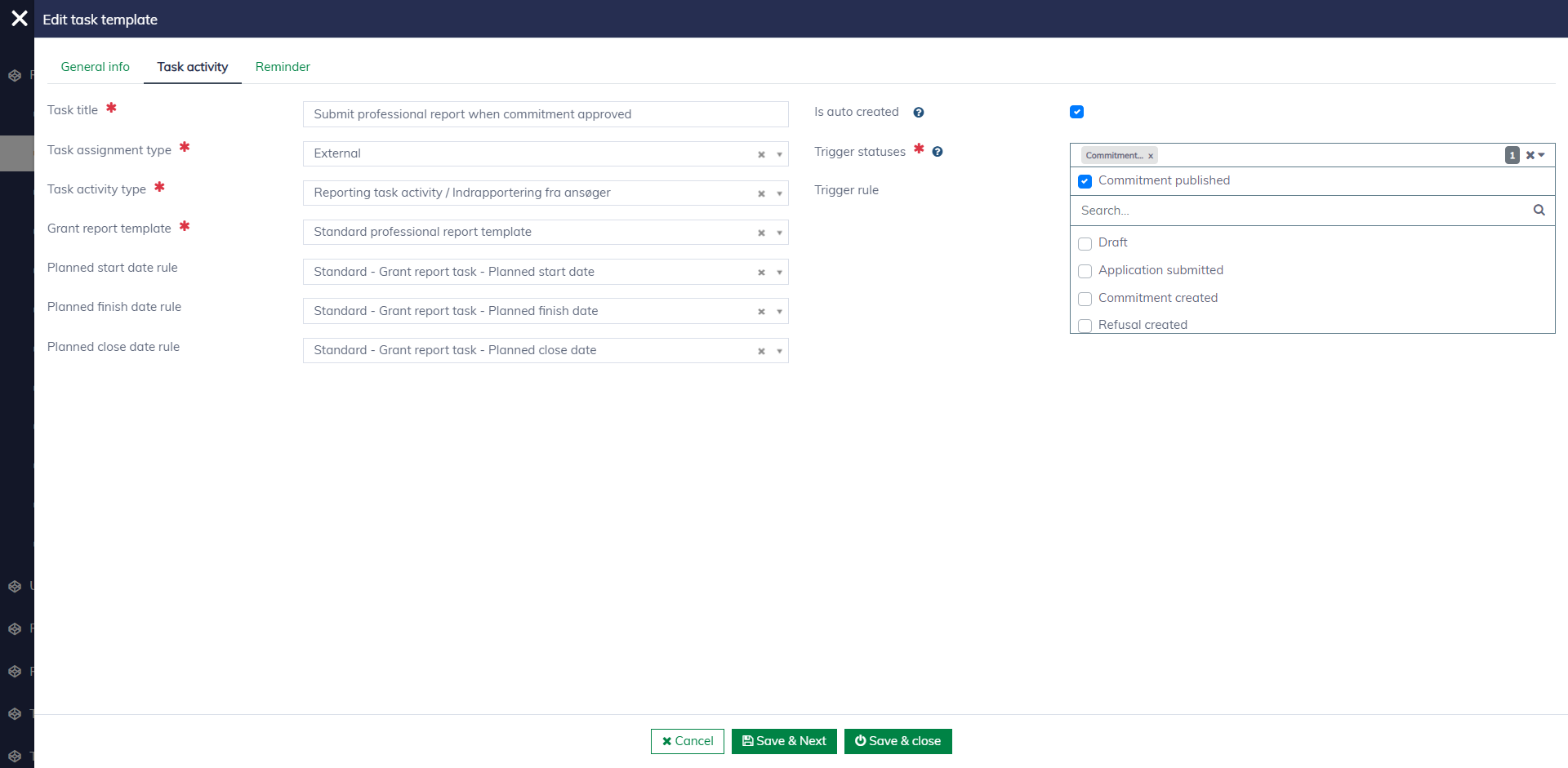
The following demo gives an example of how a reporting task is configured. When a commitment is published, the system will create a task for submitting a standard professional report. Caseworkers can also create and assign reporting tasks manually.