My page
"My Page" serves as a central hub for caseworkers to access all assigned tasks and related information. Here, you can easily view all applications, tasks, and messages directed to you, ensuring you stay on top of your responsibilities.
Assigned applications
Your assigned applications can be found under the tab "Applications".
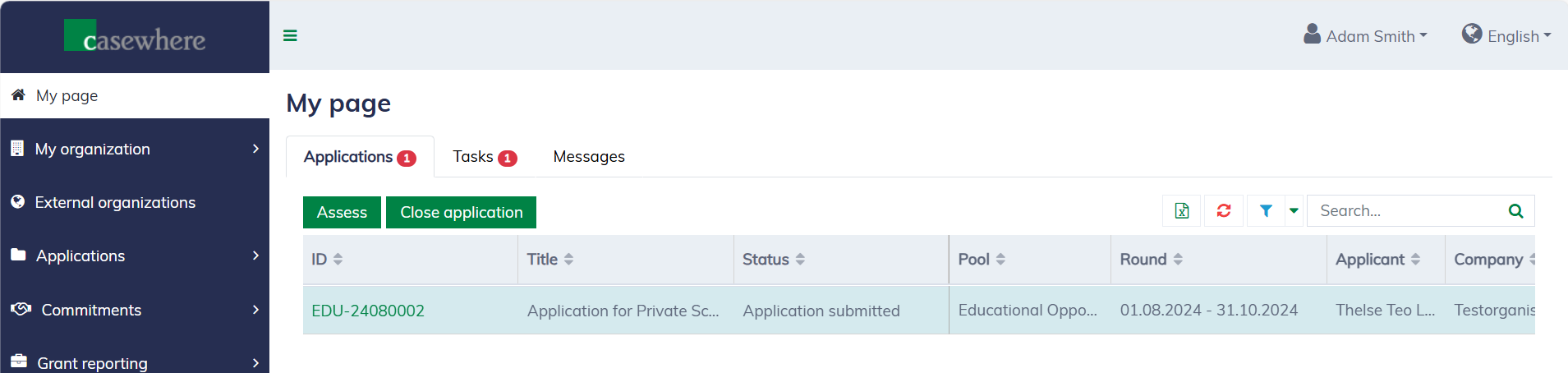
The solution allows you to filter, search, and sort applications by status, dates, and other relevant criteria. The tab counter indicates the number of applications currently in progress.
Functional buttons like "Assess" and "Close Application" appear based on the current status of the selected applications and your roles and permissions.
Learn more about application management here.
Assigned tasks
You assigned tasks can be found under the tab "Tasks".
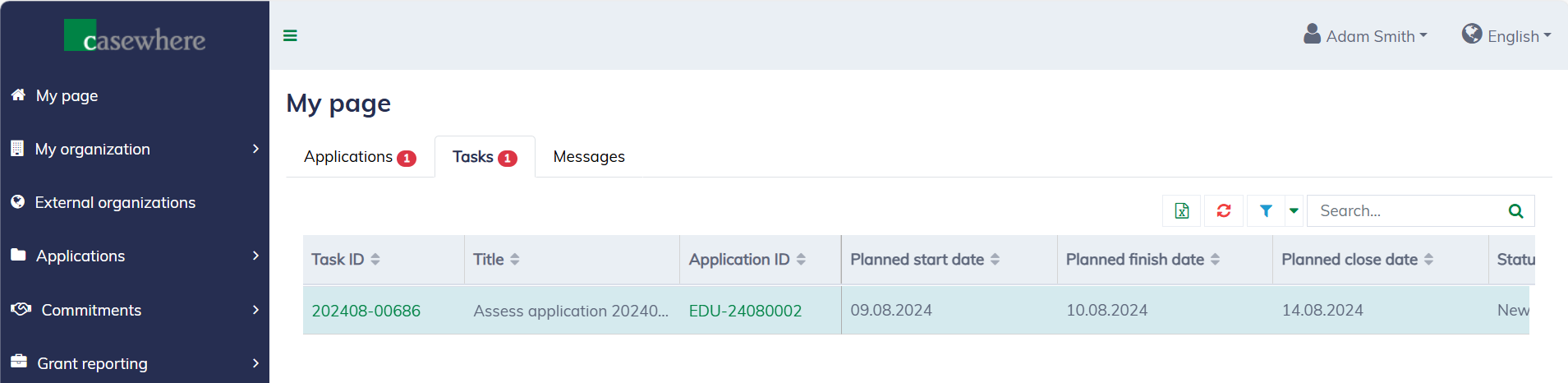
The solution allows you to filter, search, and sort tasks by status, dates, and other relevant criteria. The tab counter indicates the number of tasks that are still open.
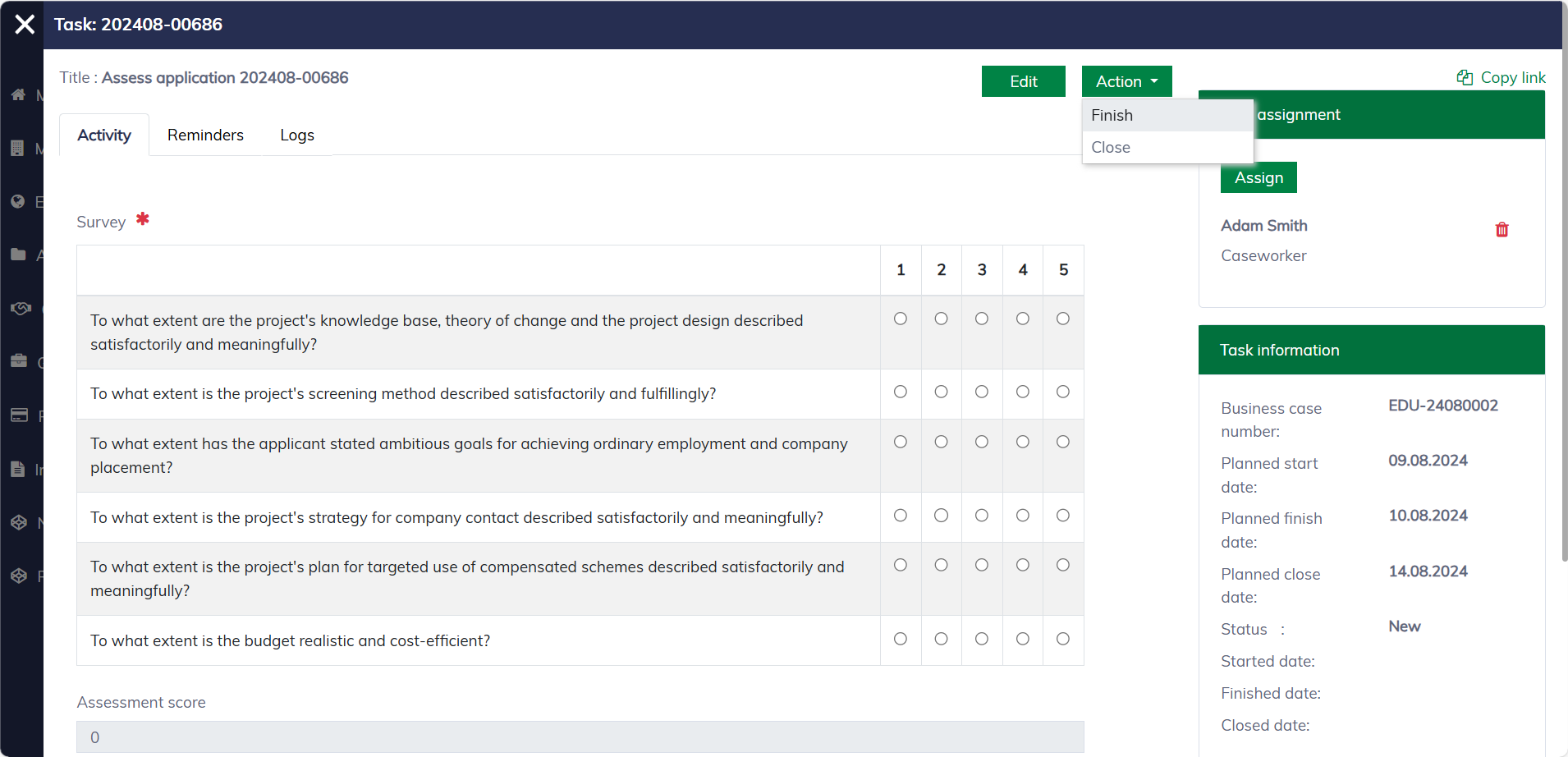
You can click on the "Task ID" link to view and execute a task. A task will will look as follow:
Learn more about task management here.
Messages
Messages sent to you or your organizations can be found under the tab "Messages".
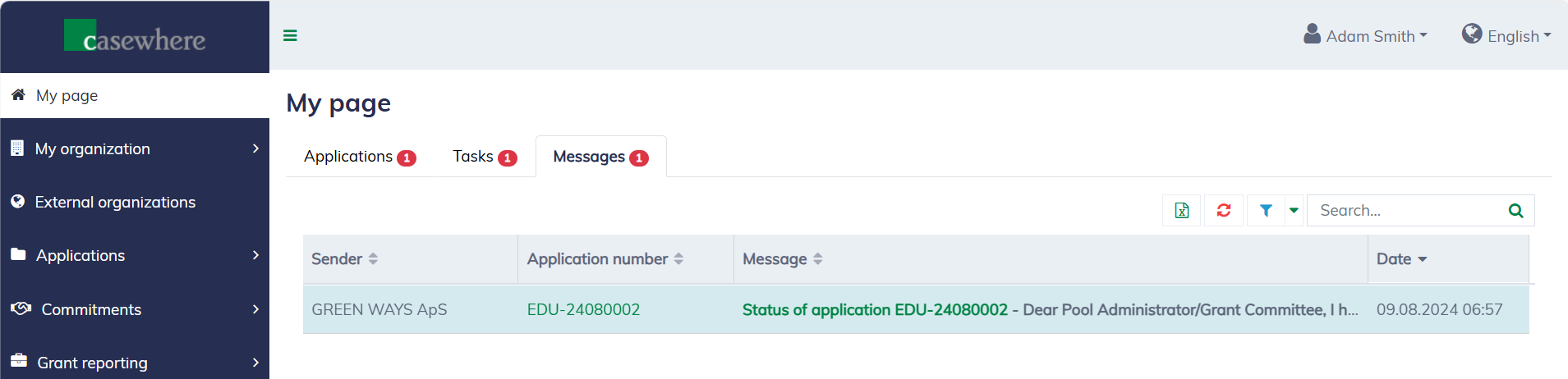
The solution allows you to filter, search, and sort messages by dates, and other relevant criteria. The tab counter indicates the number of unread messages.
Learn more about messages and communication here.